We built the ultimate real-time
translation software for events.
Reimagine what simultaneous translation means.
Reimagine what simultaneous translation means.
Bring to your event real time translation, audio,
captions, insights, and accessibility, with one tool.
Choose the experience that
fits your audience and venue.
Live Translation
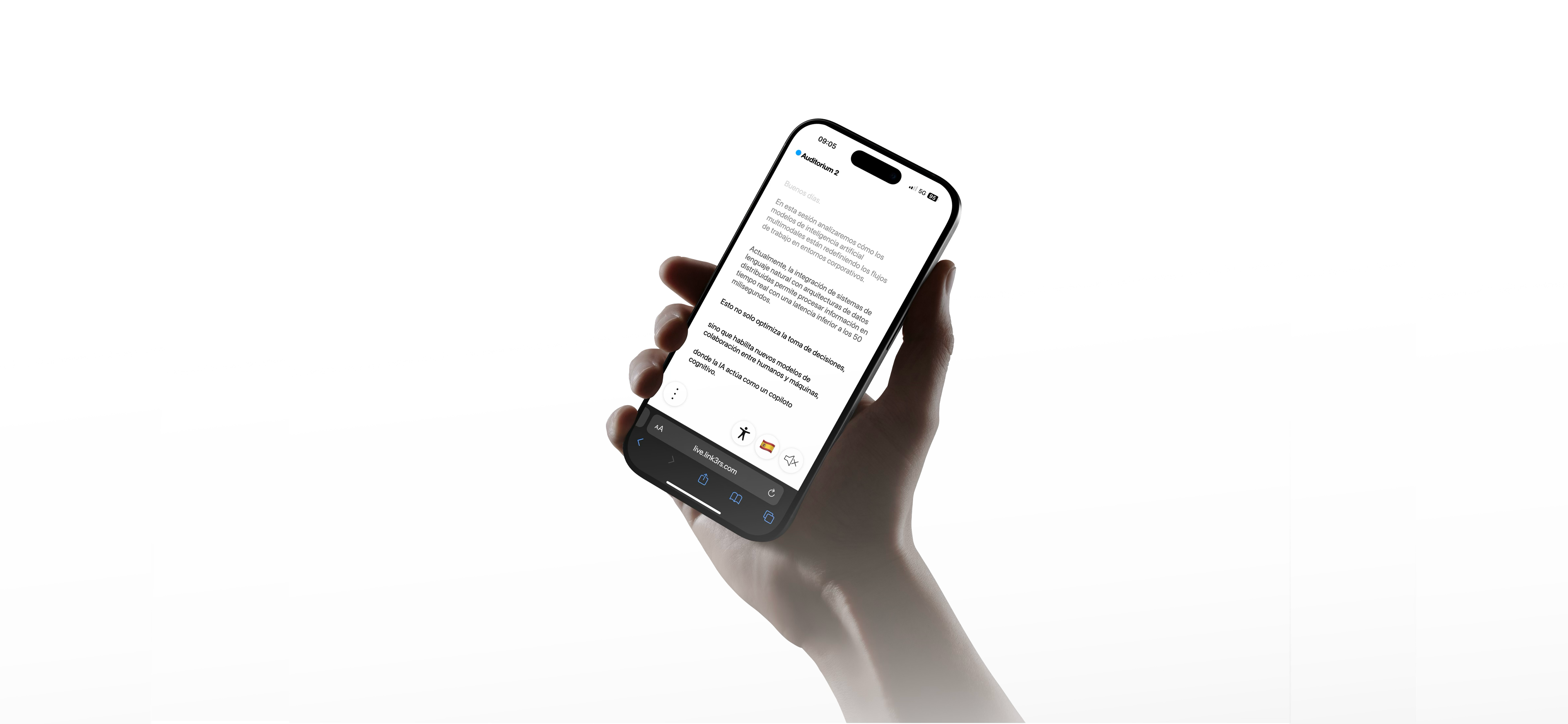
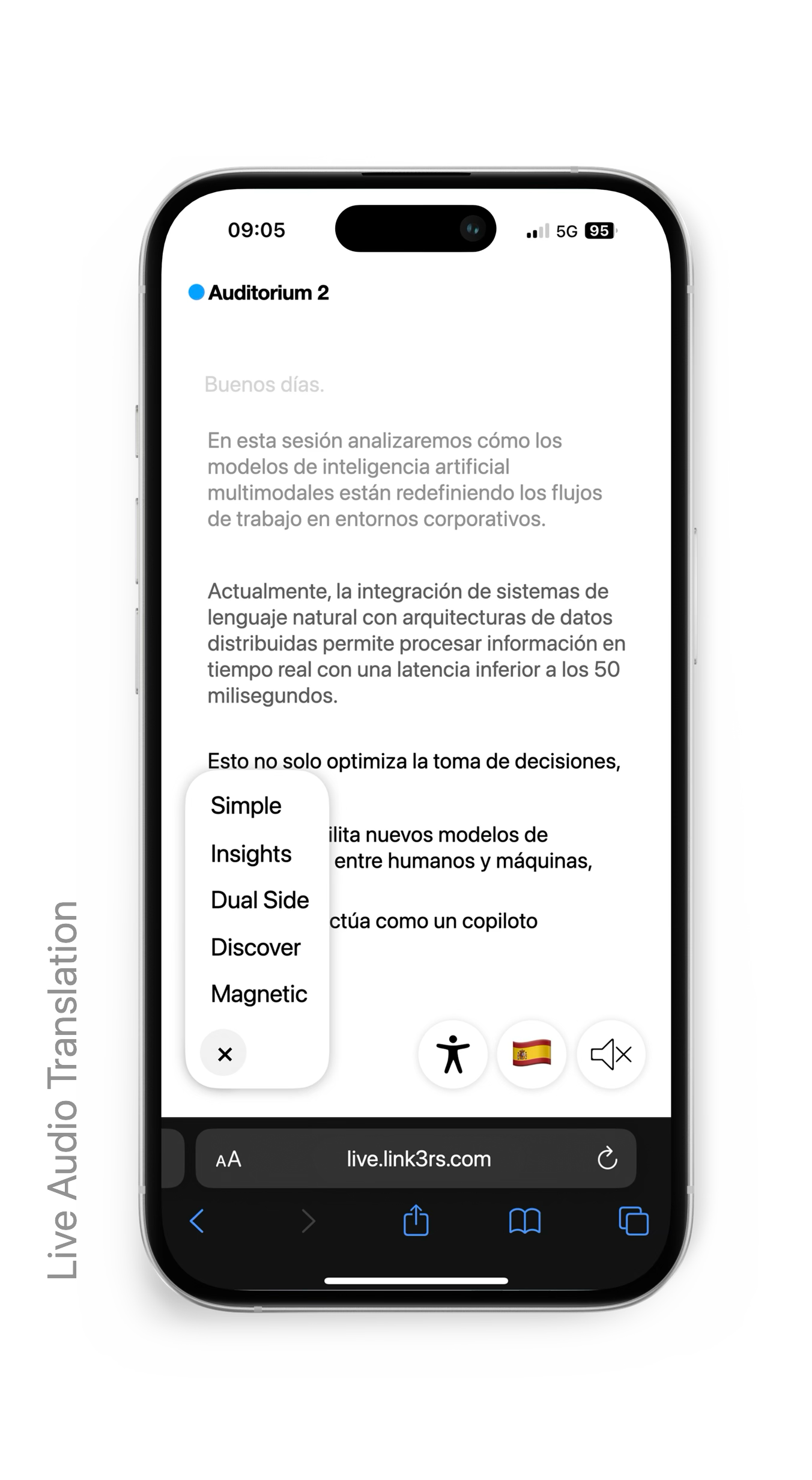
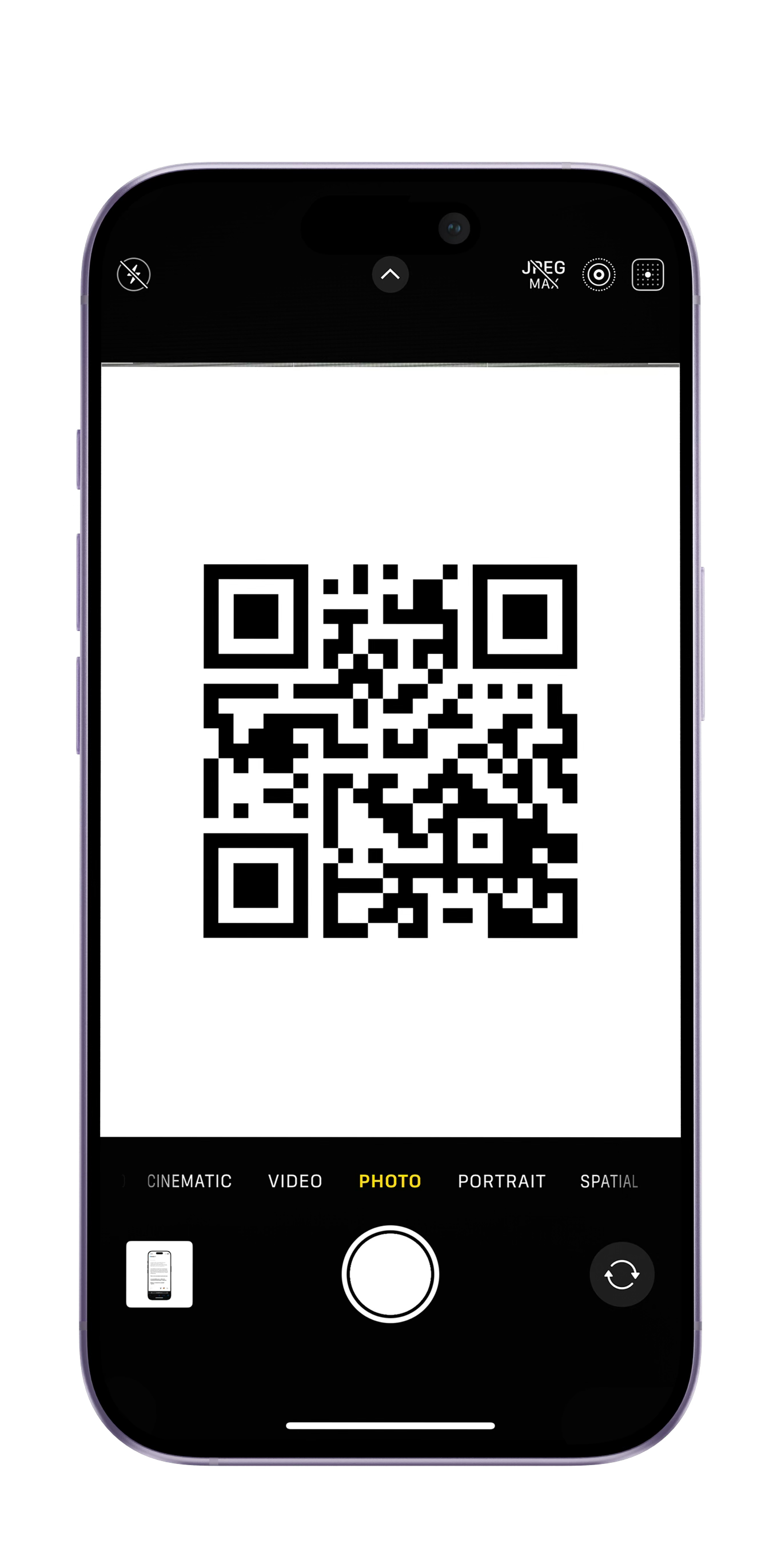
Open Link3rs instantly on your phone. No app download, no account, no setup.
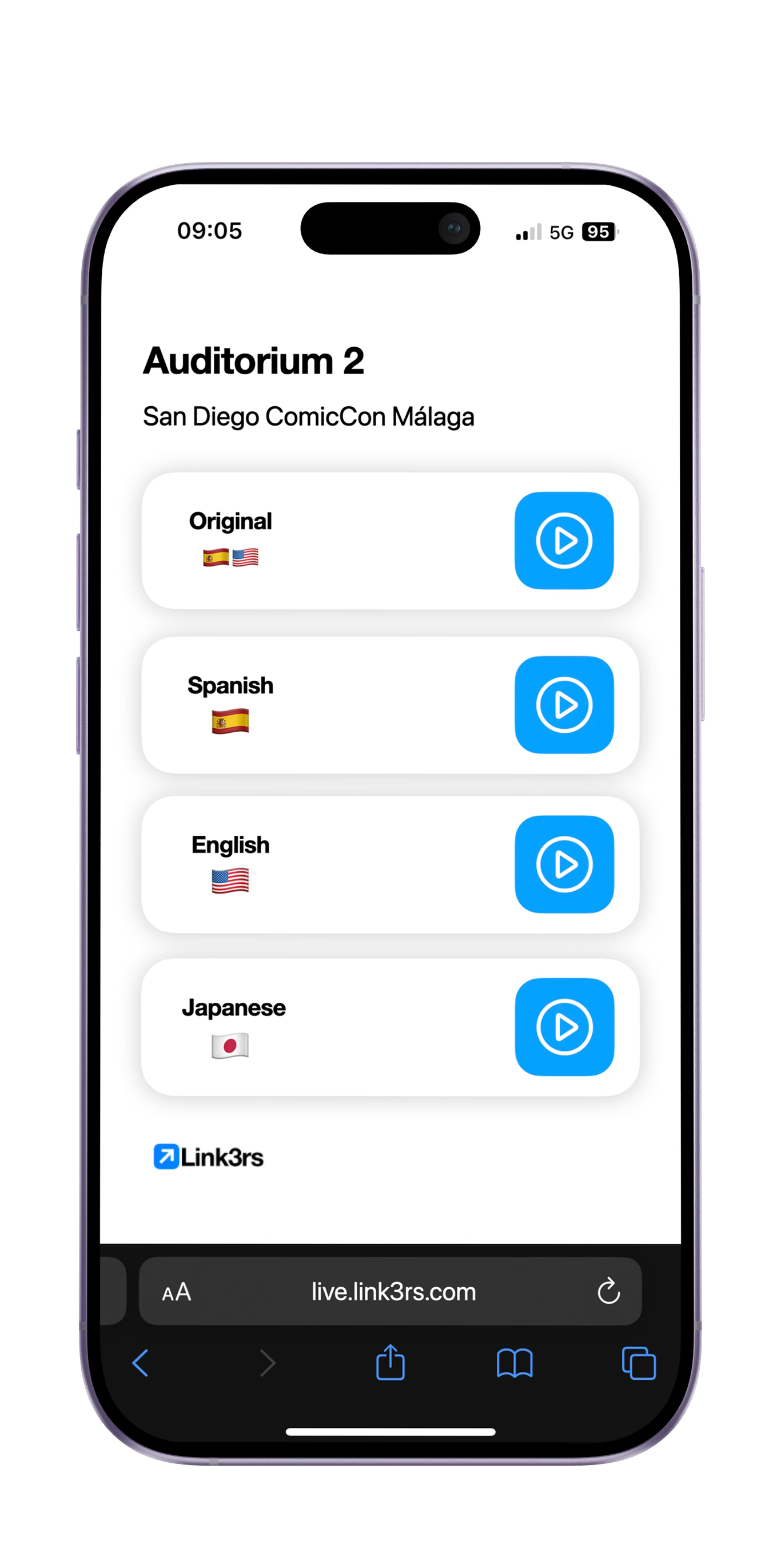
Choose the language you want for this session. Each attendee can pick their own, independently.
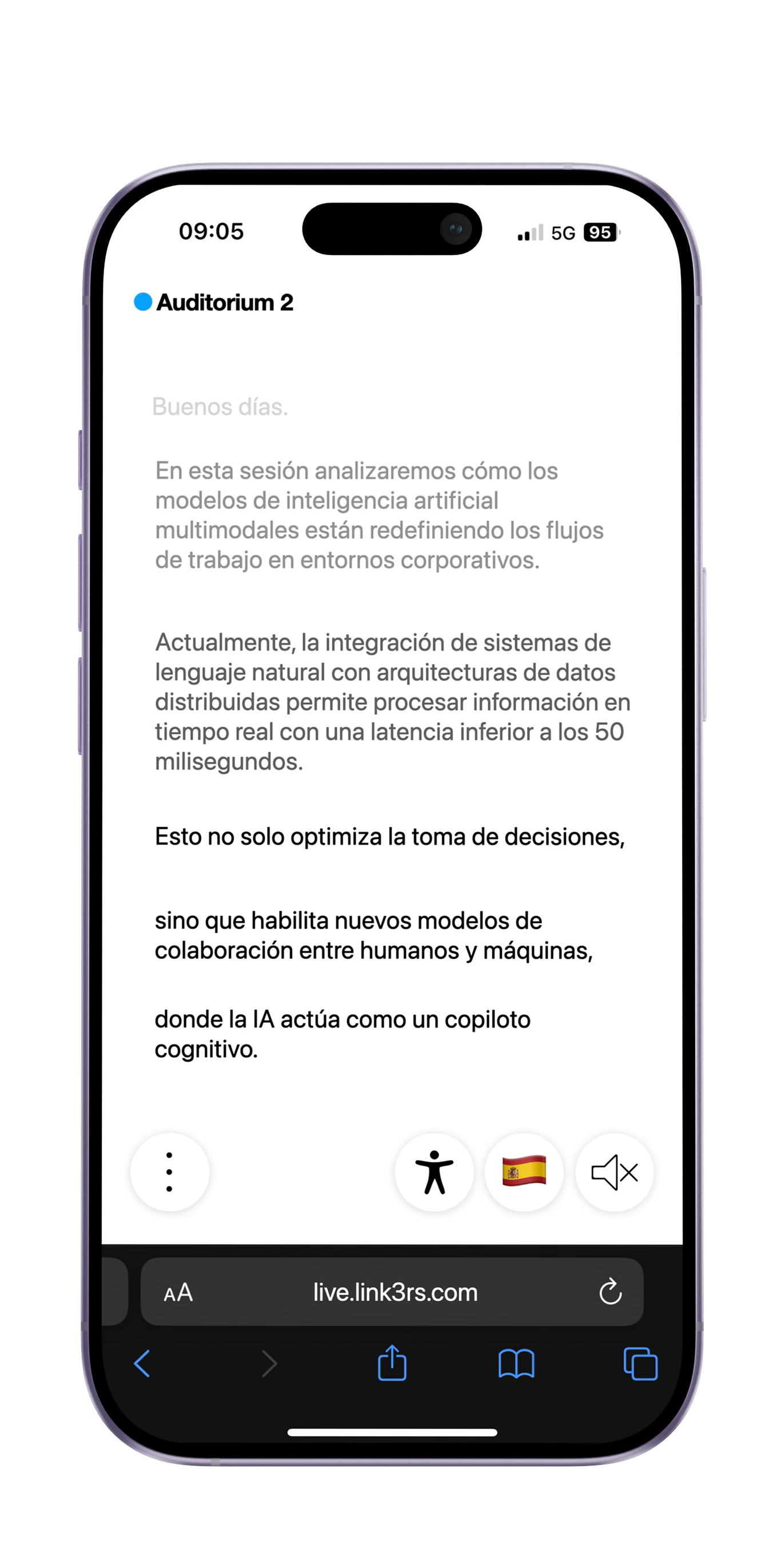
Press play to hear the live translation, or follow along with live captions on your phone.
Features
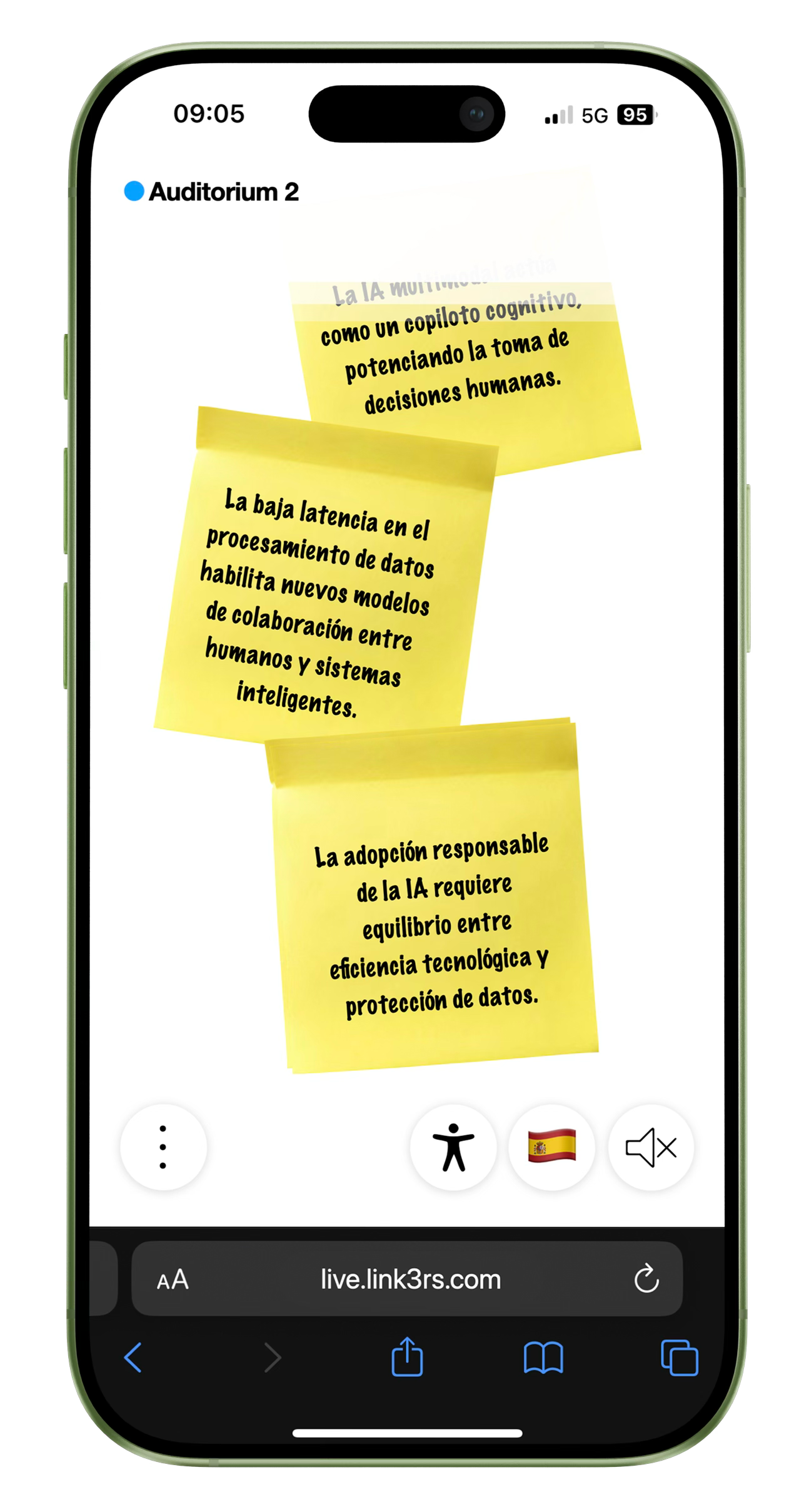 Insights
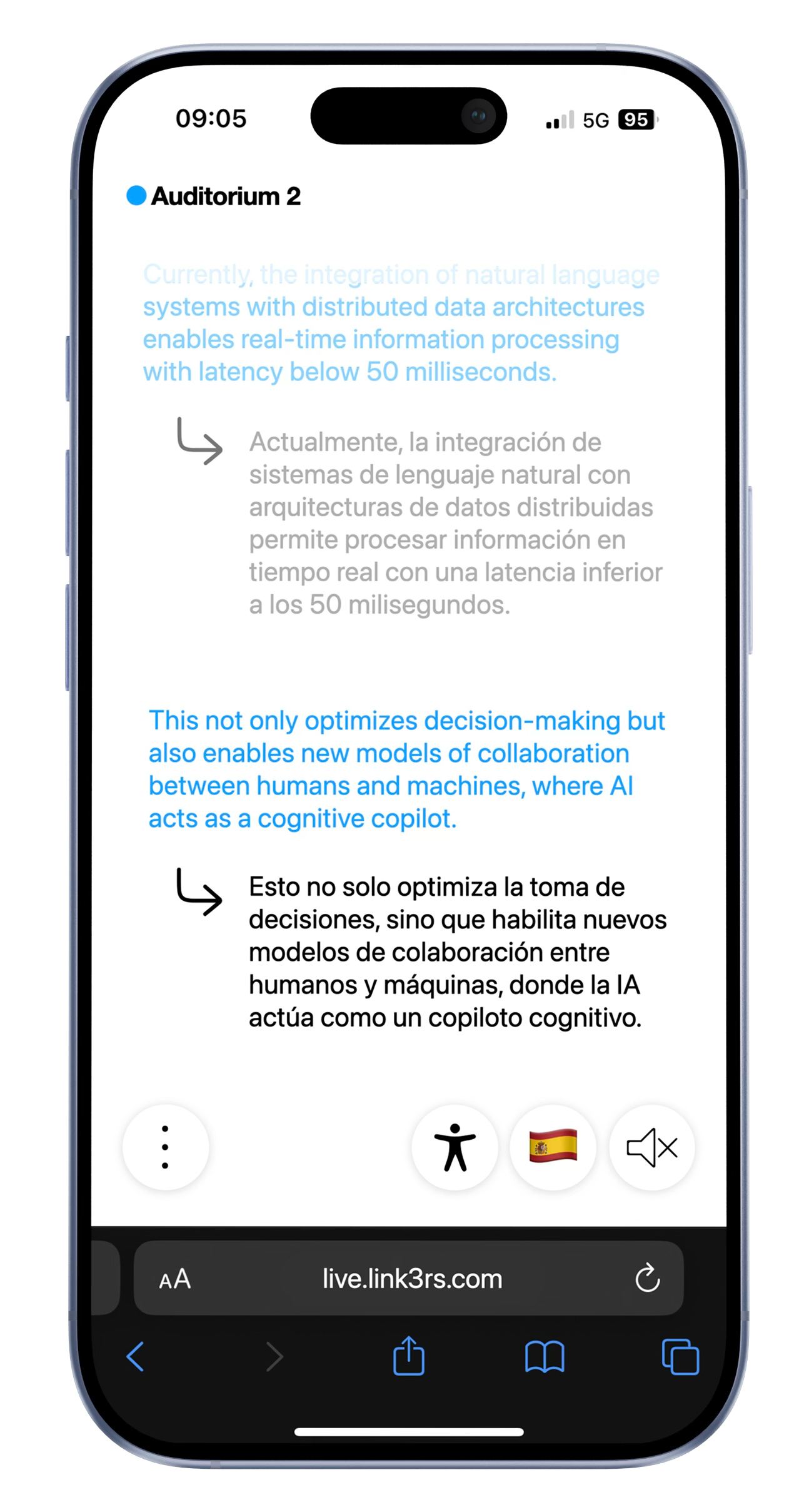 Dual Side
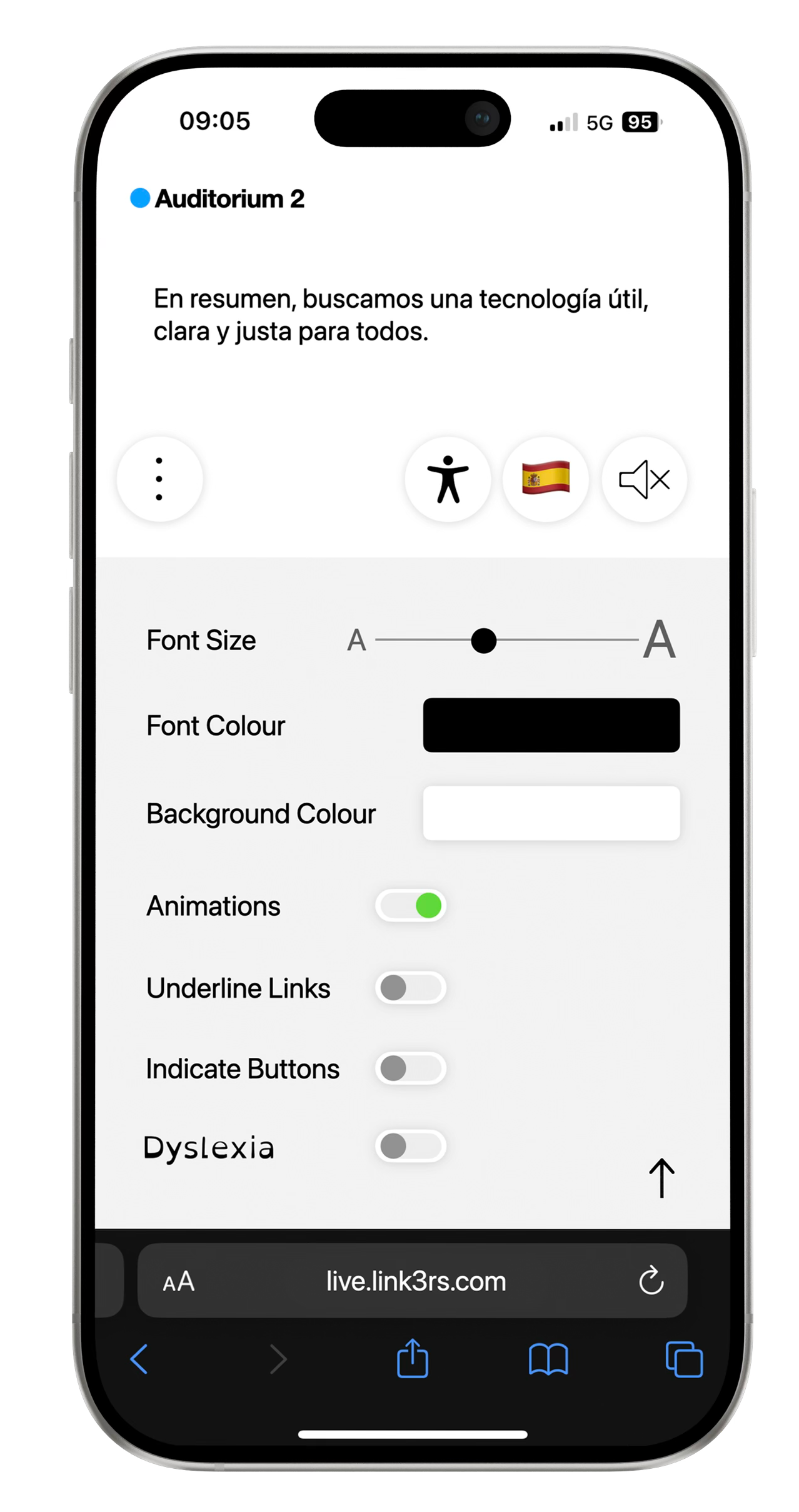 Accessibility
Get the key points in real time while the session is happening. Understand the main ideas as you listen or read.
Insights sit next to translation and captions, supporting comprehension without changing the attendee flow.
Attendees can email themselves the live takeaways, so they leave with notes ready for follow-up, sharing, or action items.
Attendees can switch between two views depending on what they need, without leaving the session or opening another tool.
Helps when different people are speaking and the context changes quickly, like panels, Q&A, or moderated sessions.
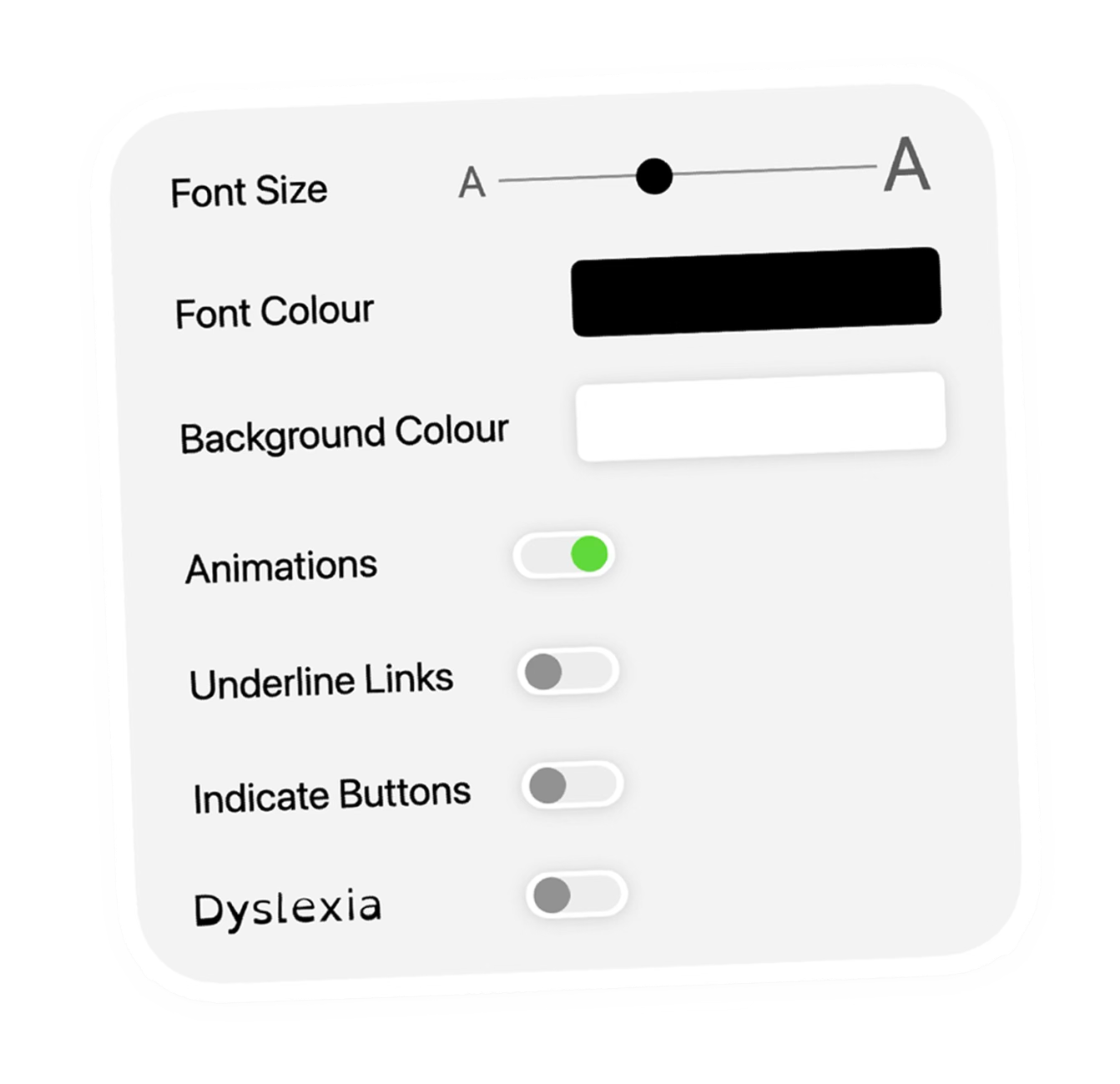
Attendees can increase or reduce text size to match distance, lighting, or personal preference, improving readability.
Offers clearer separation between text and background for bright venues, dark rooms, or users who need stronger contrast.
Adjusts typography and spacing to make reading easier and reduce visual confusion for dyslexic users.
Makes interactive elements more visible so navigation is easier, especially for users who benefit from stronger focus cues.
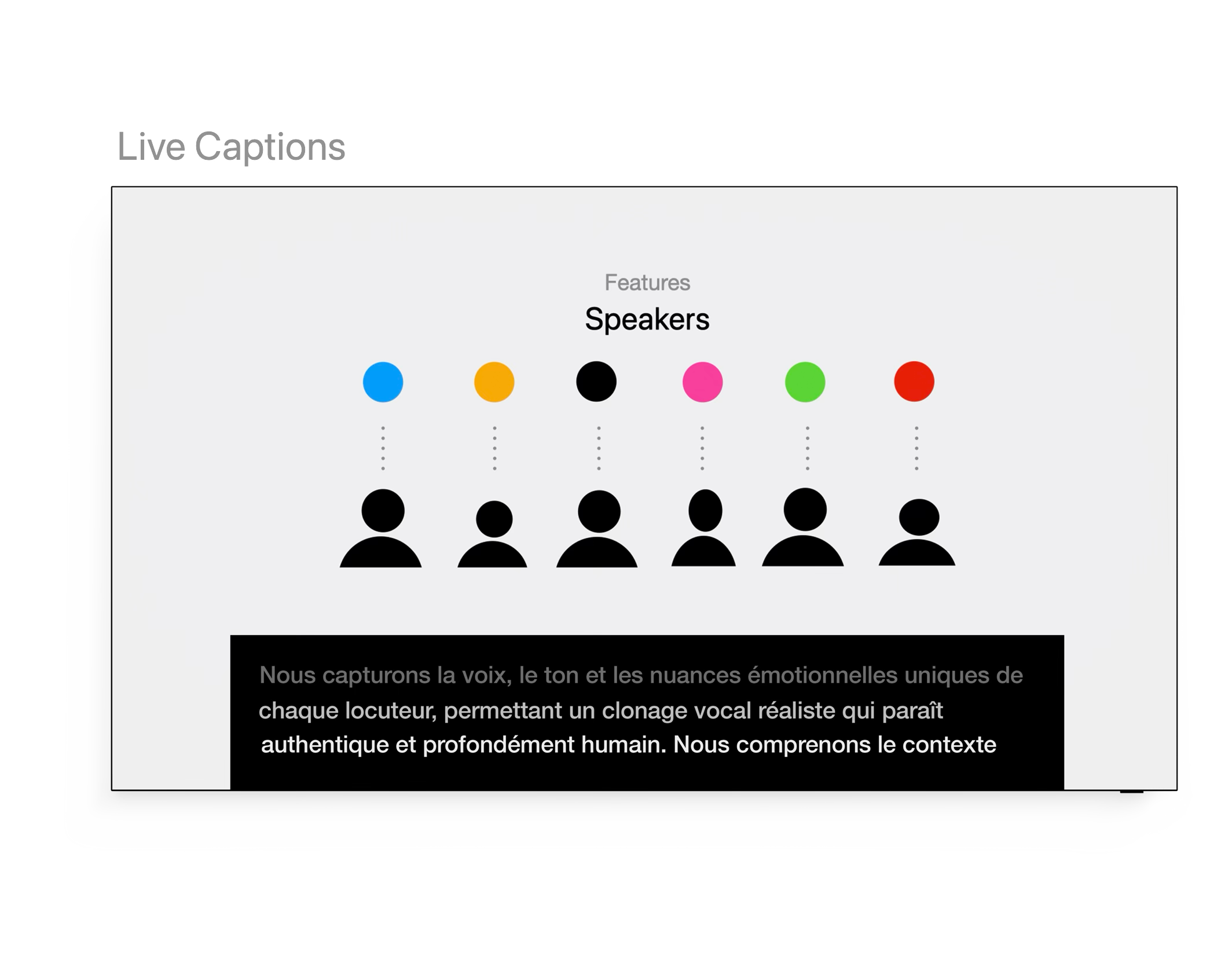
Live Captions
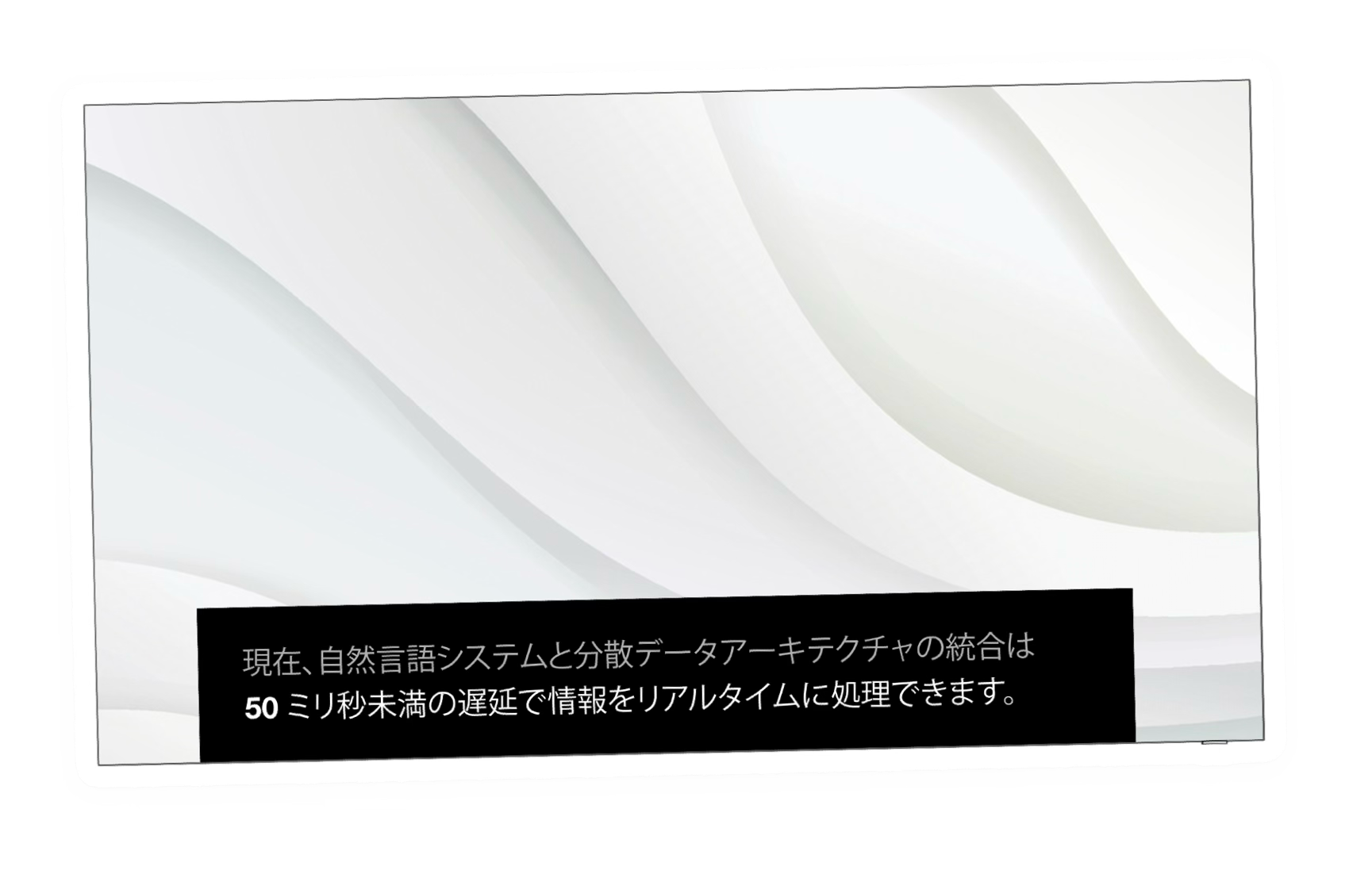
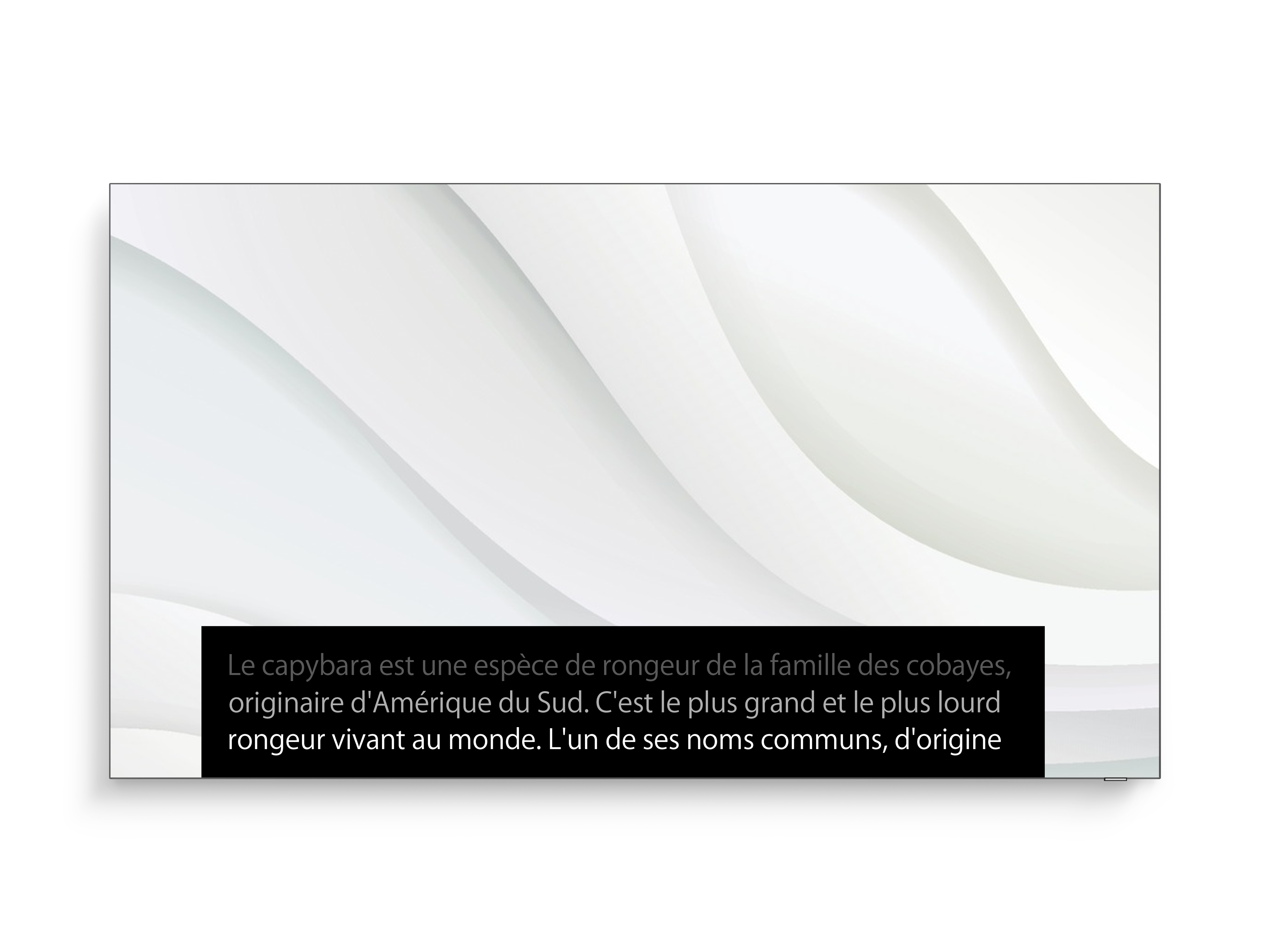
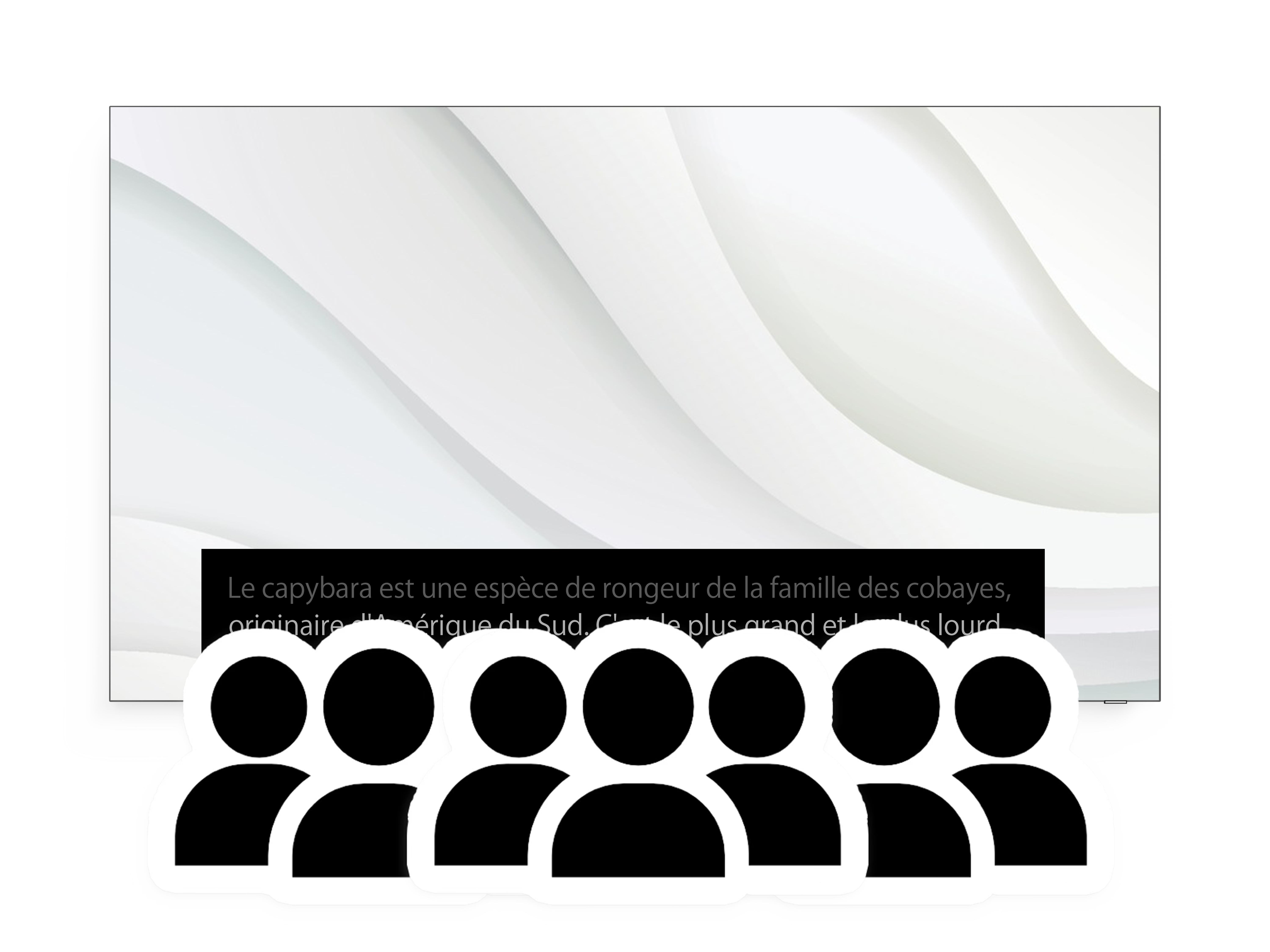
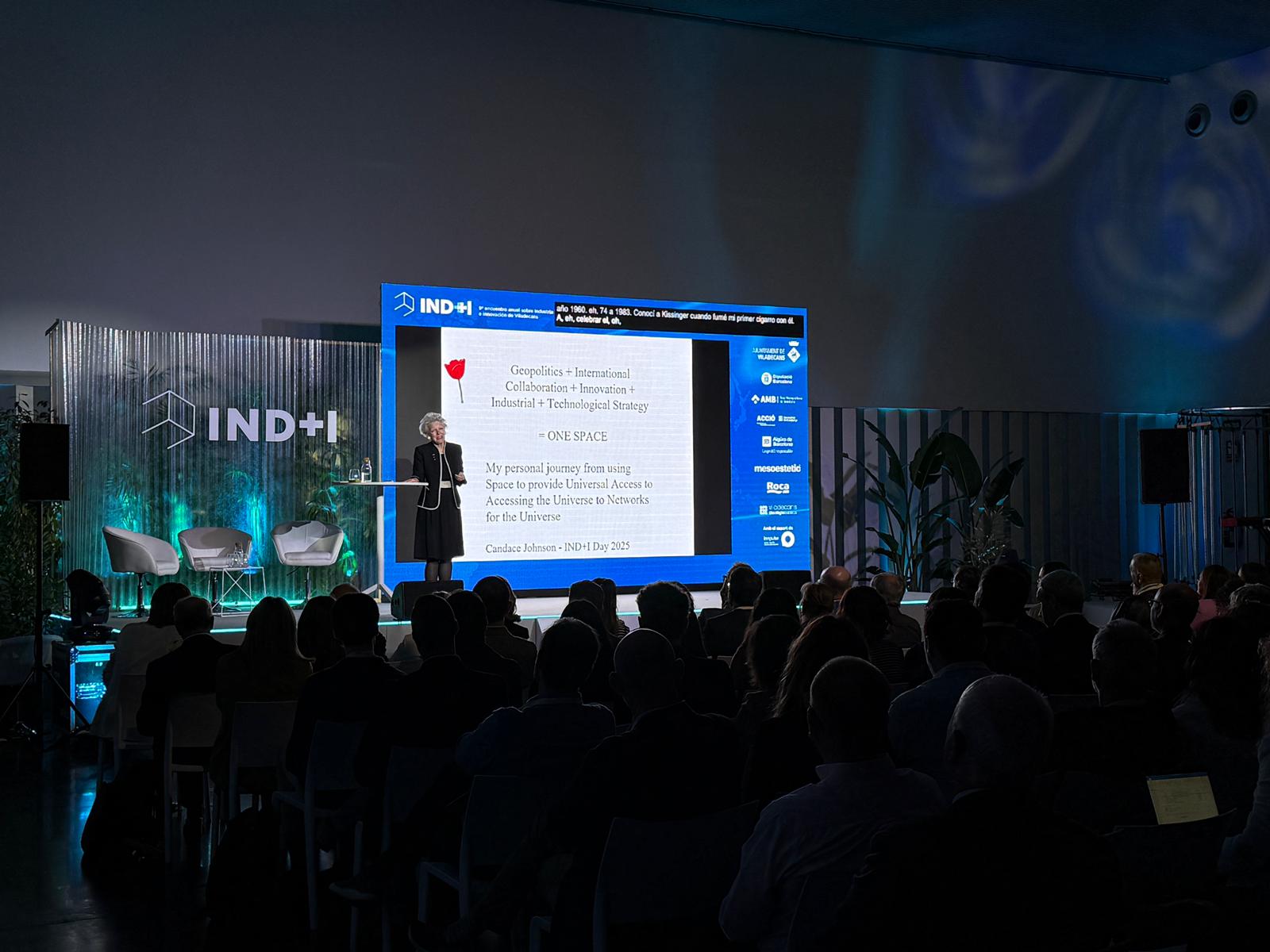
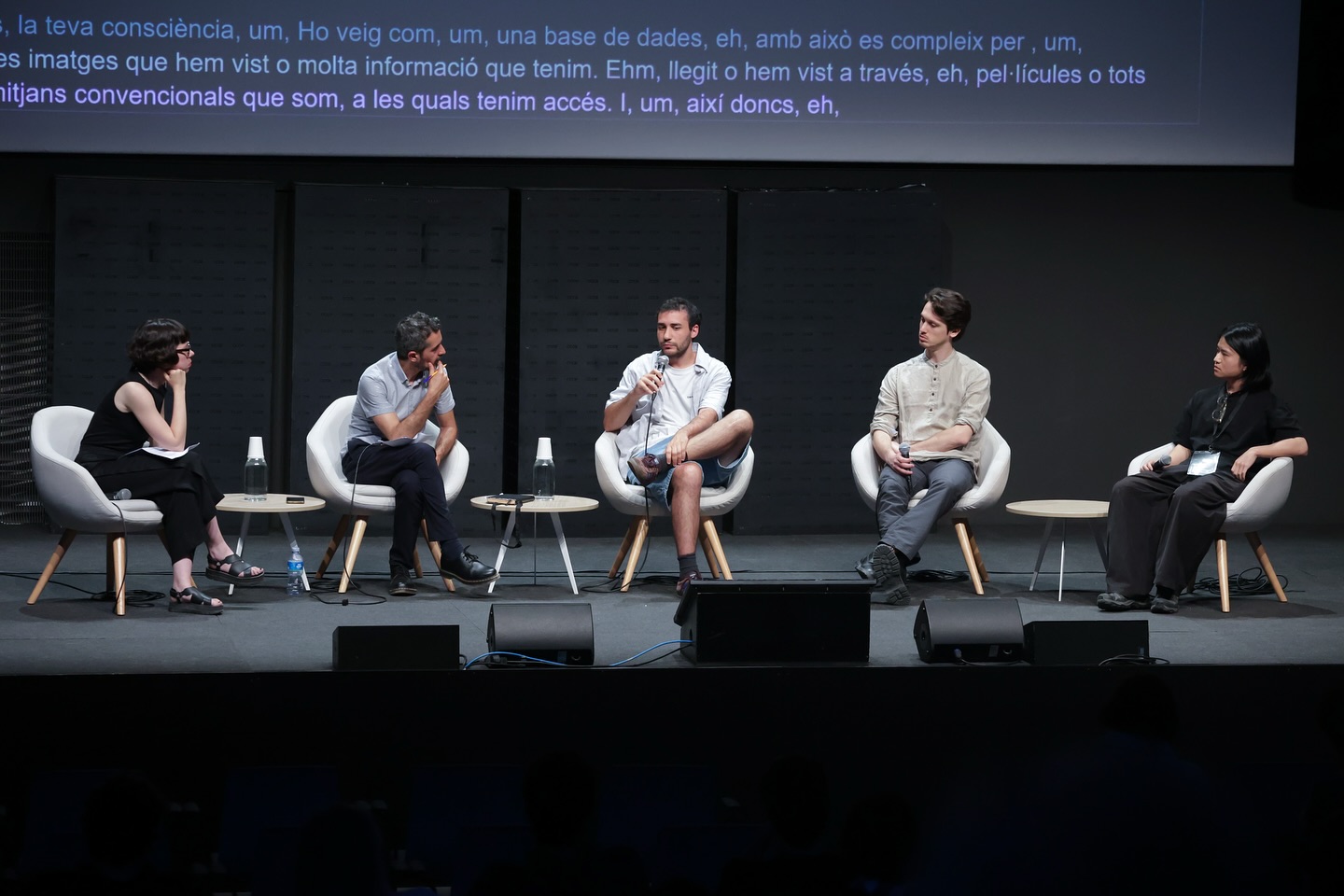
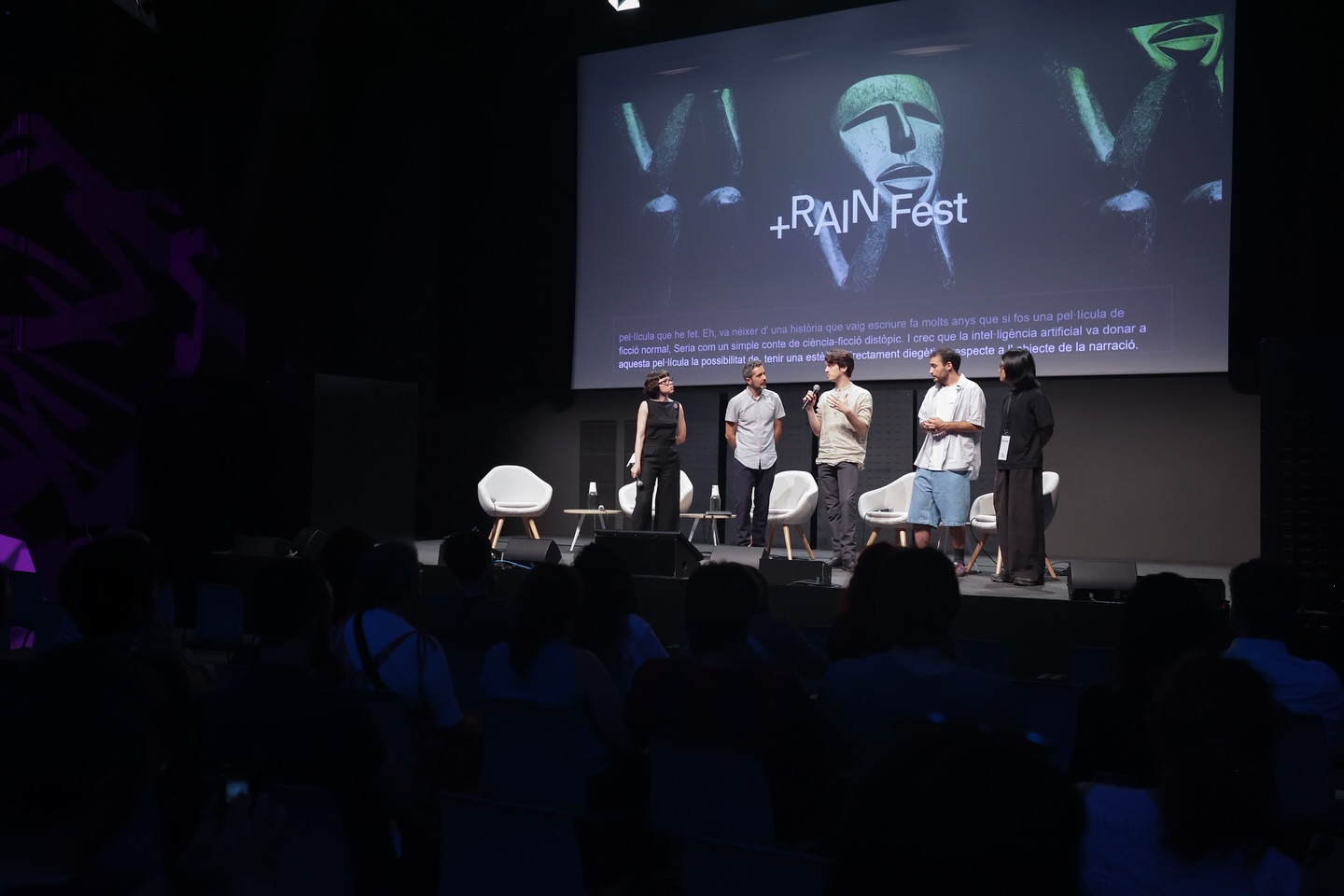
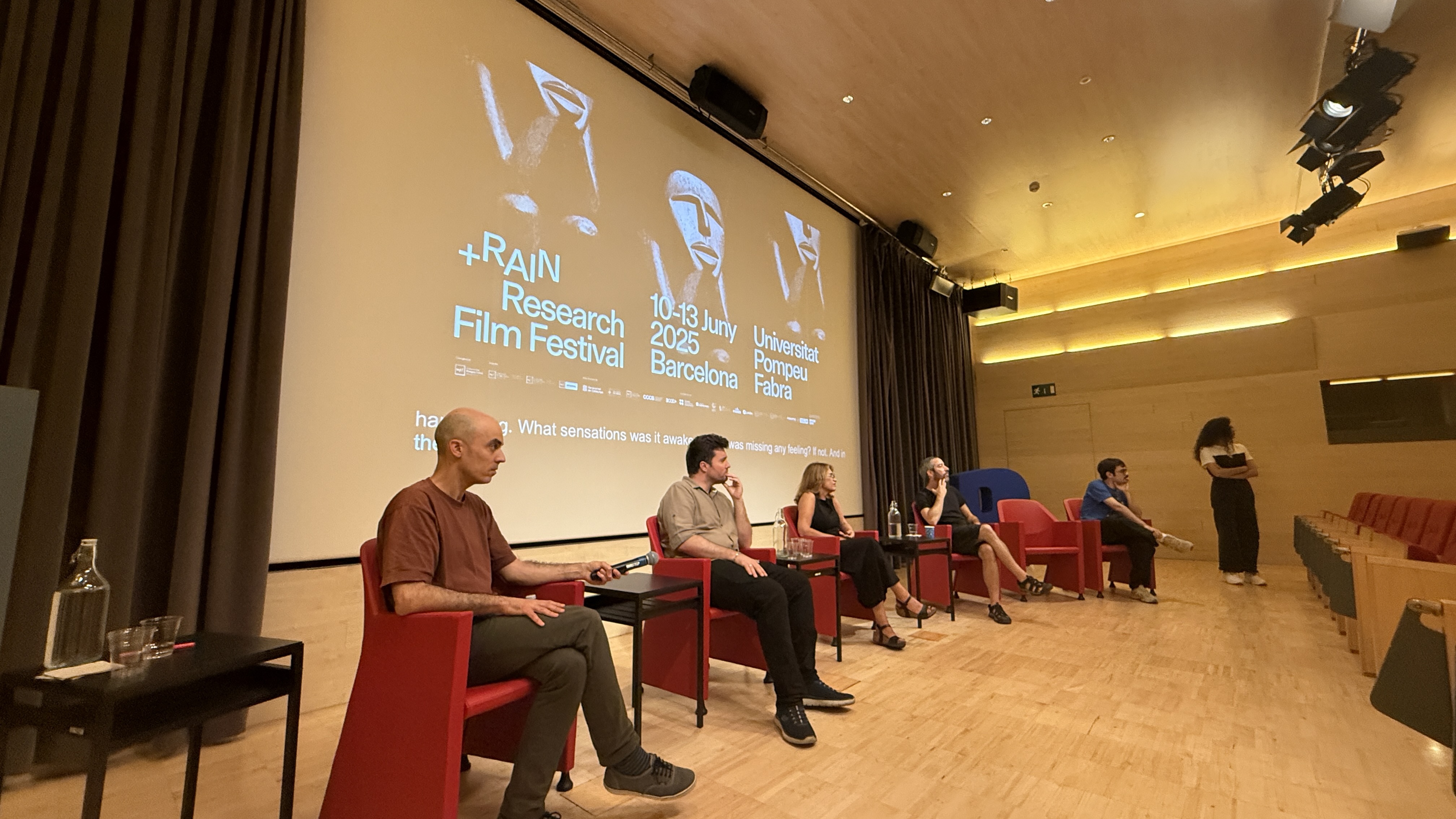
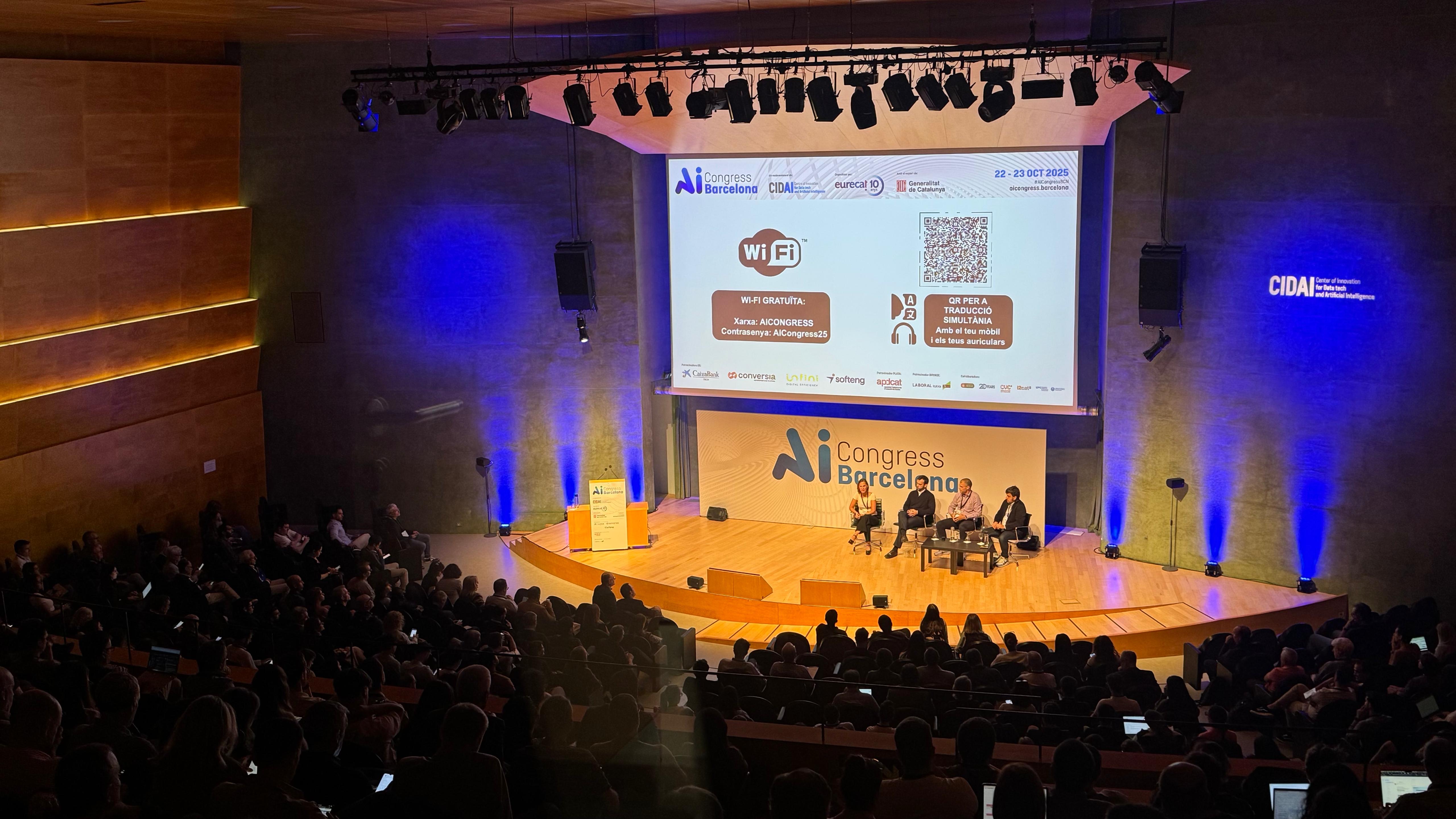
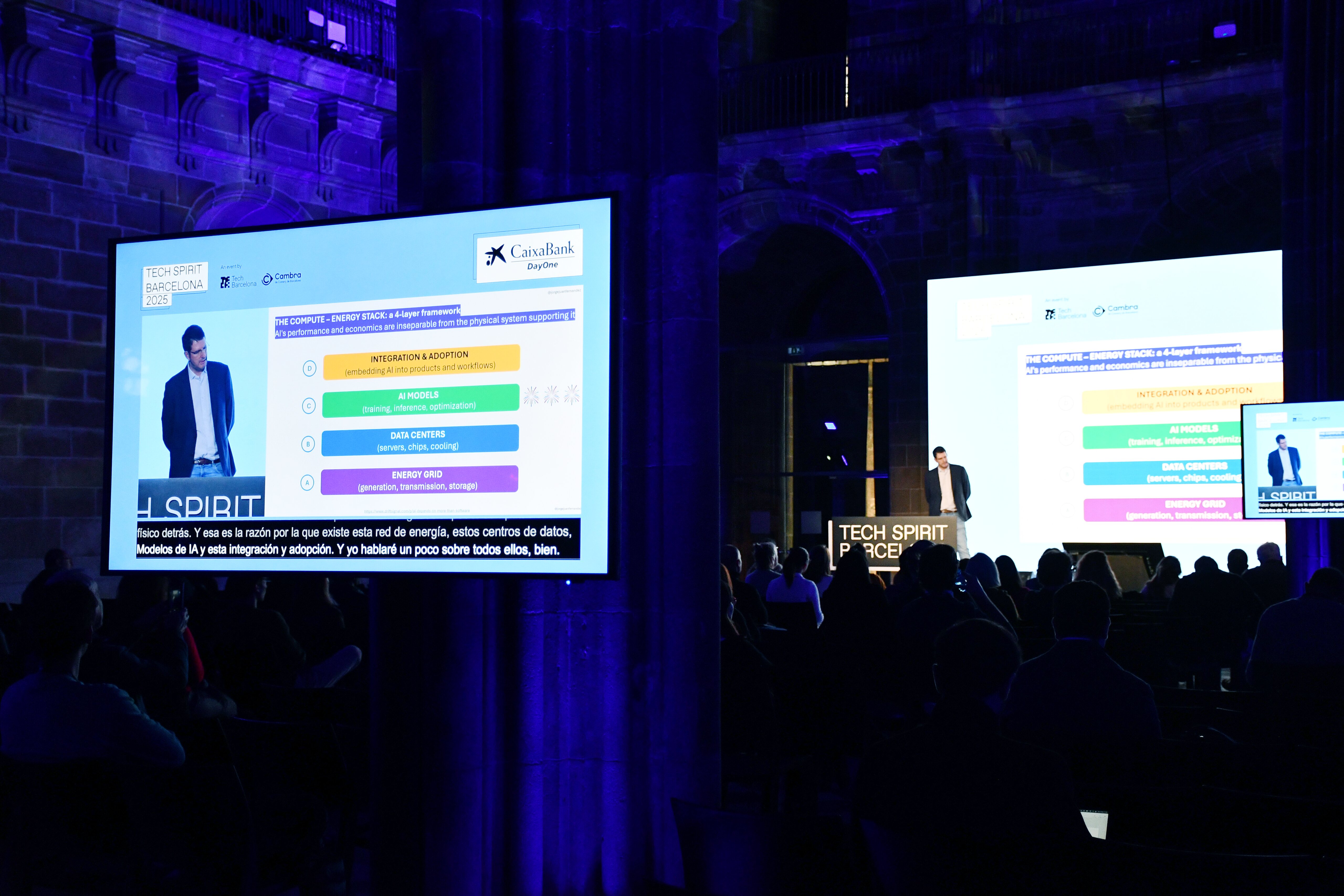
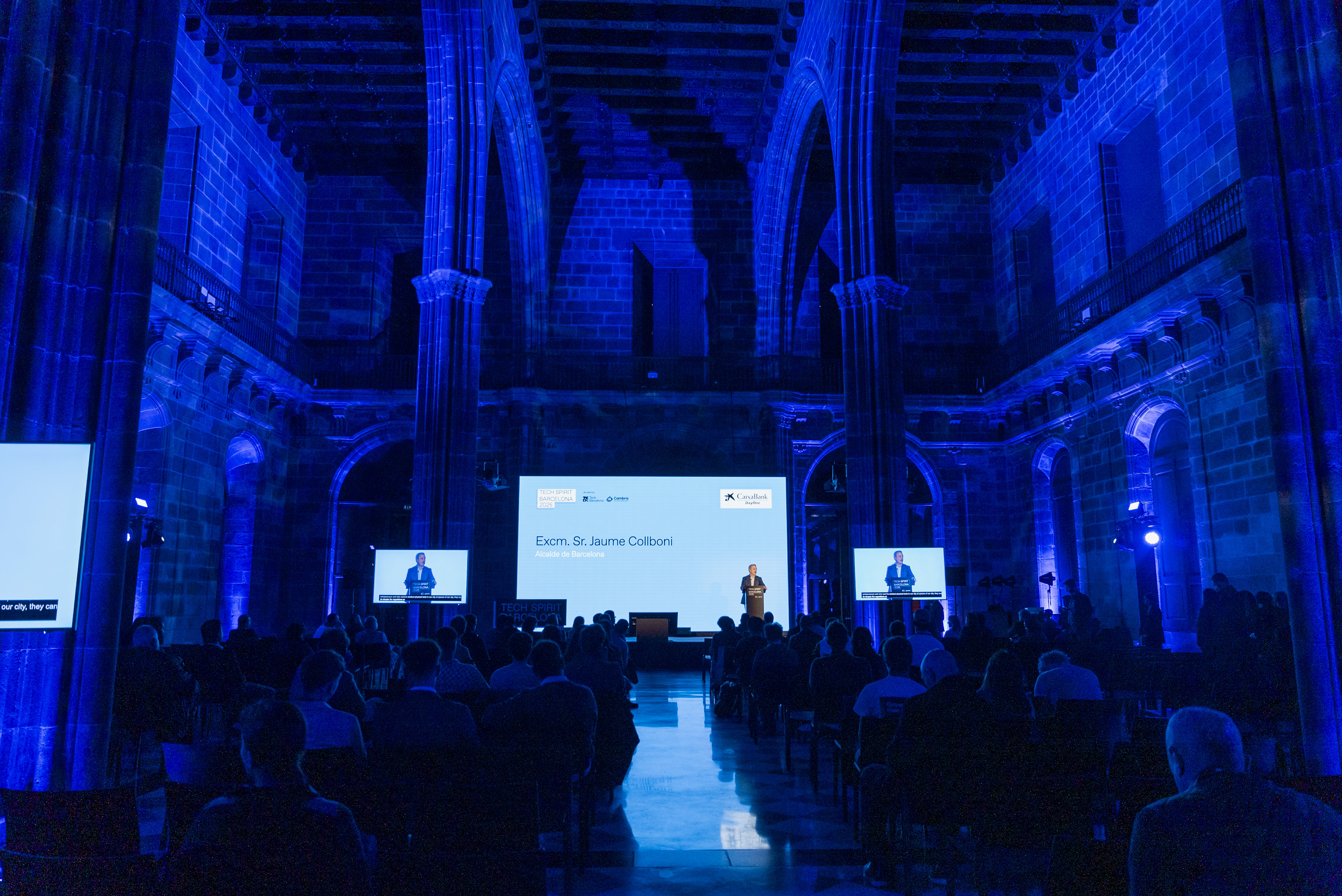
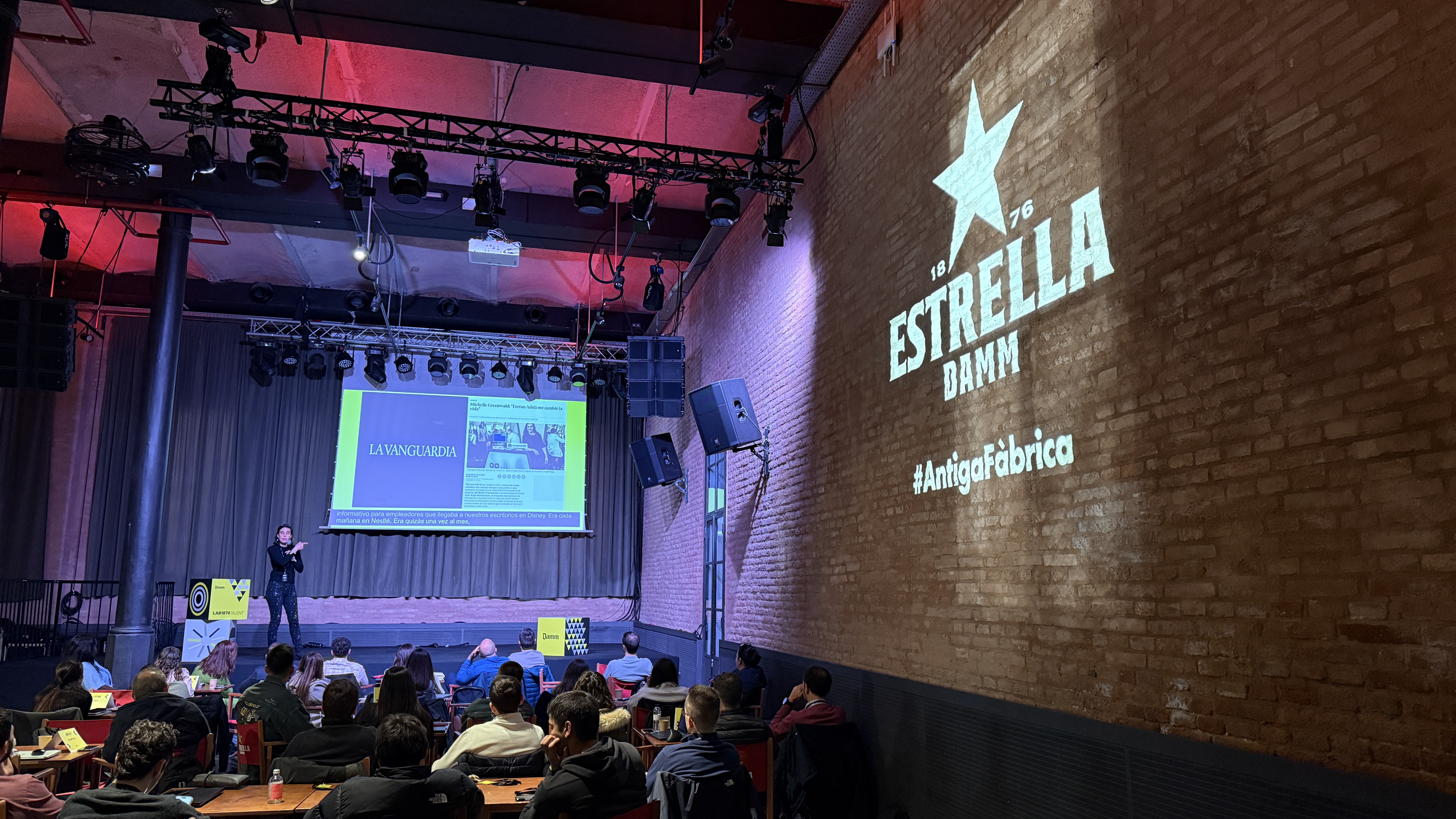
Connect your existing venue screens to Link3rs so captions can be displayed where your audience is already looking.
Customize the caption bar to match your event (colors, typography, layout), then choose the language you want.
Captions run in real time during the talk, so everyone can read along instantly, even in large rooms or noisy environments.

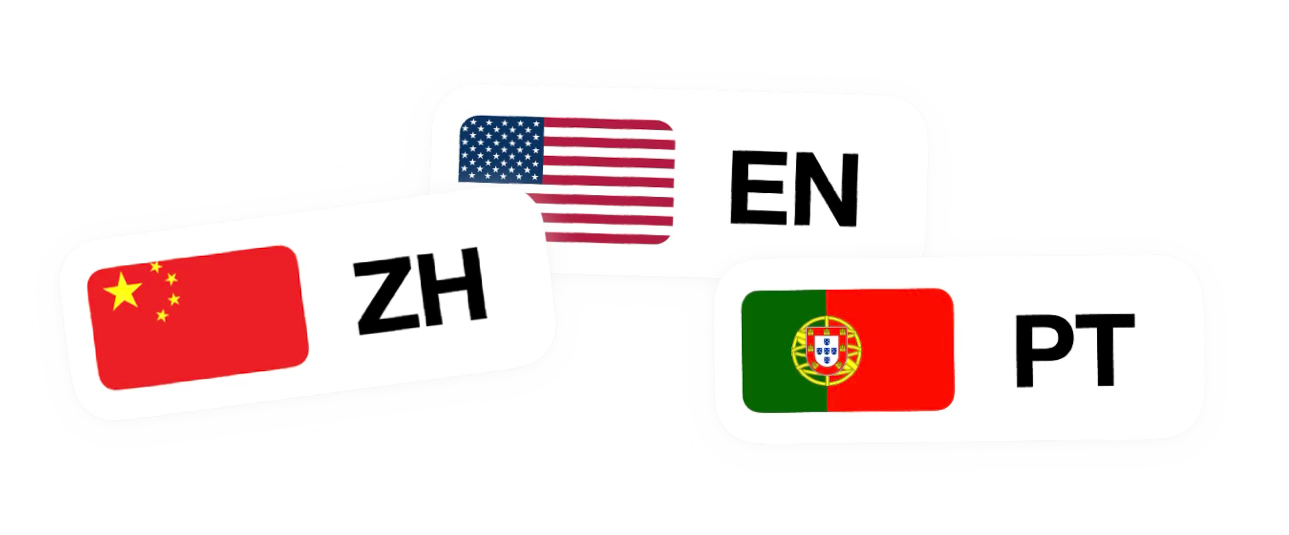
Language support.
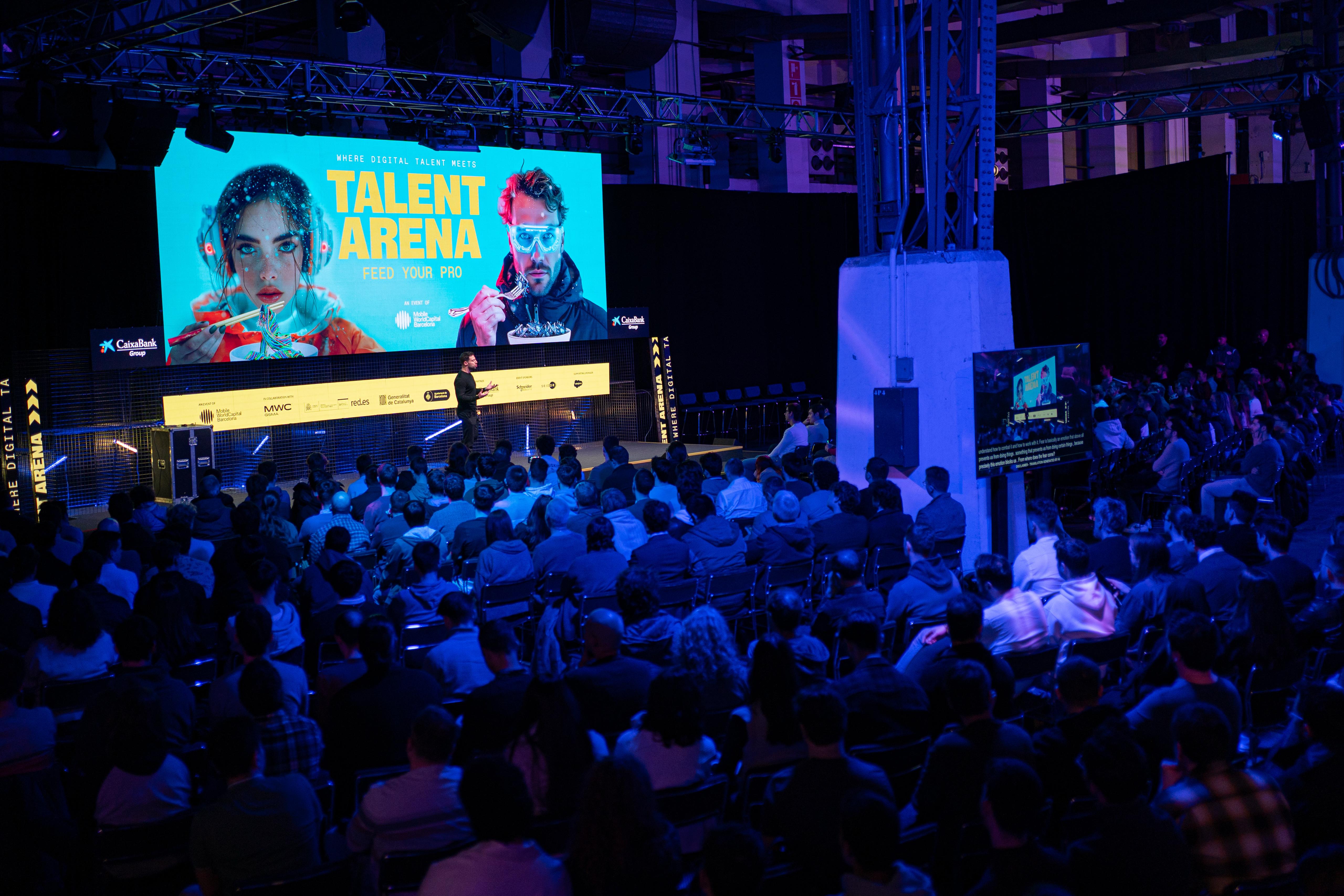
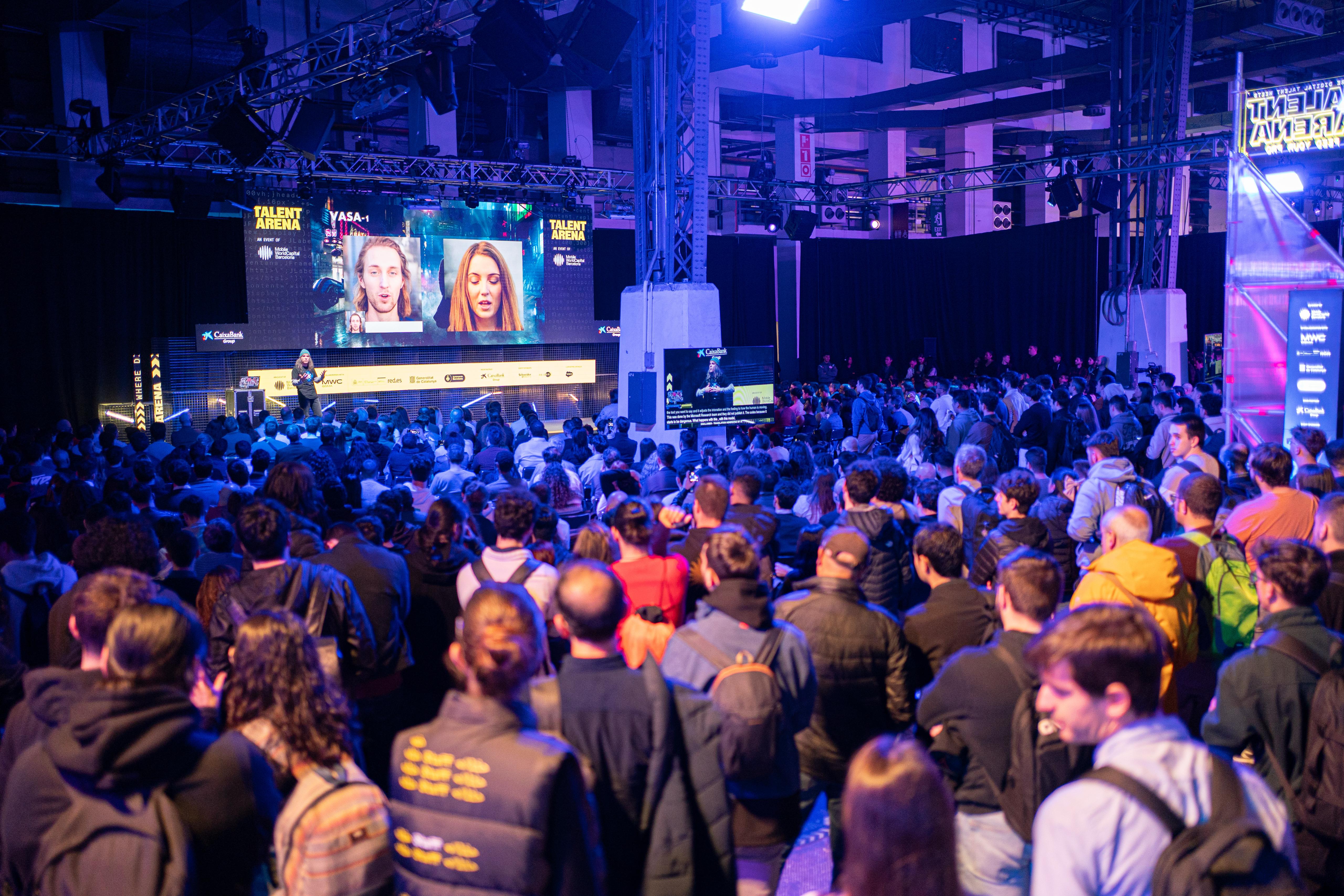
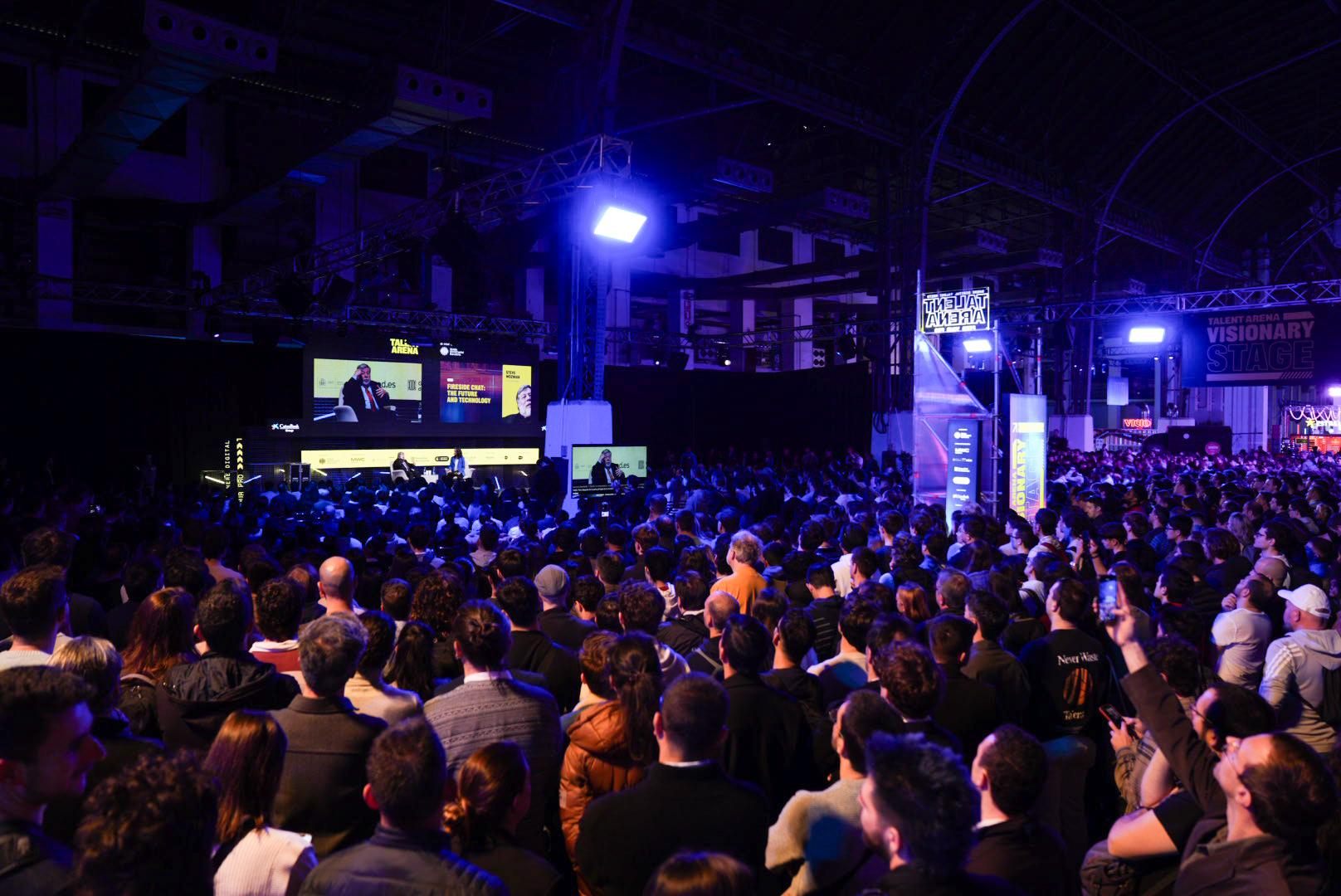
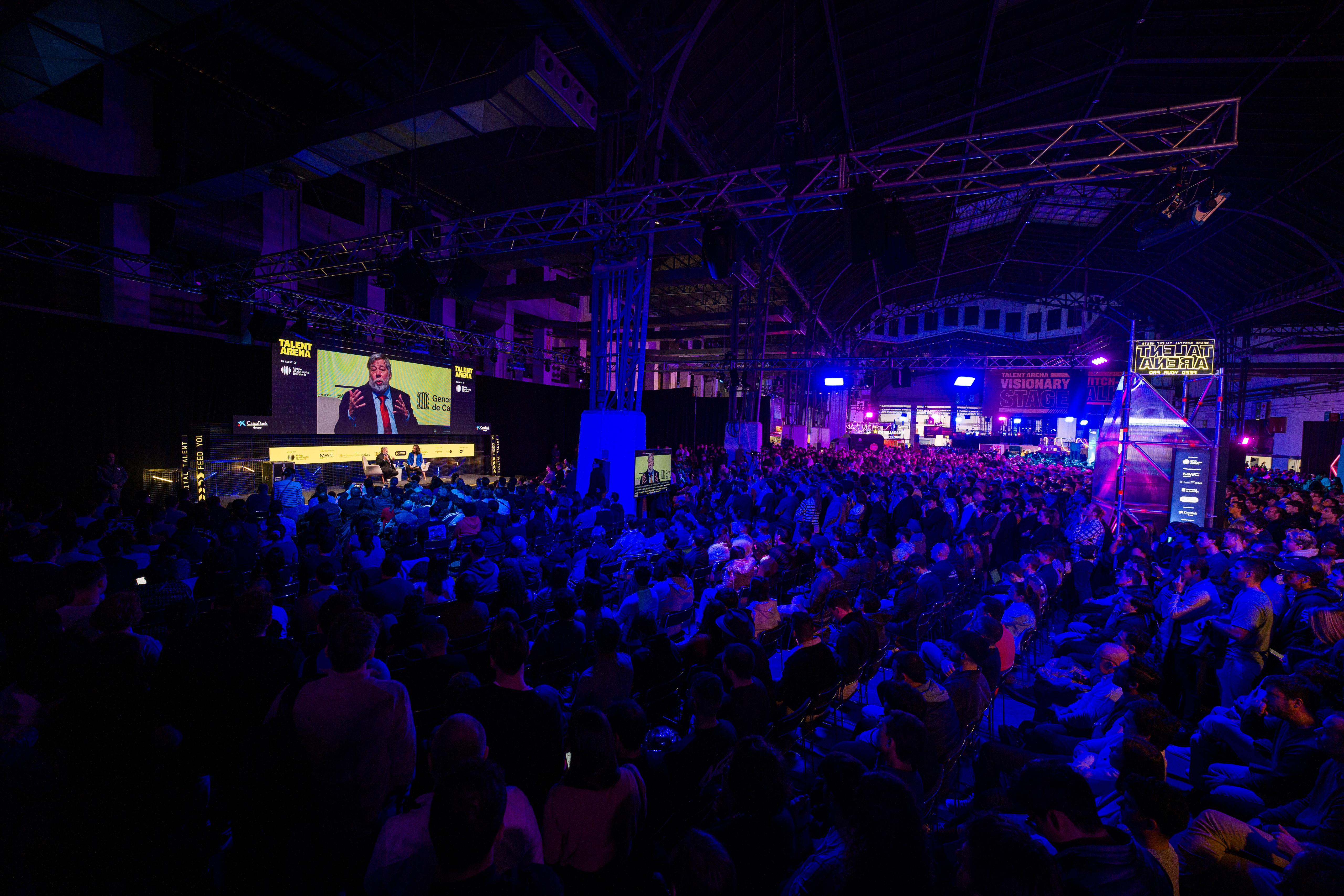
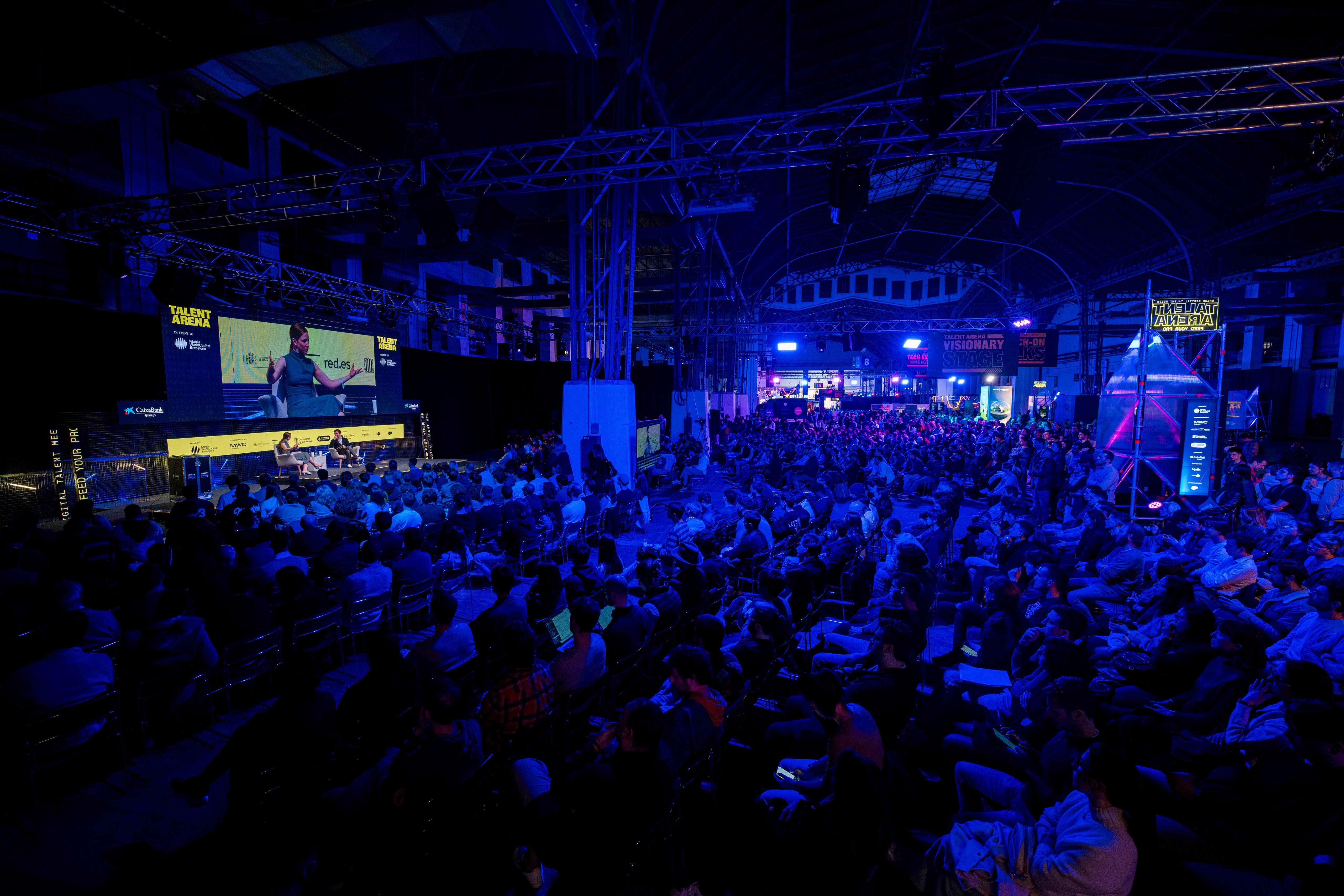
TALENT ARENA 2025 w/ MWC