


60+ languages. Live.With AI translation and captions.
Every attendee follows the session in their own language, listening or reading on their phone, while your screens show live captions. Made for conferences, trade fairs and venues.
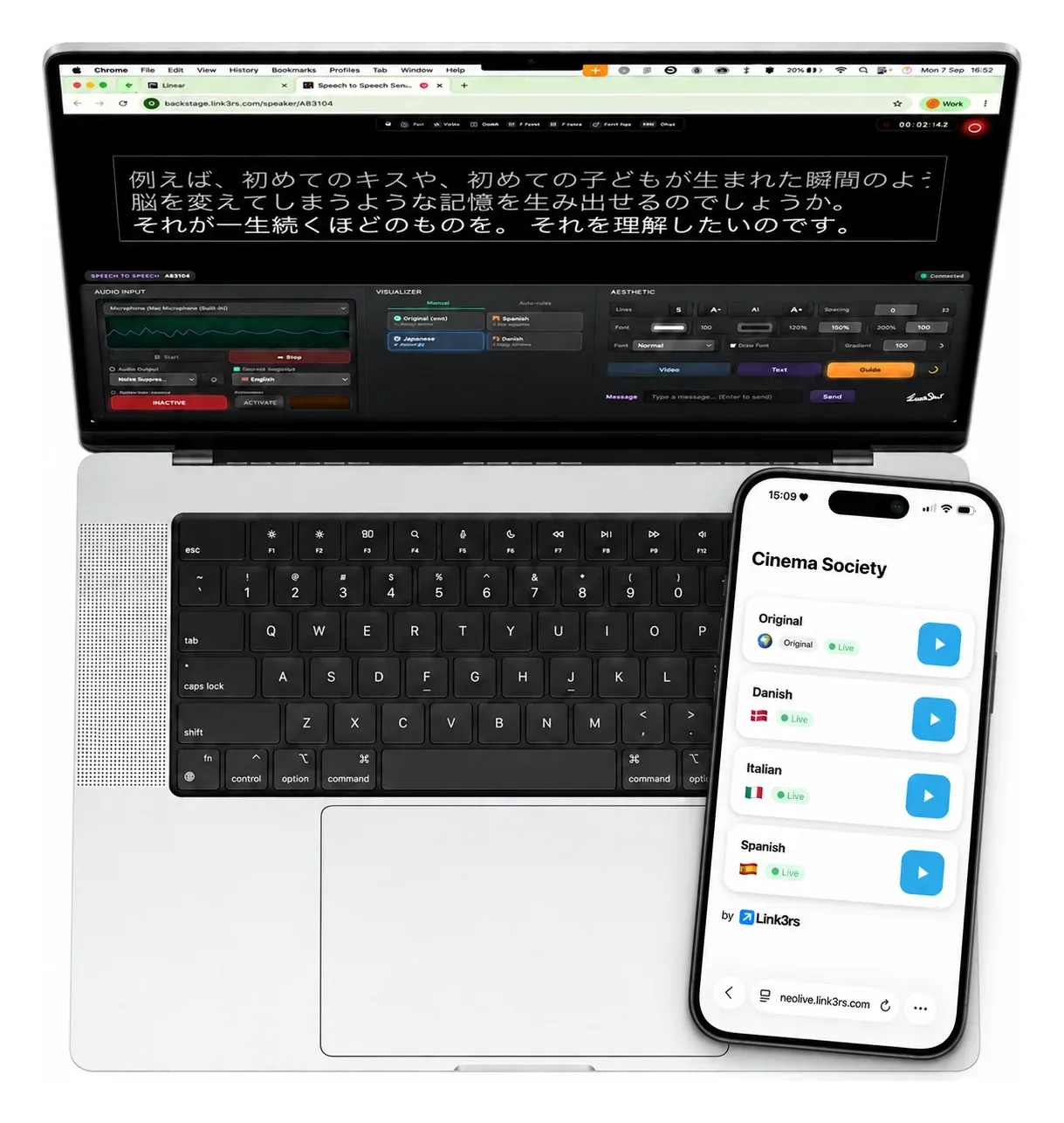
Get to know the Live lineup.
Three products that work together: one for the audience, one for the room and one for your team.
Speech
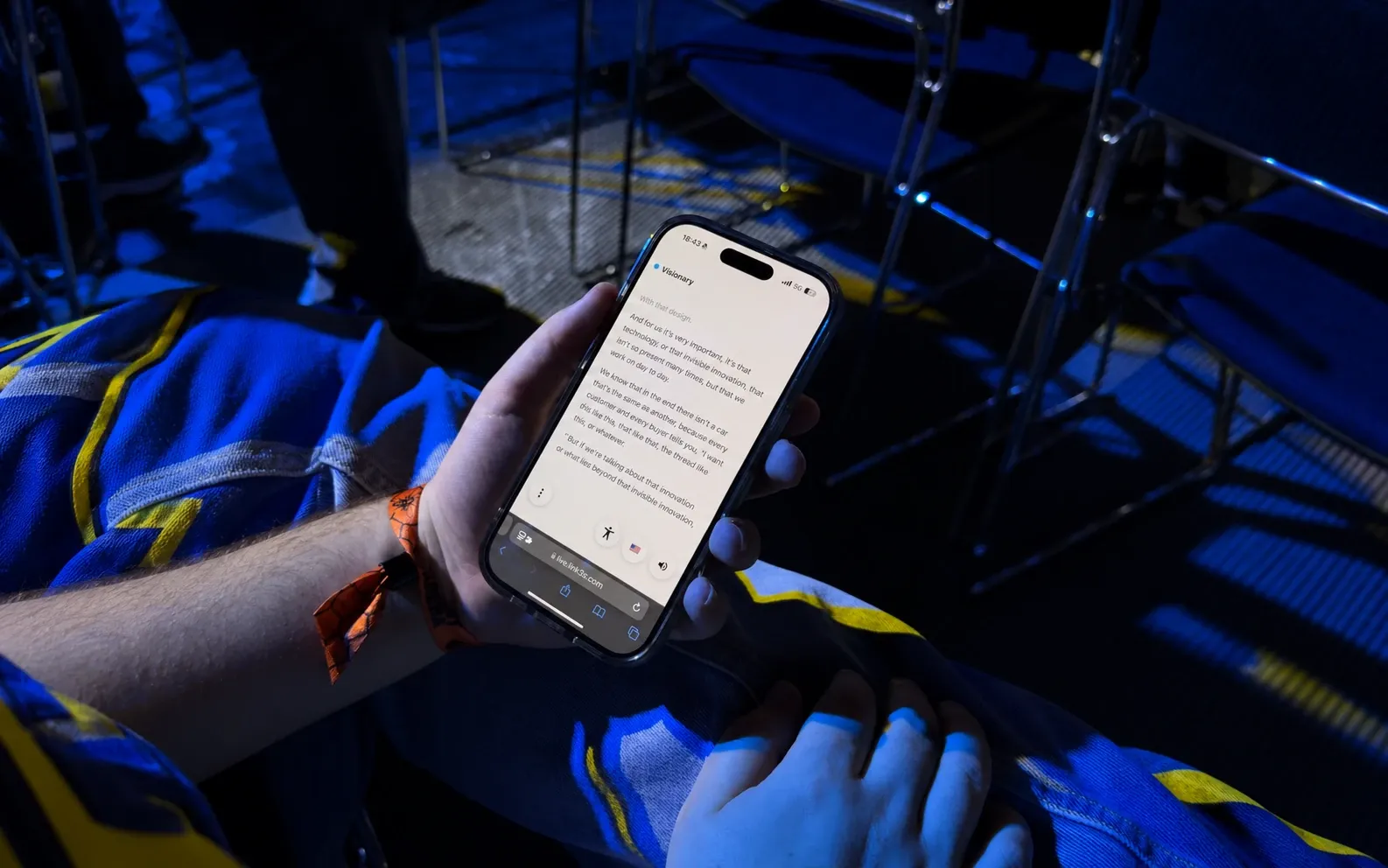
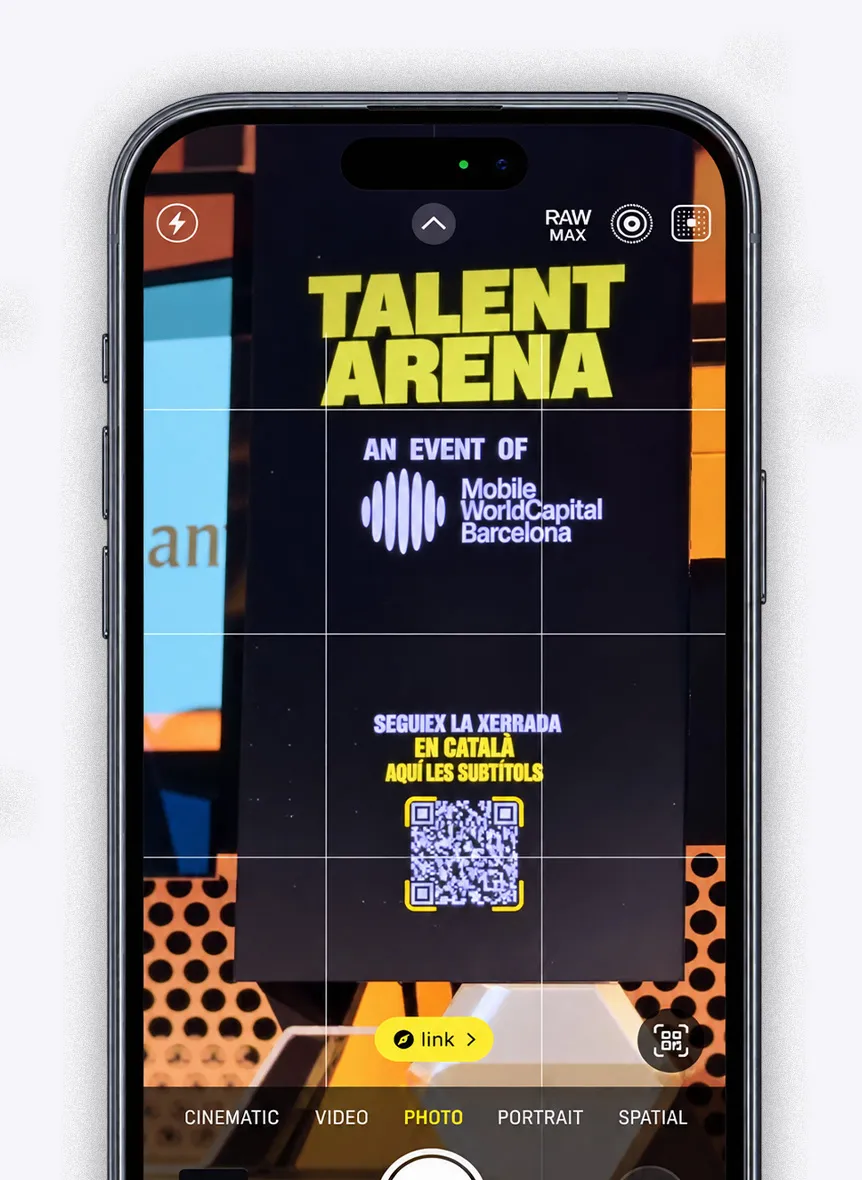
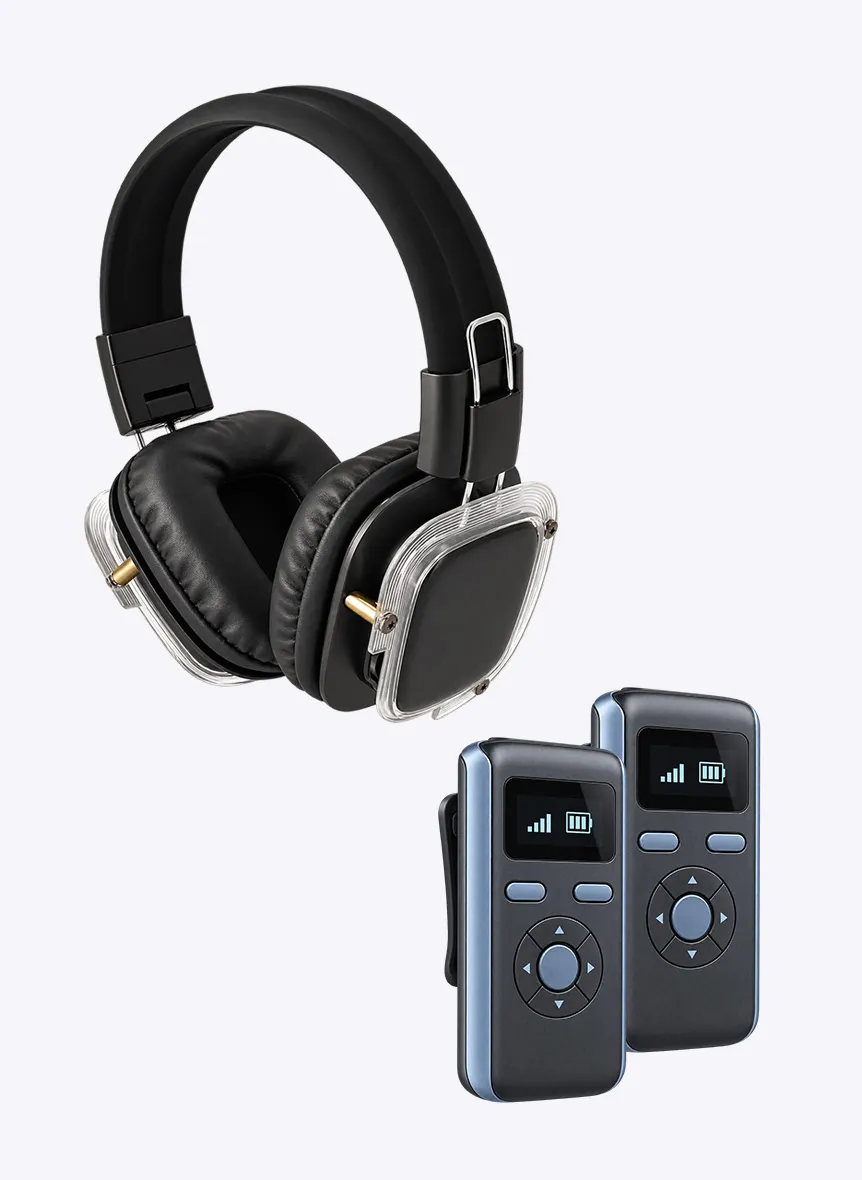
Scan a QR code to hear the AI interpretation in your headphones or on a receiver, or read it live on your phone. Nothing to install.
Built for any room.
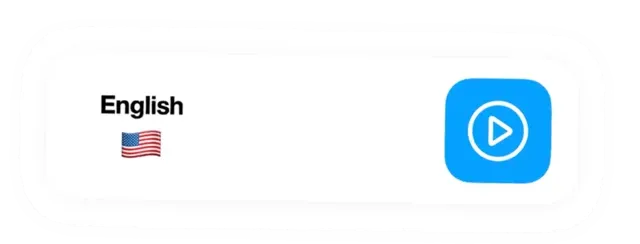
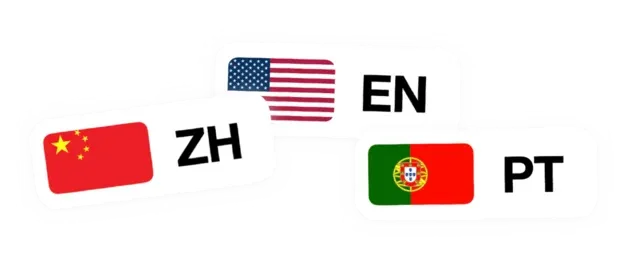
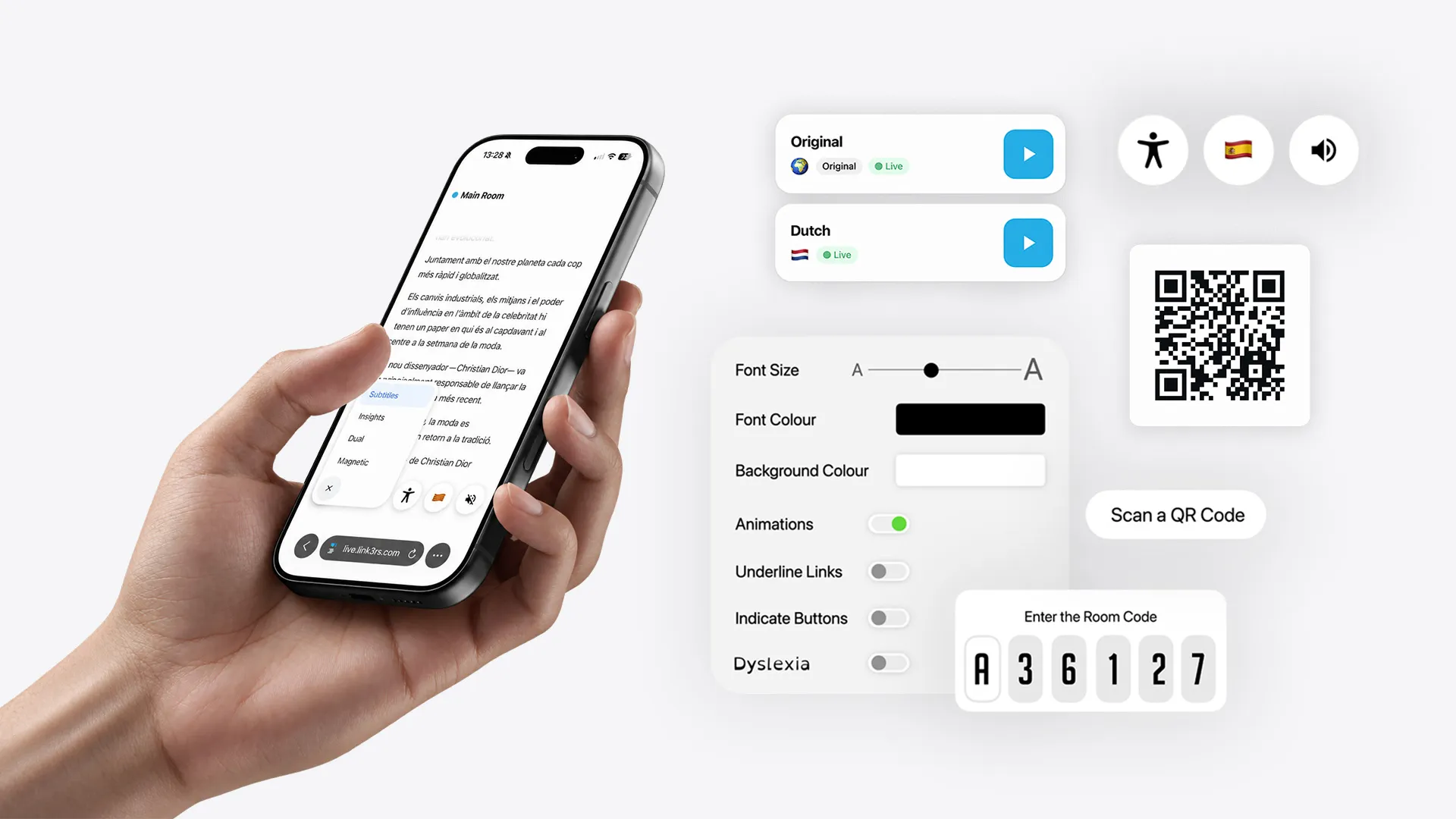
60+ languages
Listen or read as it happens, in the same session.
Nothing to download
A QR code opens the session in your browser.
Headphones or receivers
Use your own headphones, or receivers if the venue prefers them.
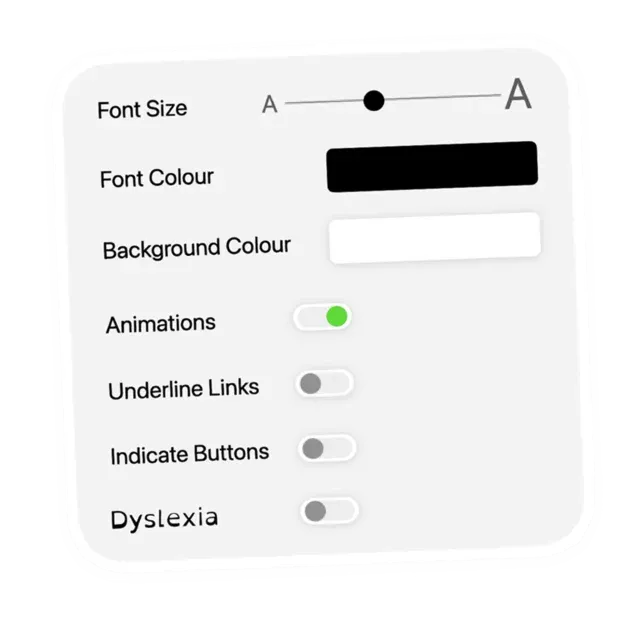
Accessible by design
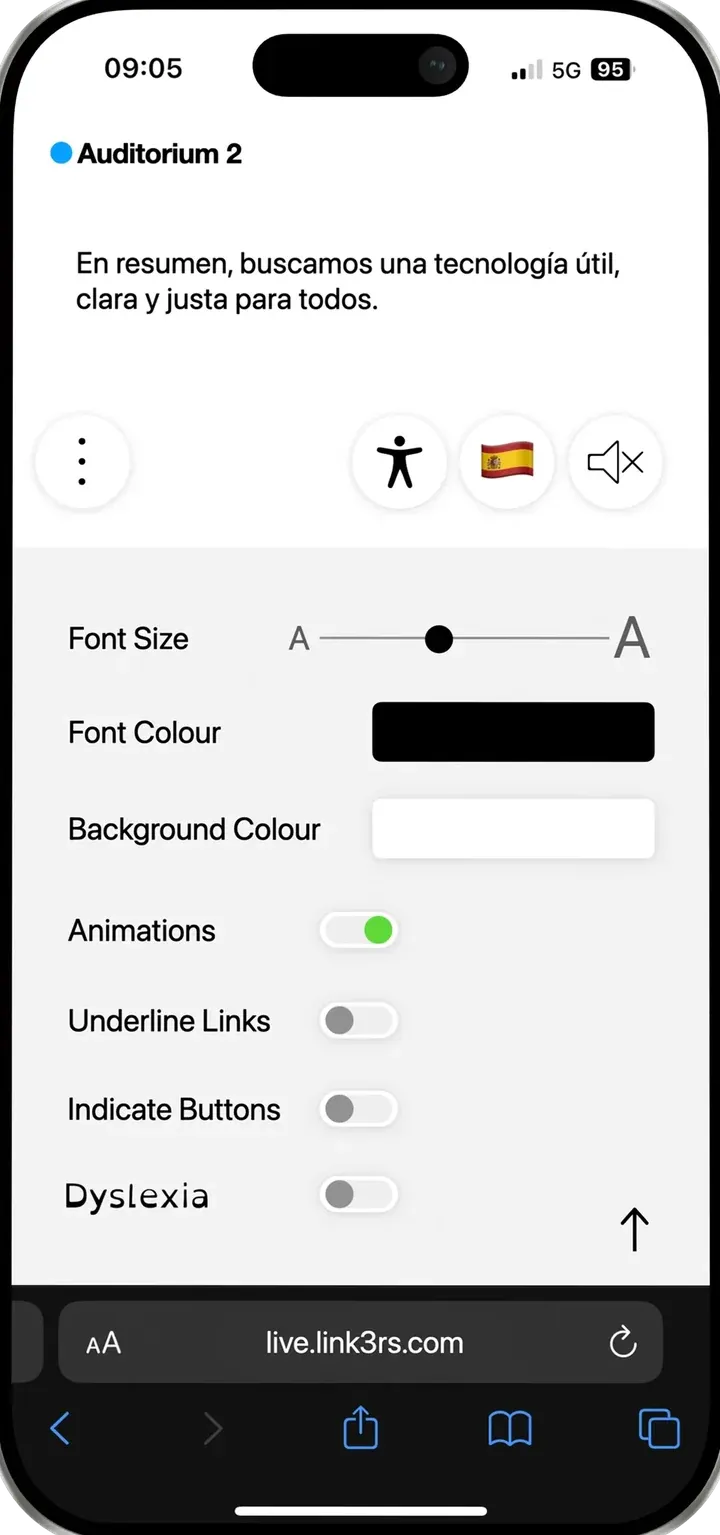
Bigger text, high contrast or a dyslexia-friendly font, right on your phone.
Live insights
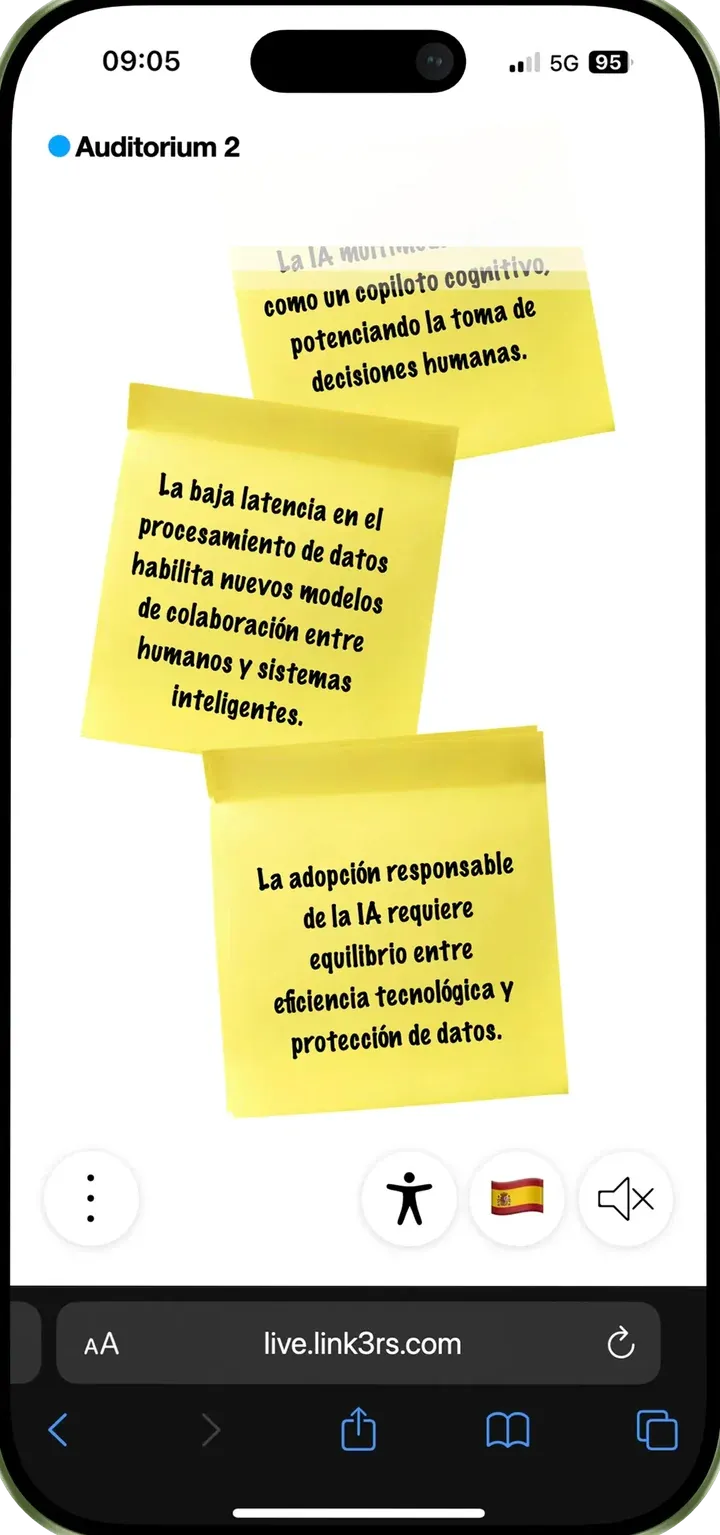
The talk's key points, noted down while the speaker is still talking.
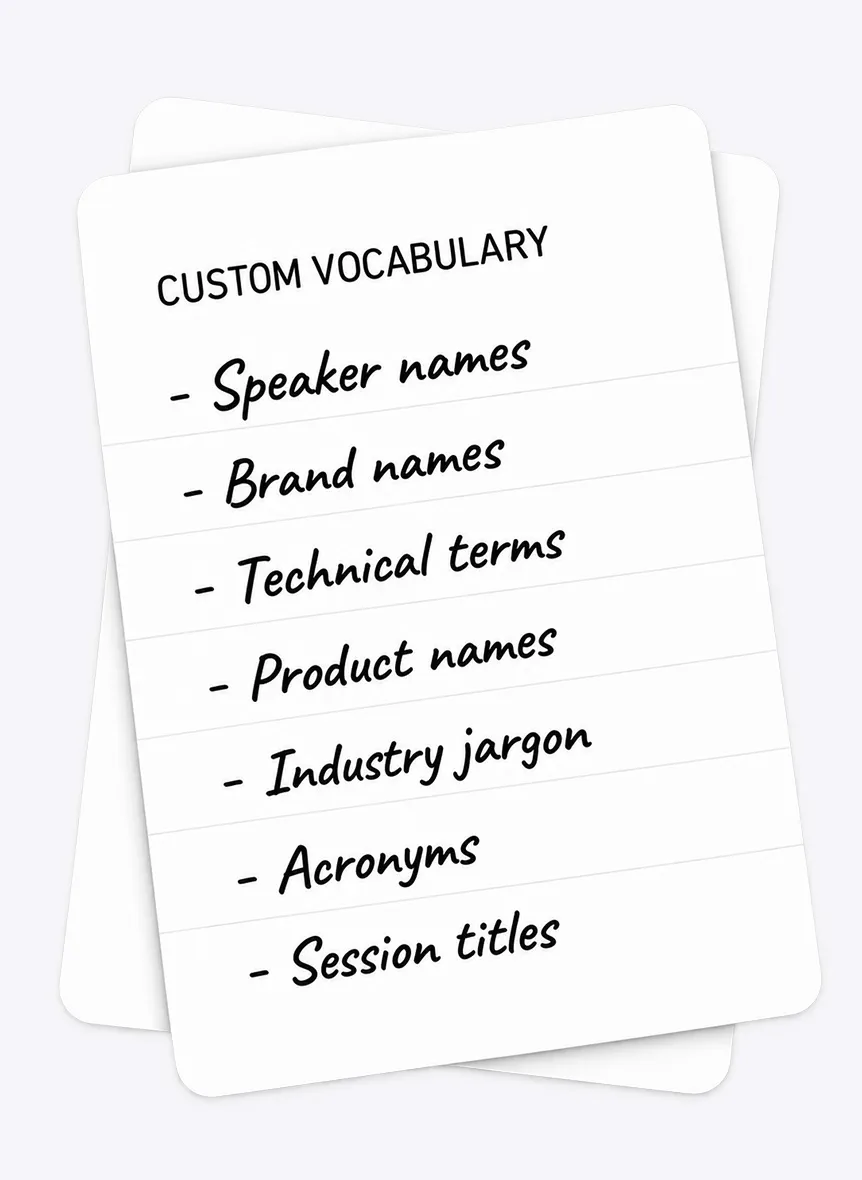
Your vocabulary
Names, brands and technical terms, loaded before the event.
The experience.
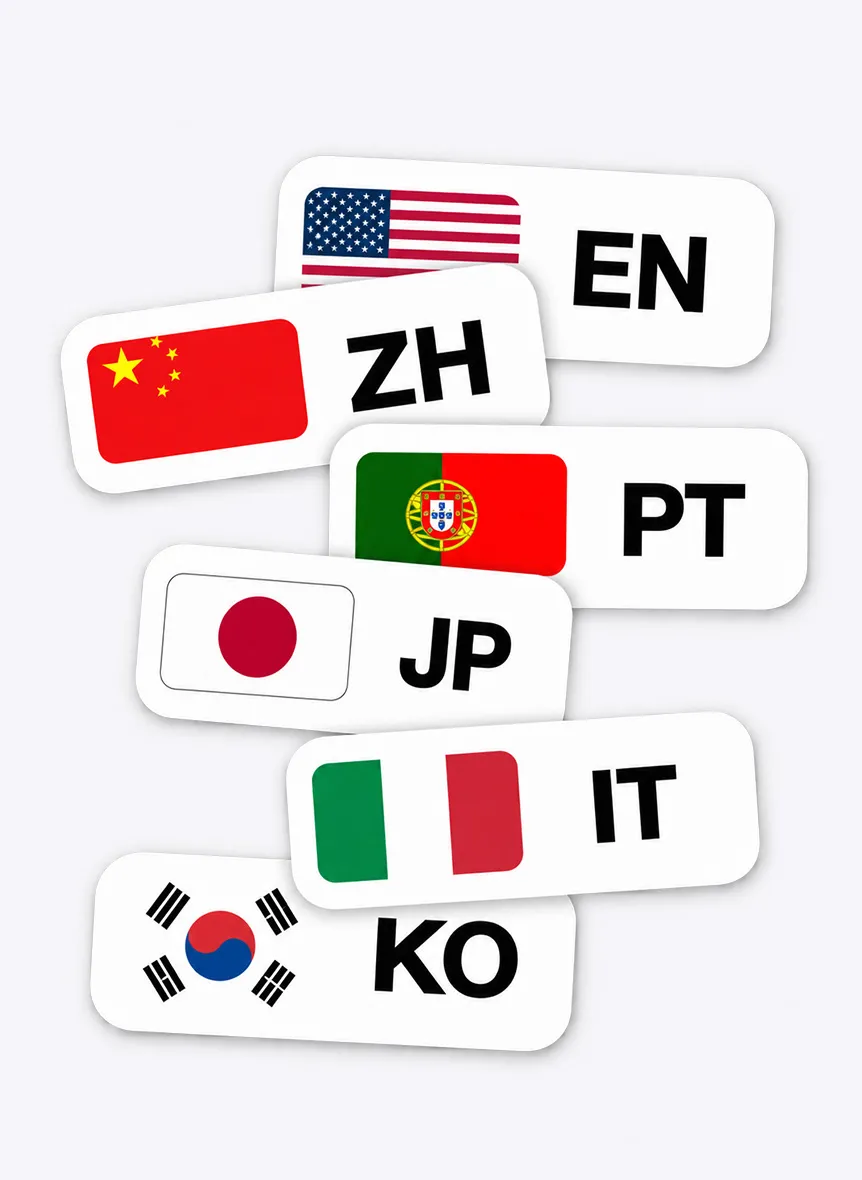
What every attendee sees on their phone, from the first scan to the last word.
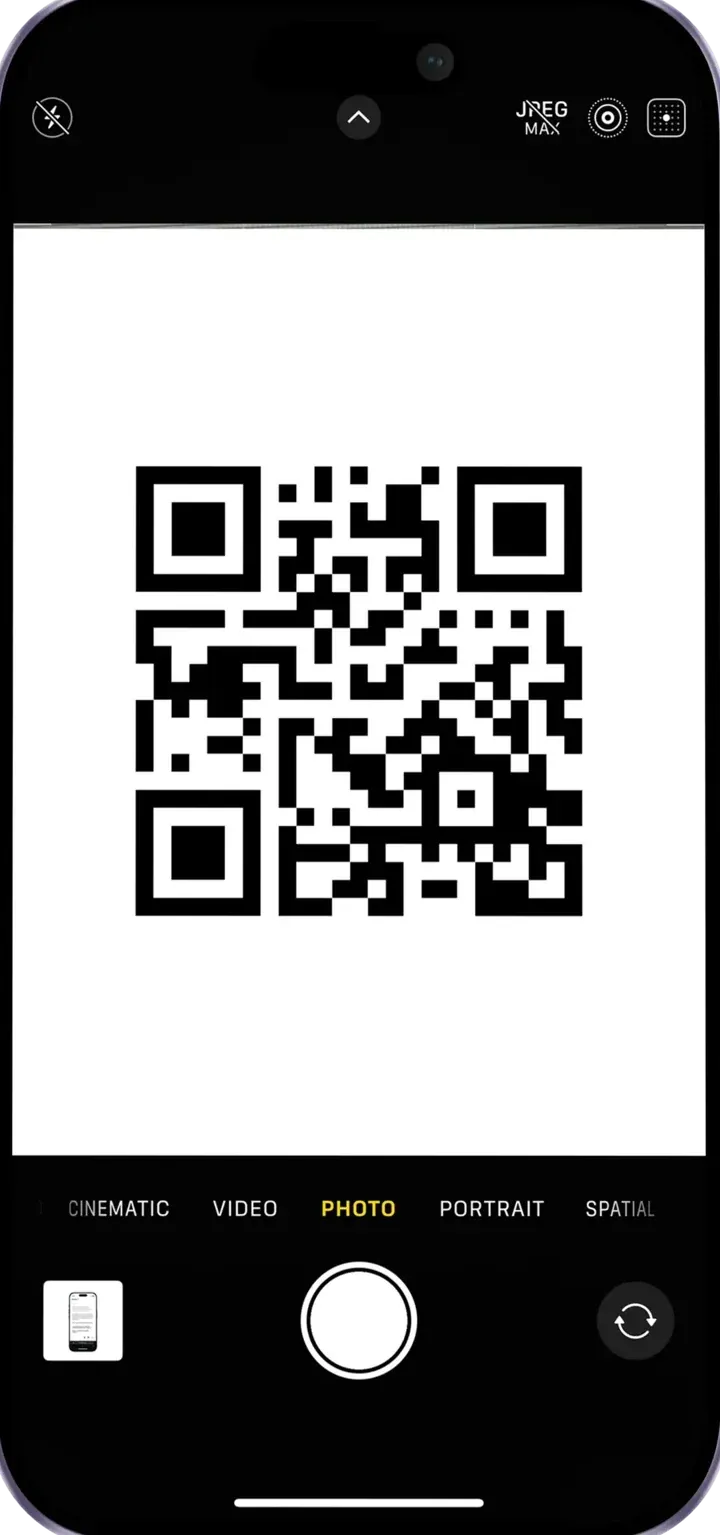
It's on your badge or on the screen. The session opens in your browser: no app, no account.
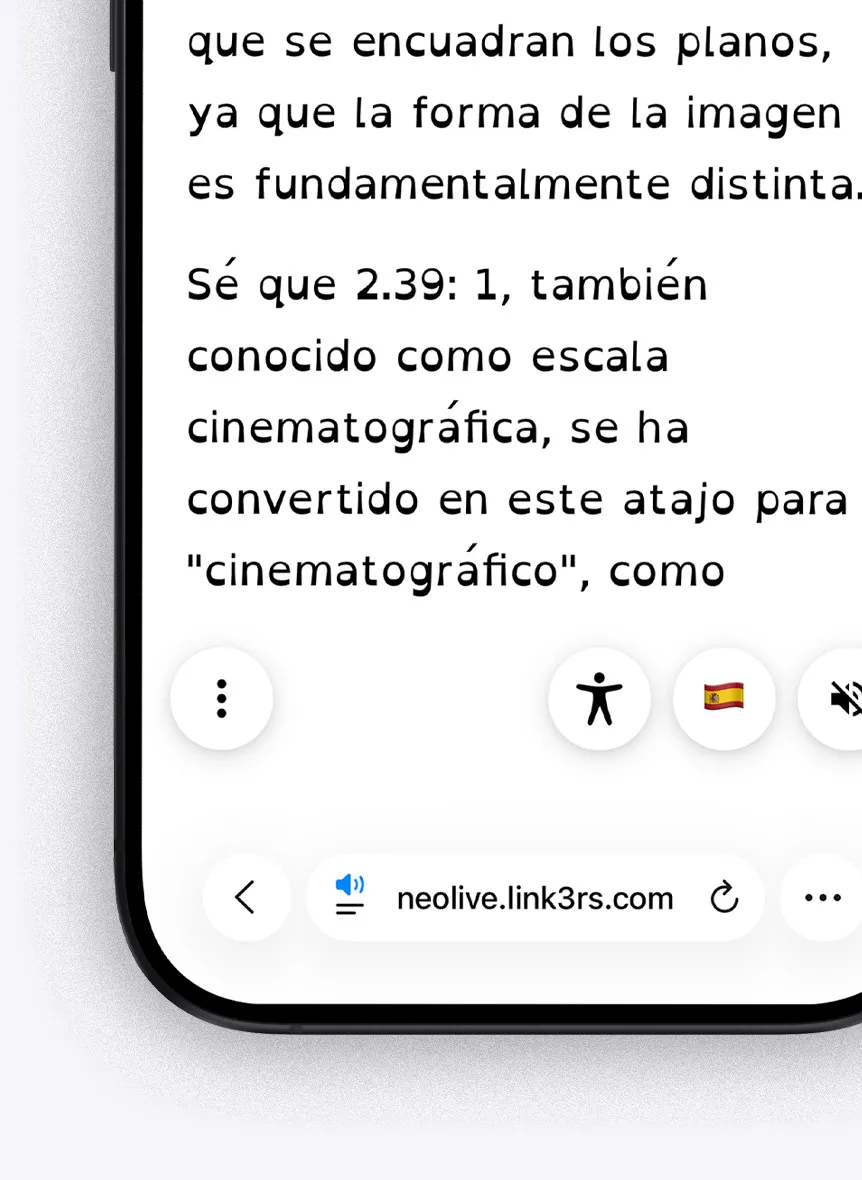
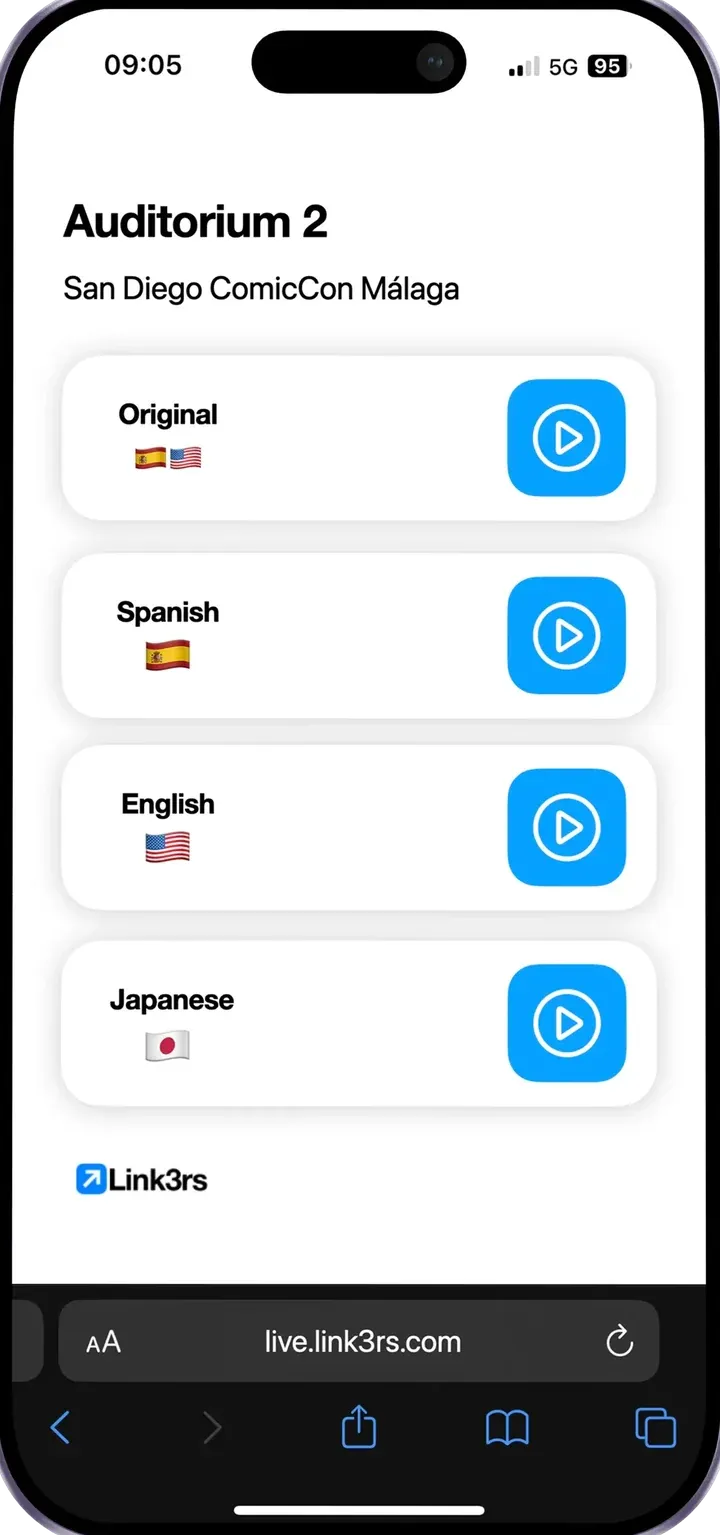
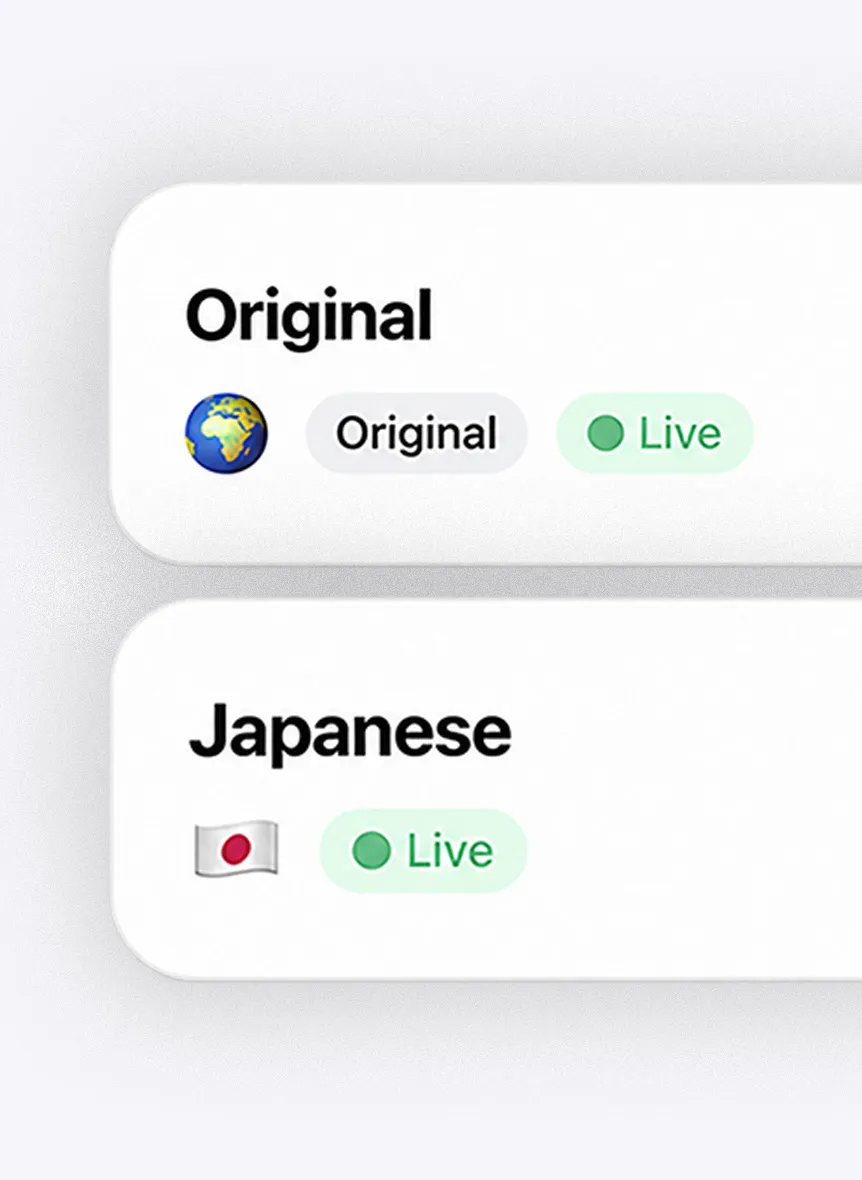
The event's languages, live. Choose yours and switch whenever you like.
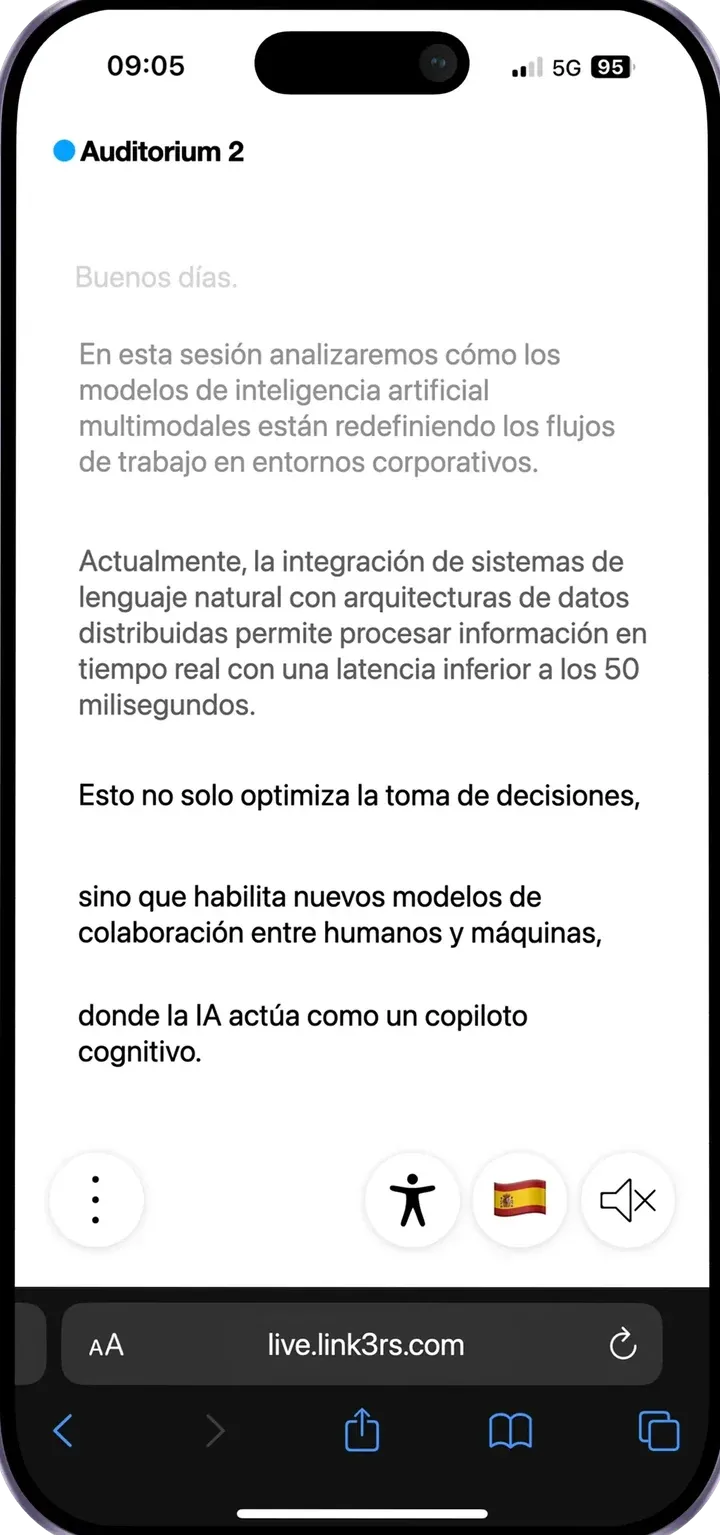
Audio in your headphones, live text on your phone, or both. The text follows the speaker.
Text size, colours and a dyslexia-friendly font, just the way you like them.
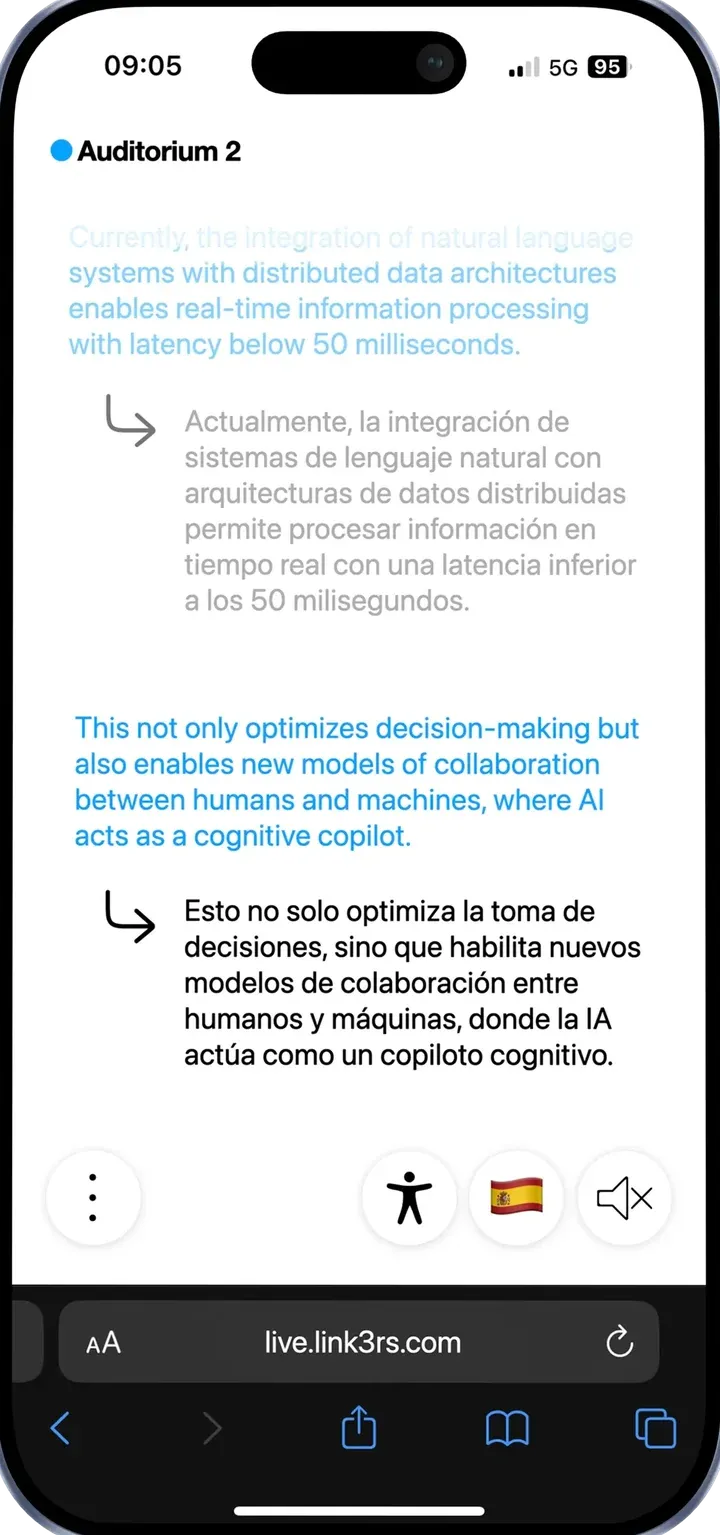
The original and the translation side by side, to compare or to learn.
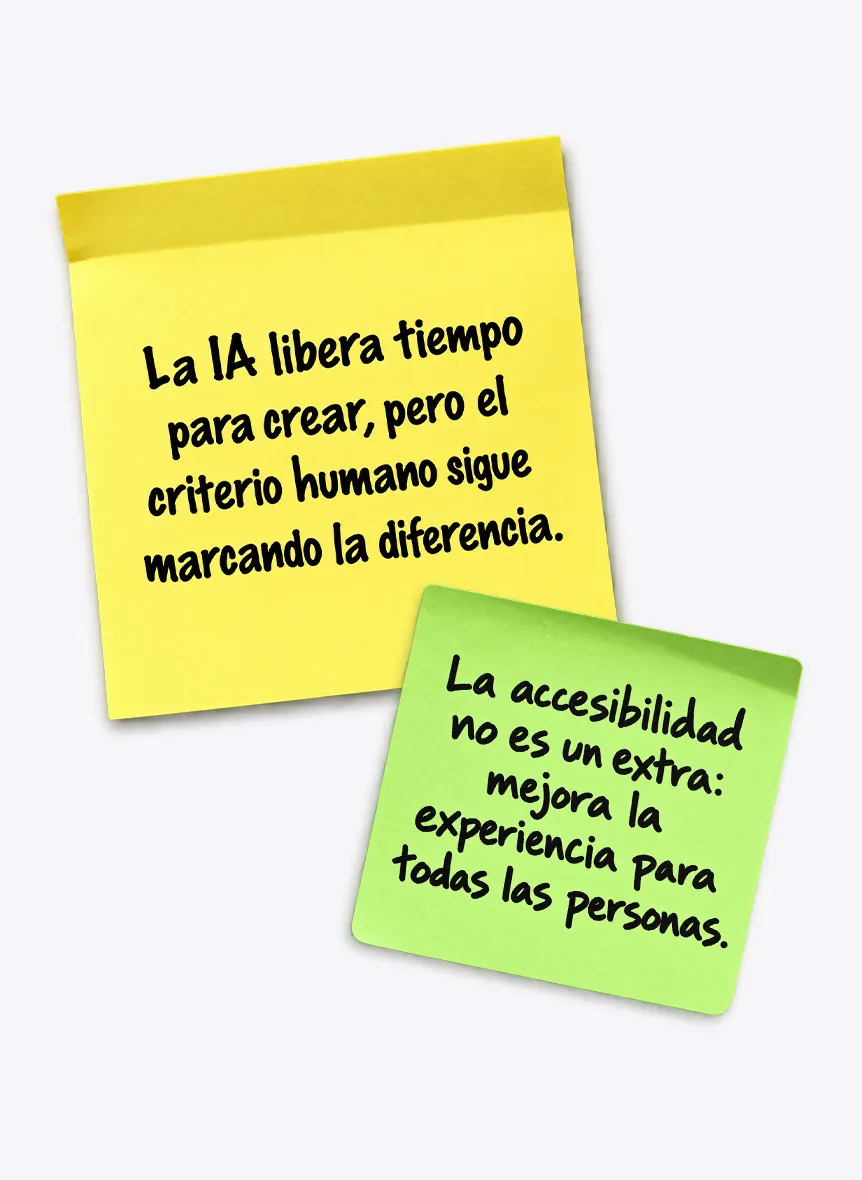
Insights turns what's said into notes as the session goes on. One tap sends them to your inbox.
Captions
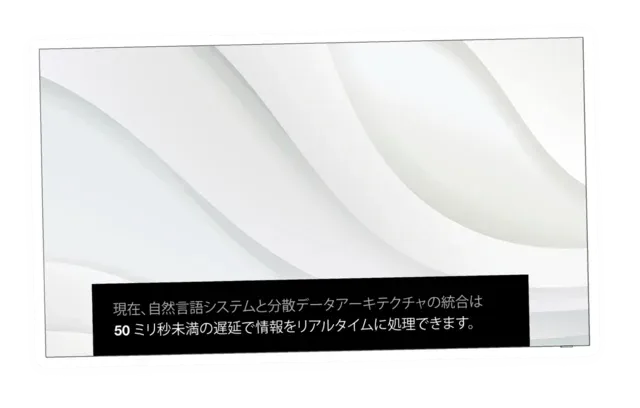
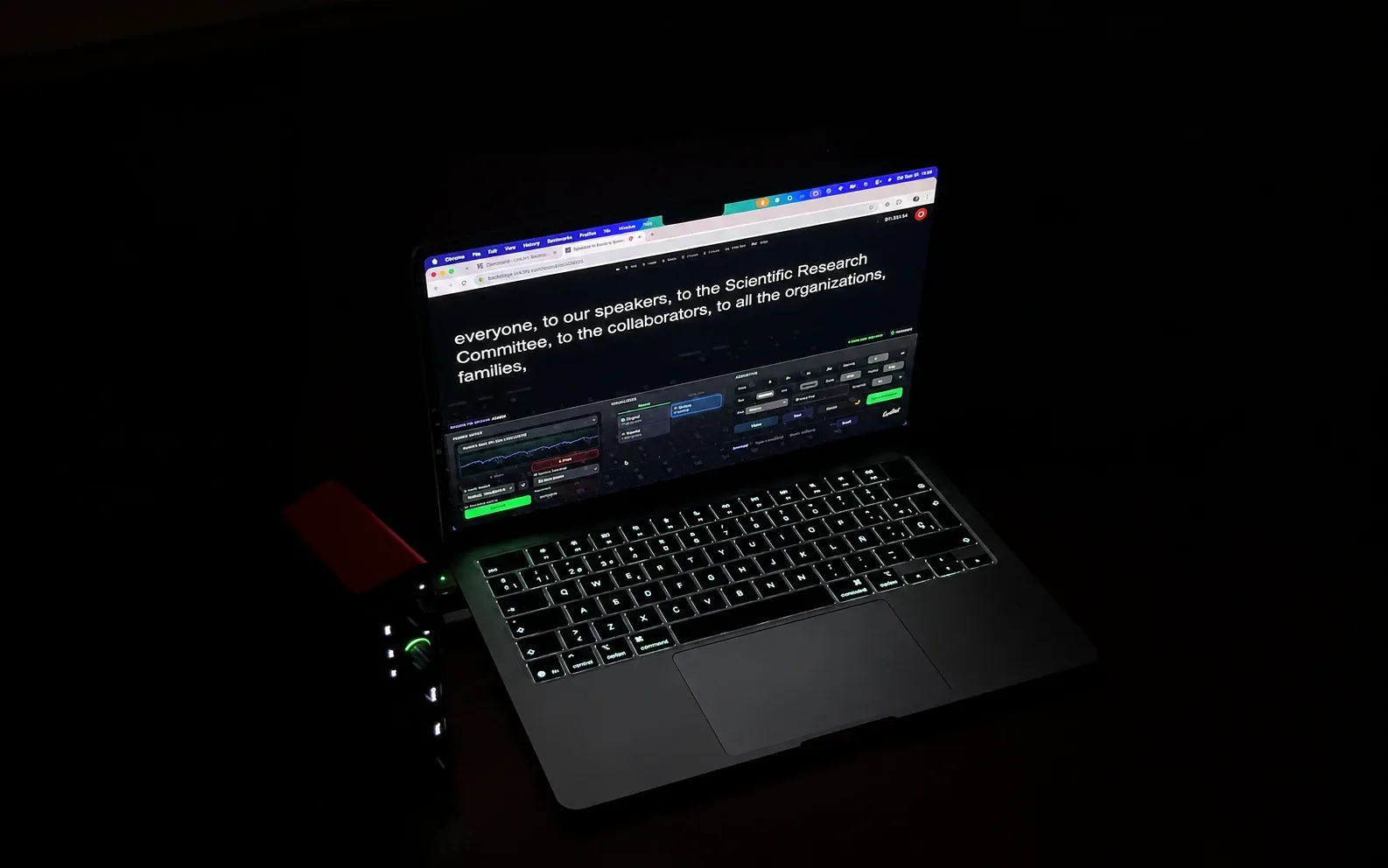
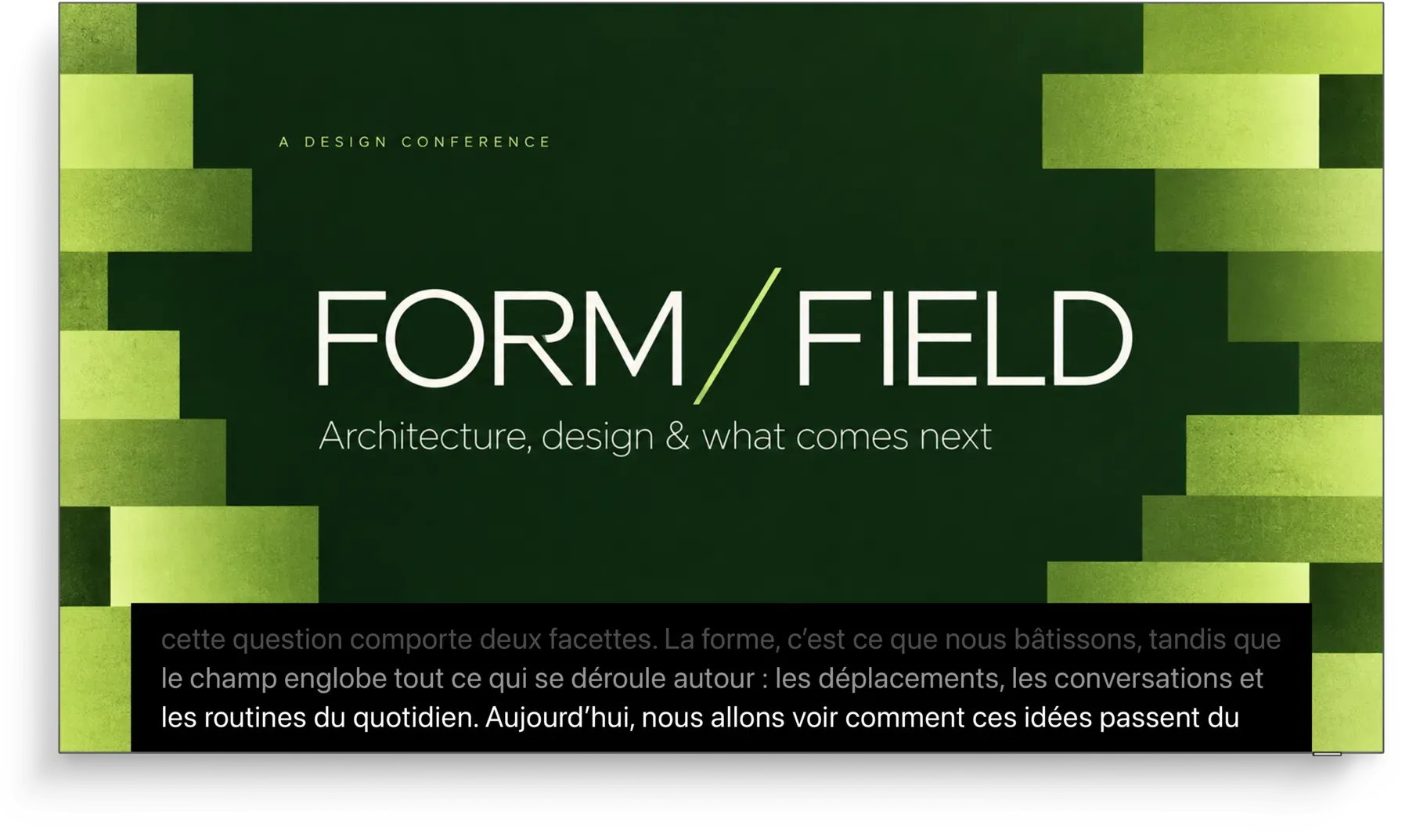
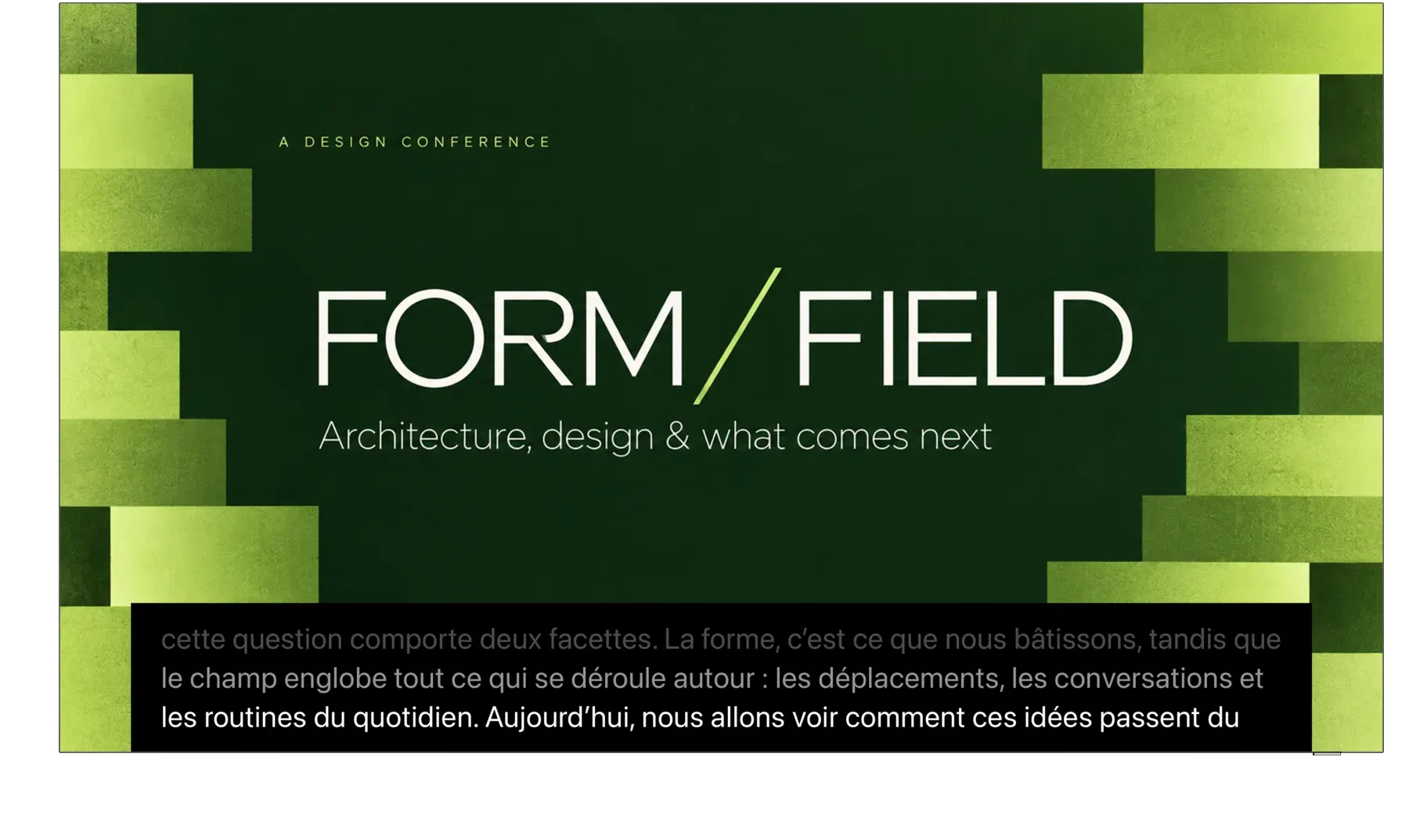
What the speaker says appears live on your main screen, your side screens or a strip: in the original language, translated, or both.
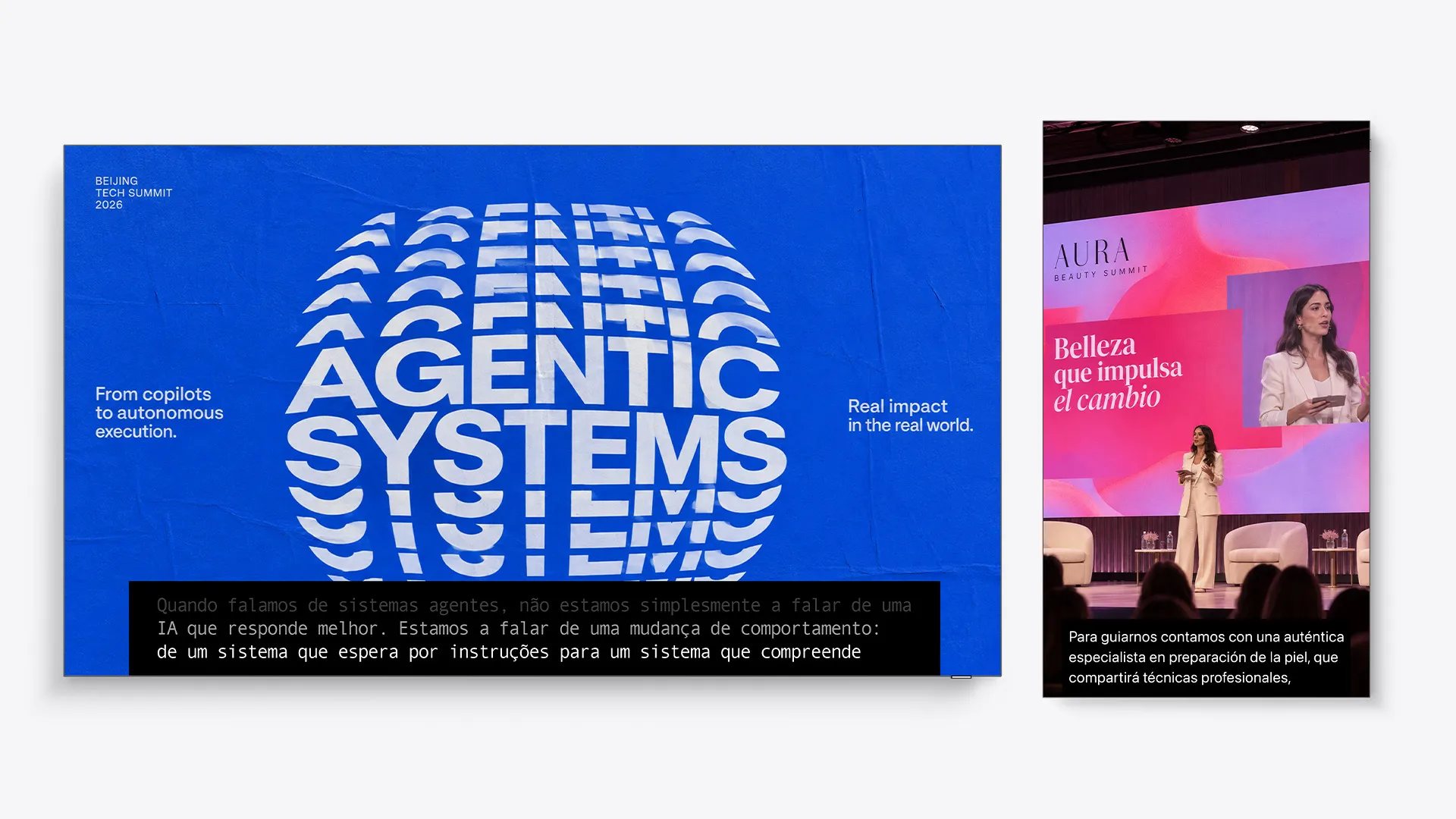
Made for your stage.
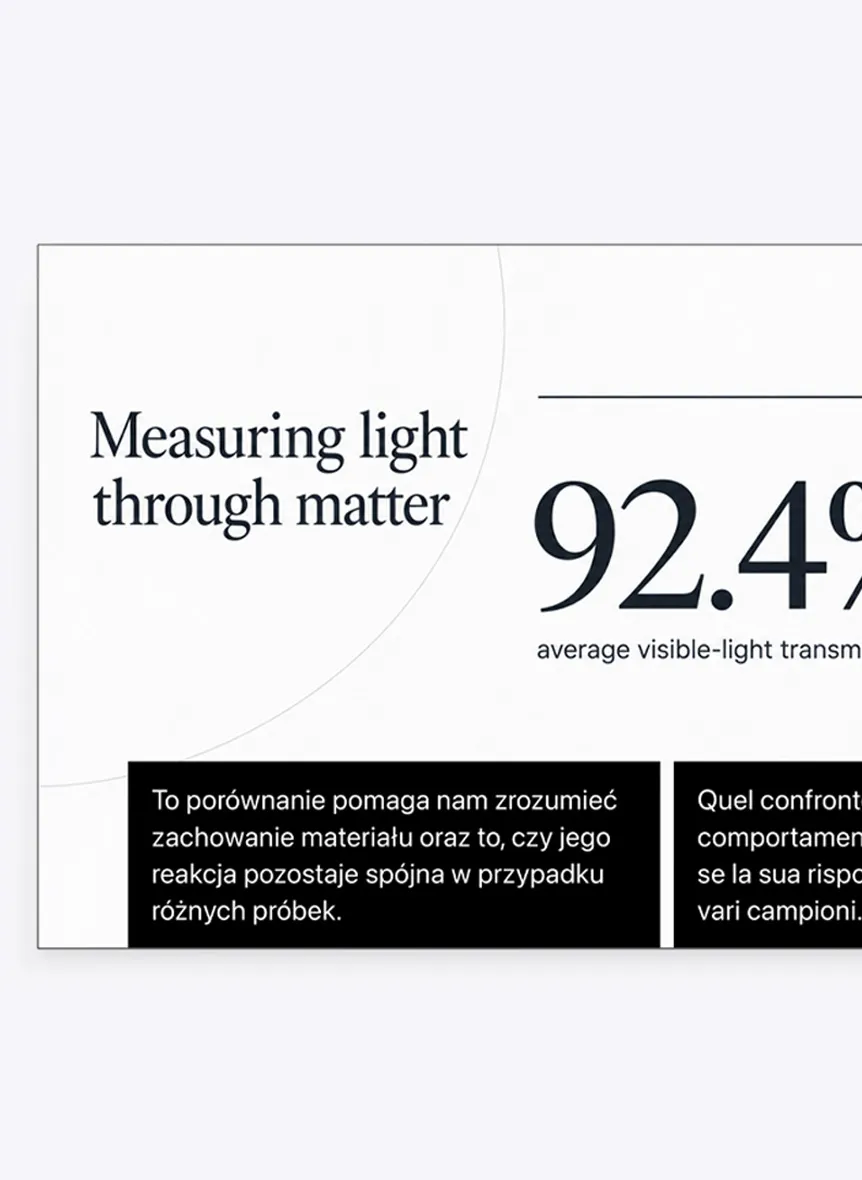
Original or translated
The speaker's language, the room's, or two at once on the same screen.
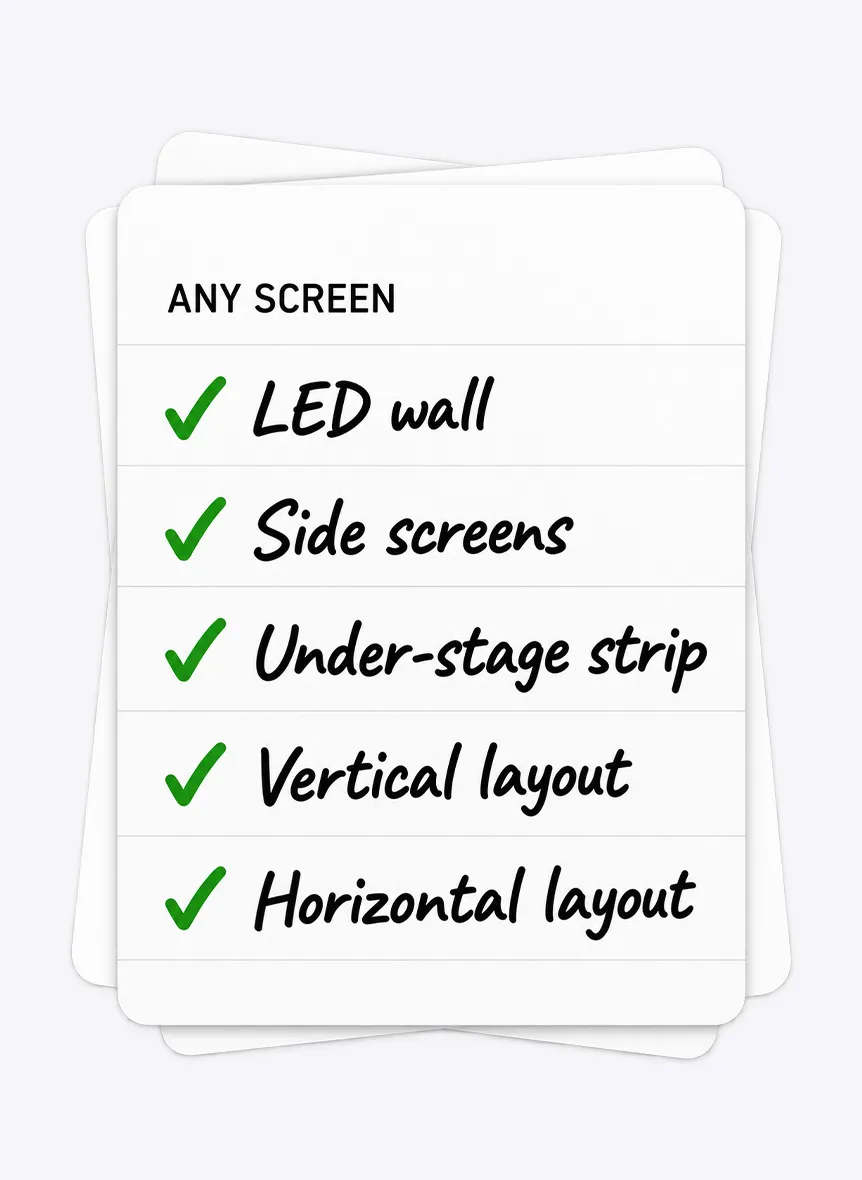
Any screen
LED wall, side screens or a strip under the stage.
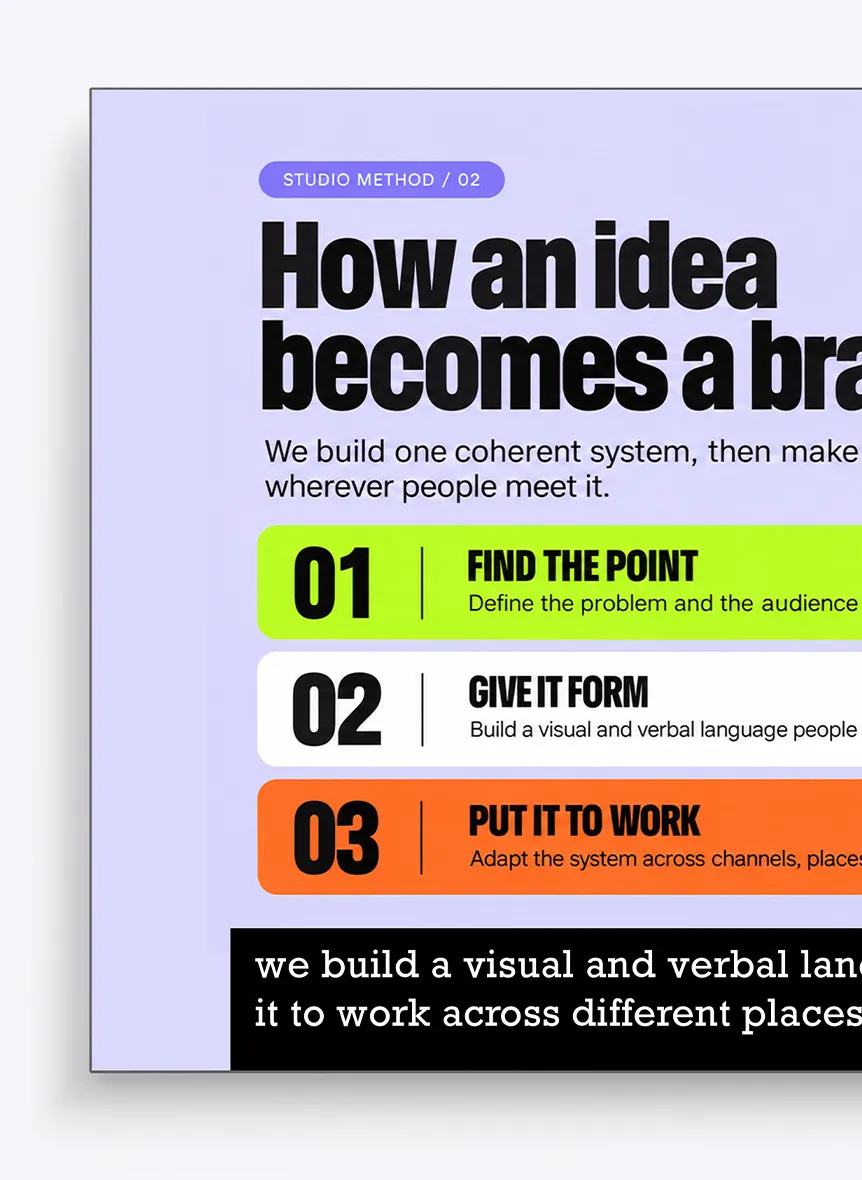
In your event's look
Fonts, colours and position that match your screens and brand.
Easy to follow
Two or three lines at a time, with a soft fade if you want it.
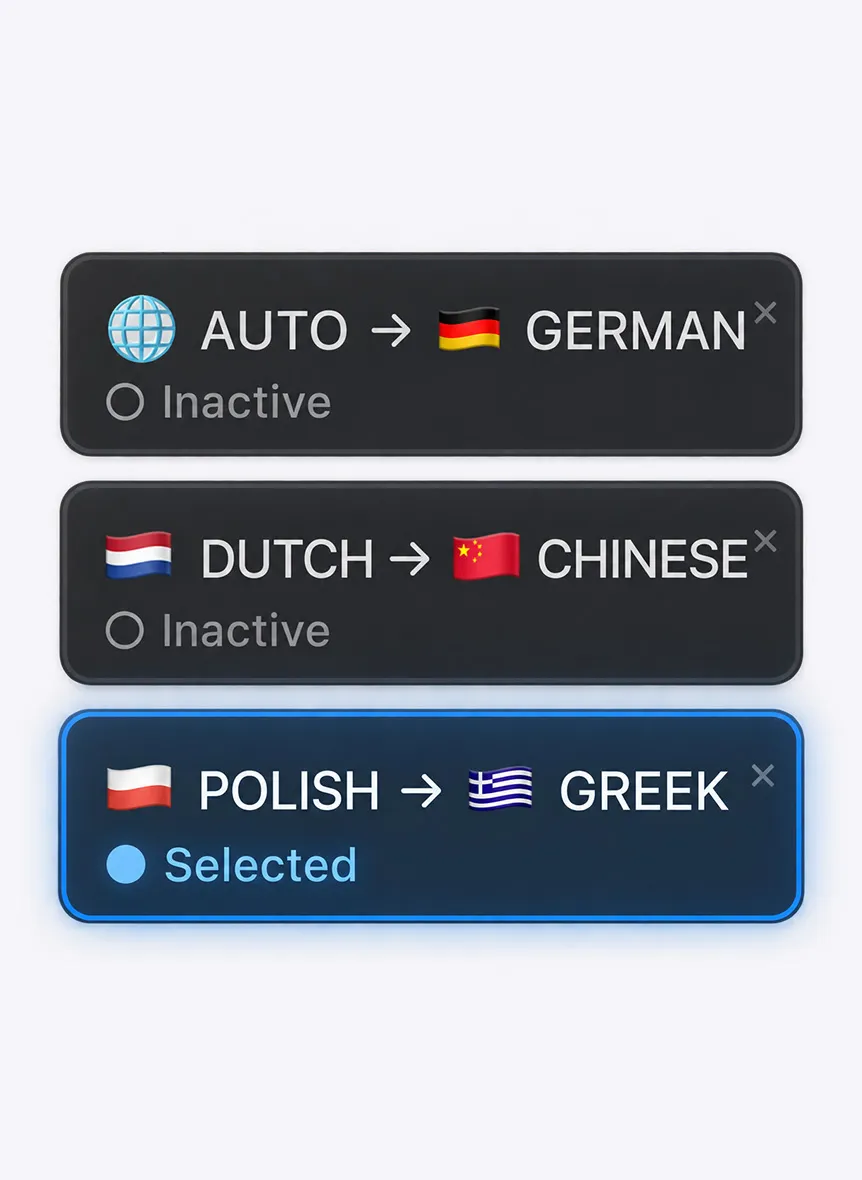
Up to four languages
Each language gets its own caption strip, all at the same time.
See it on your stage.
Change the settings to preview how captions look in the room.
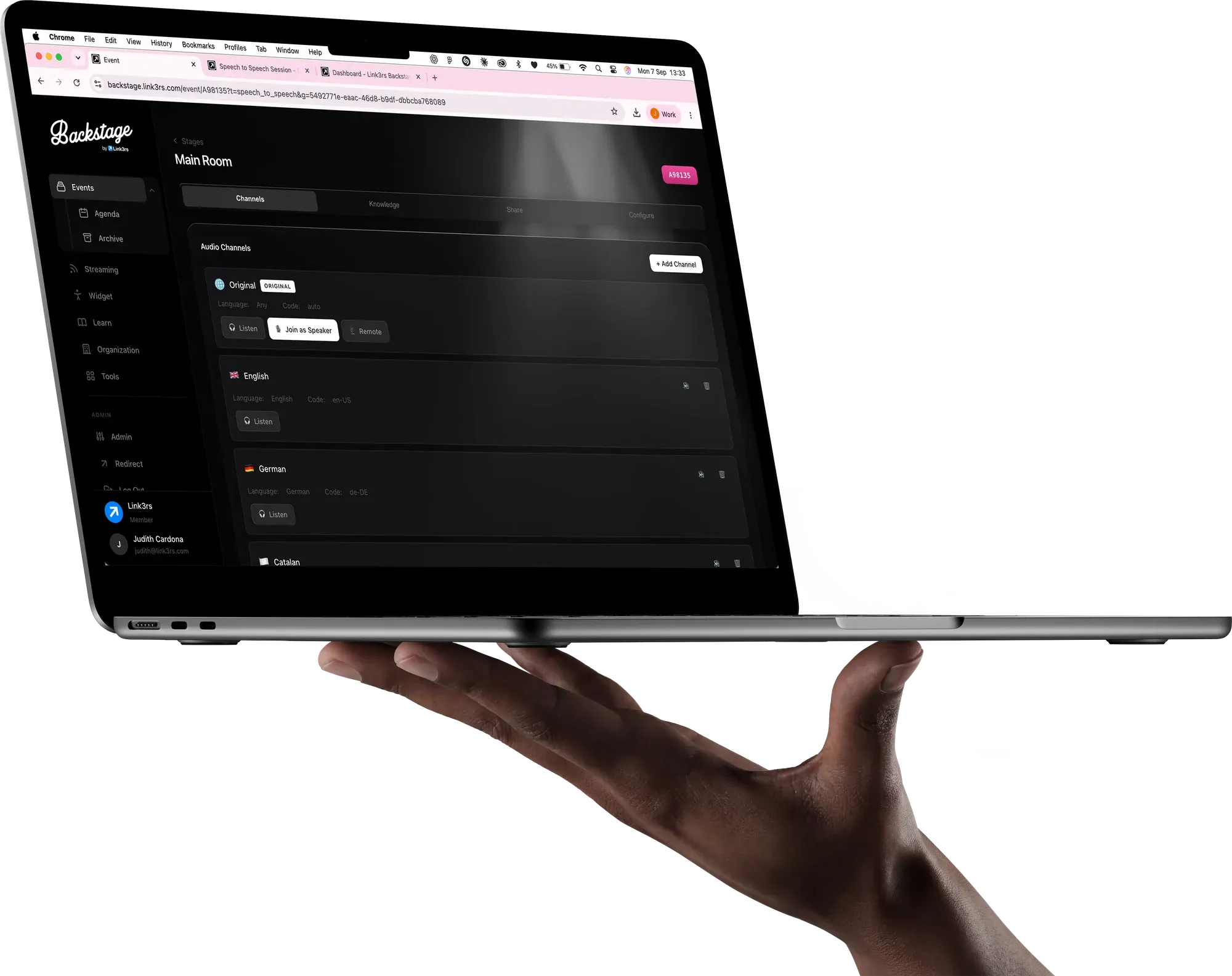
Backstage, behind every session.
Rooms, languages and screens, set up from one place: by you, or by our team.
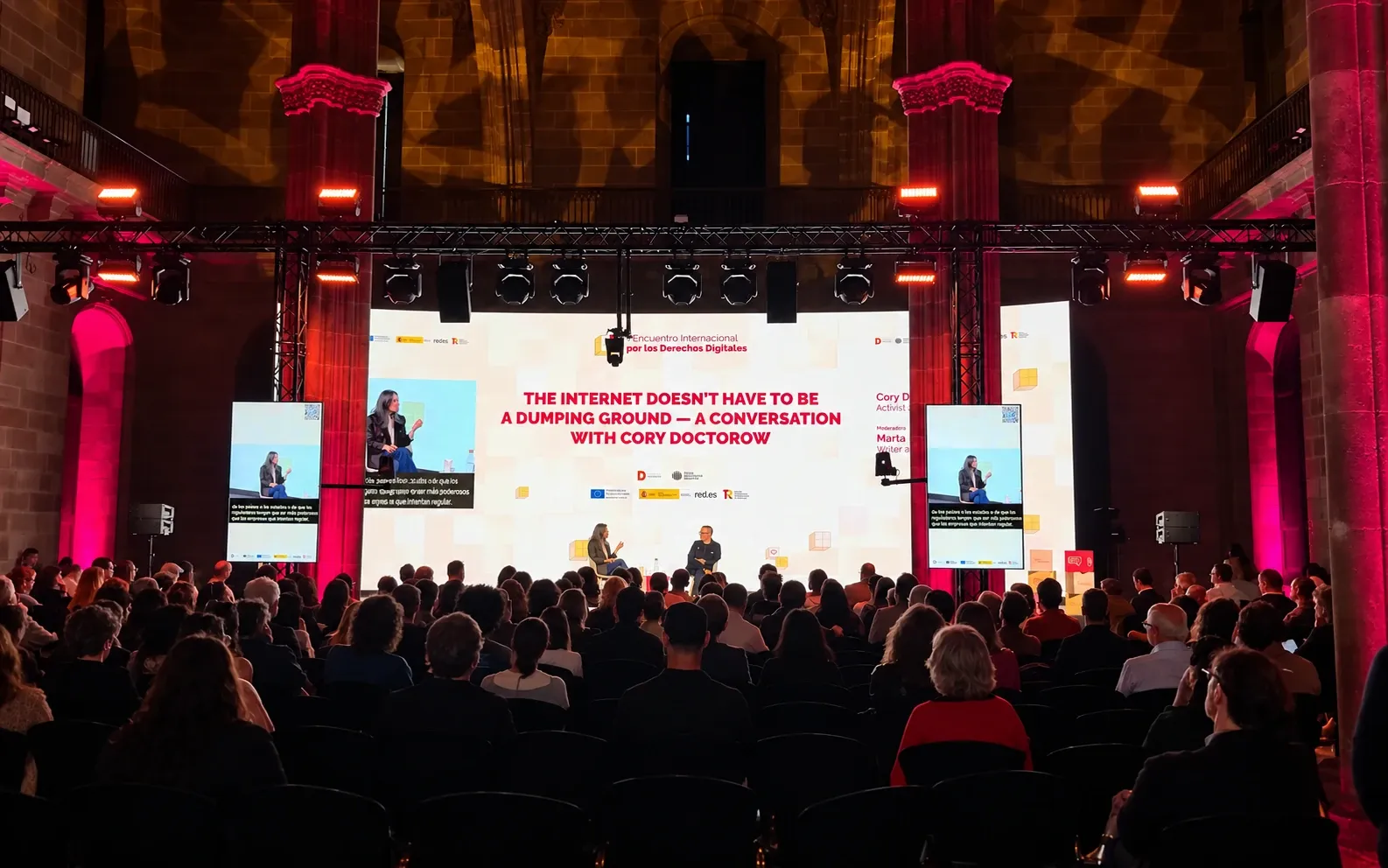
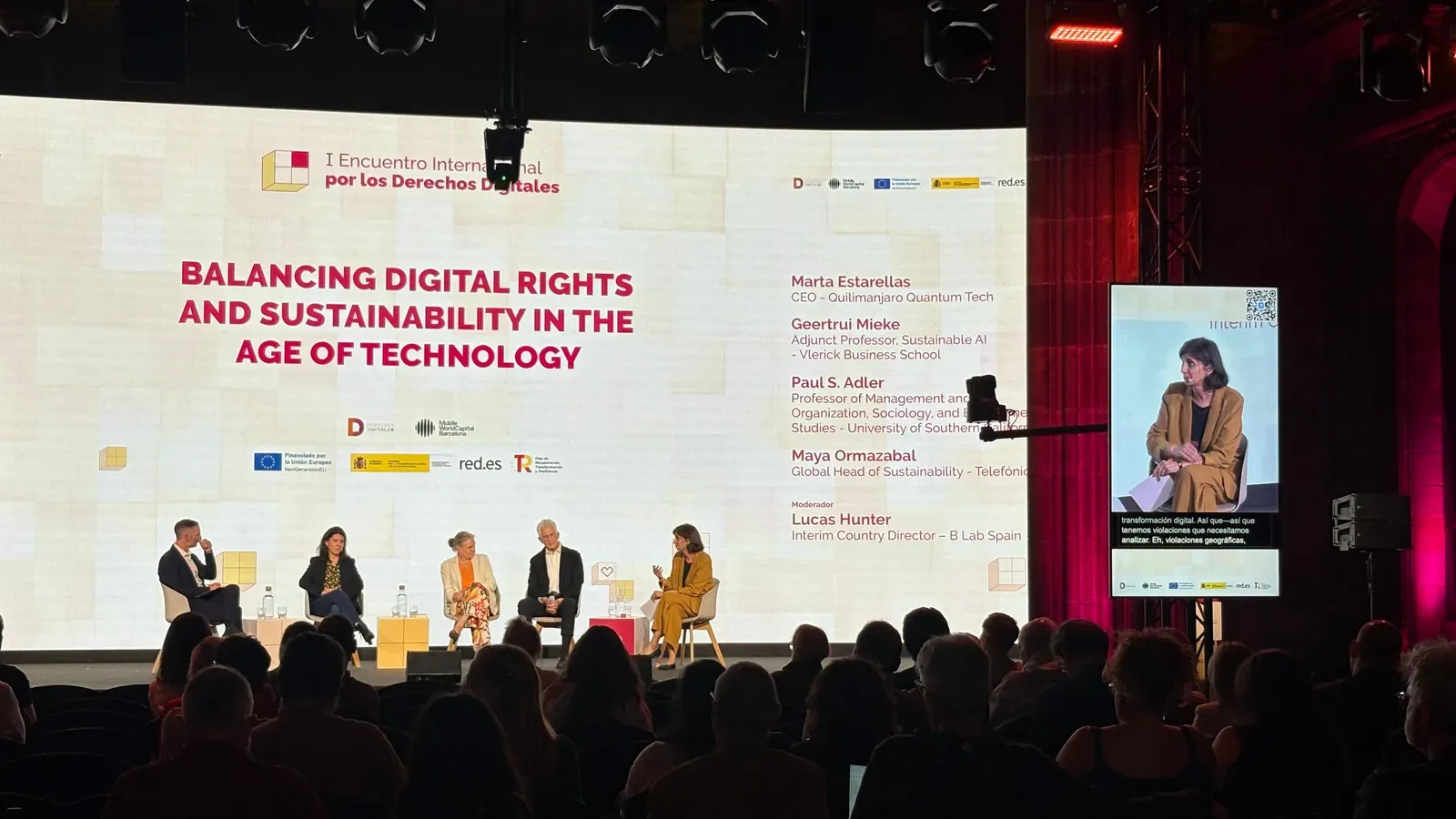
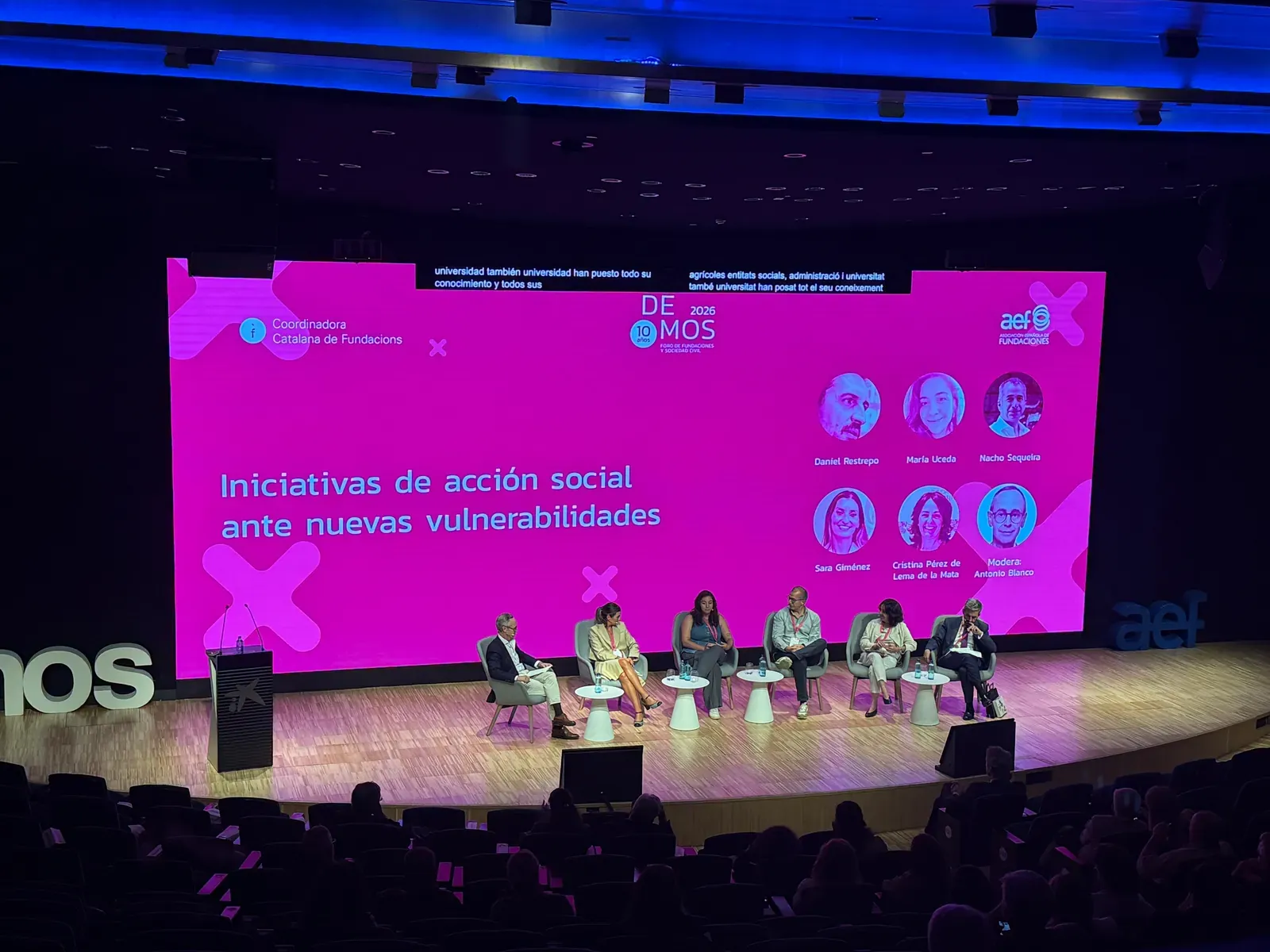
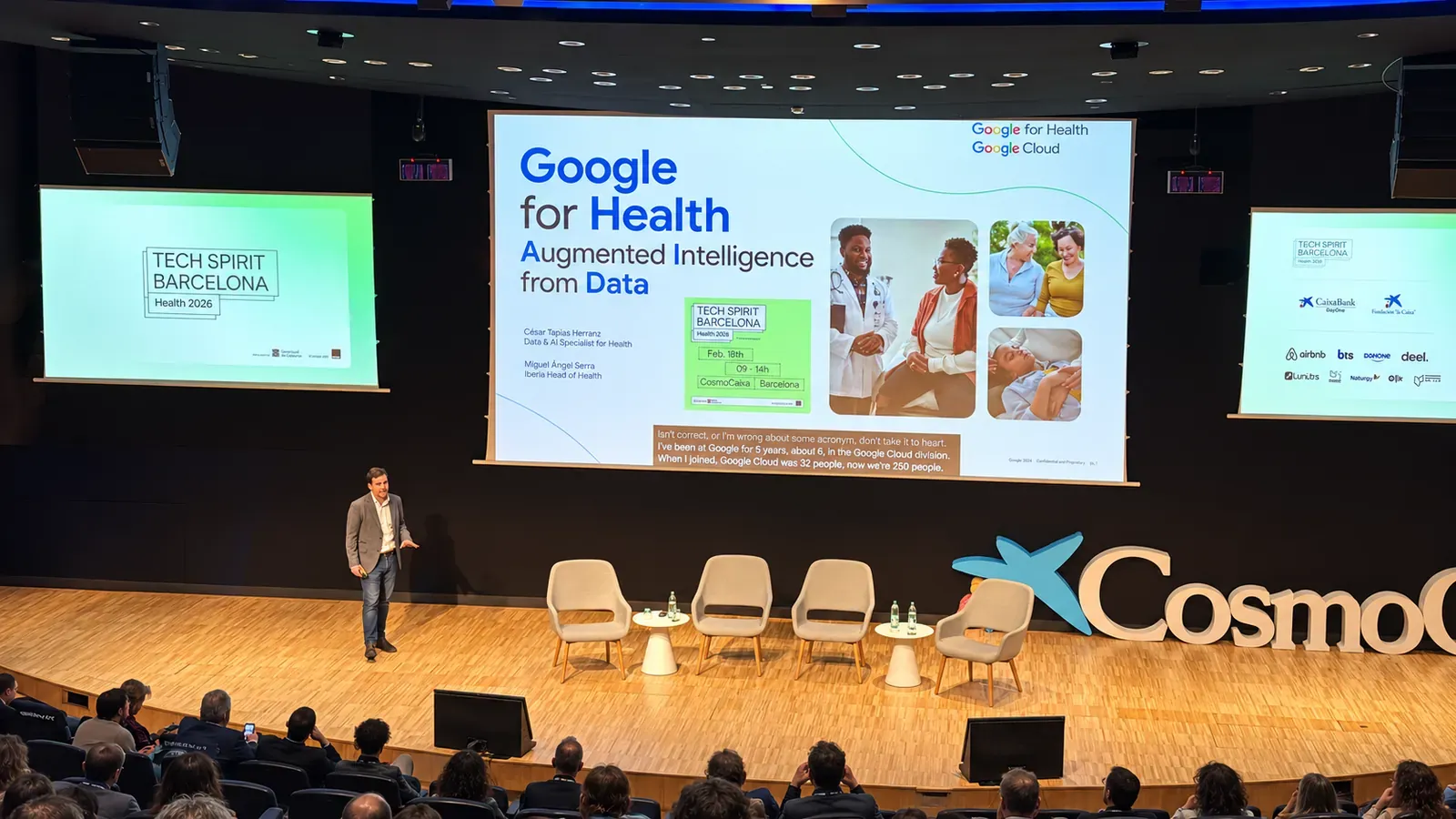
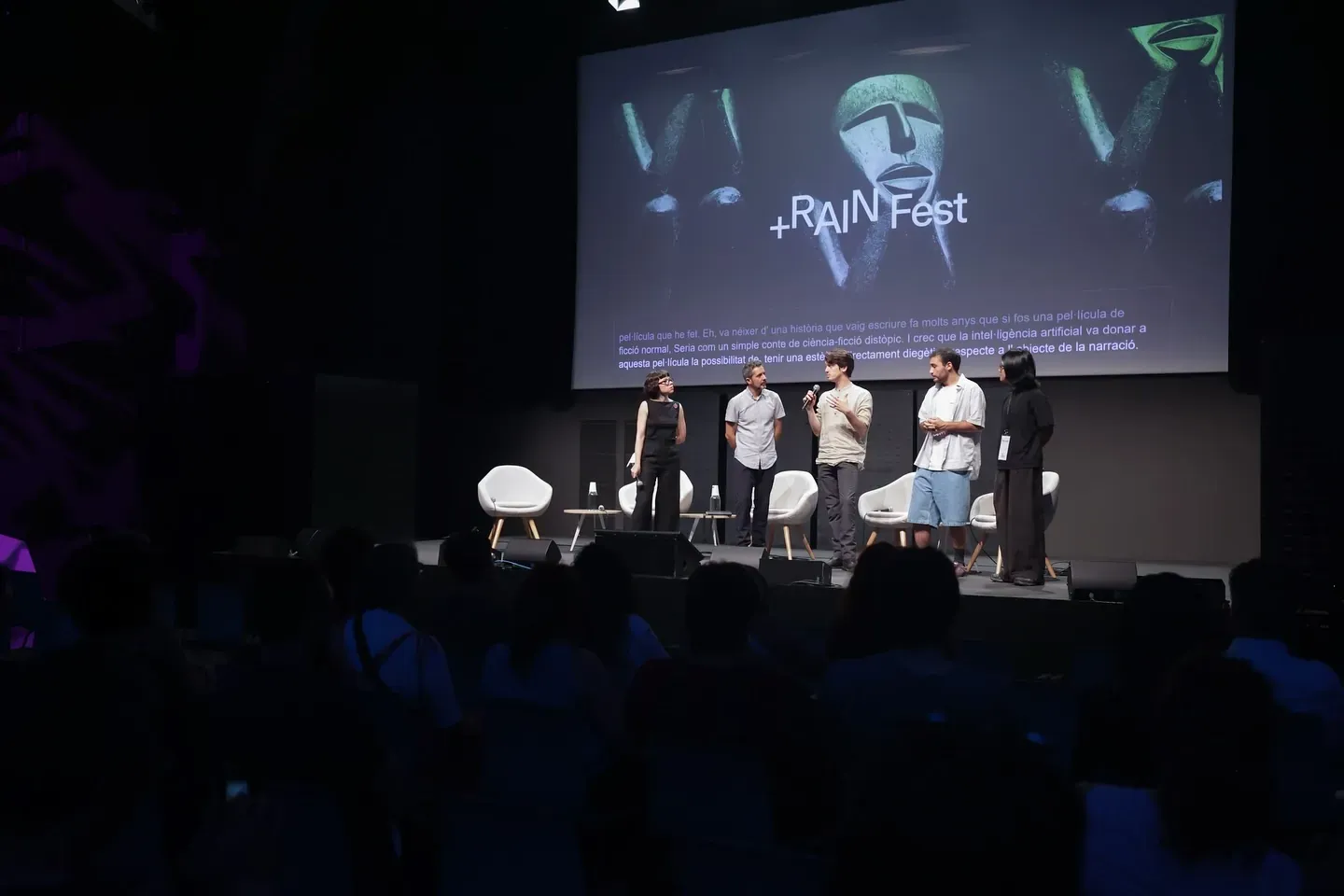
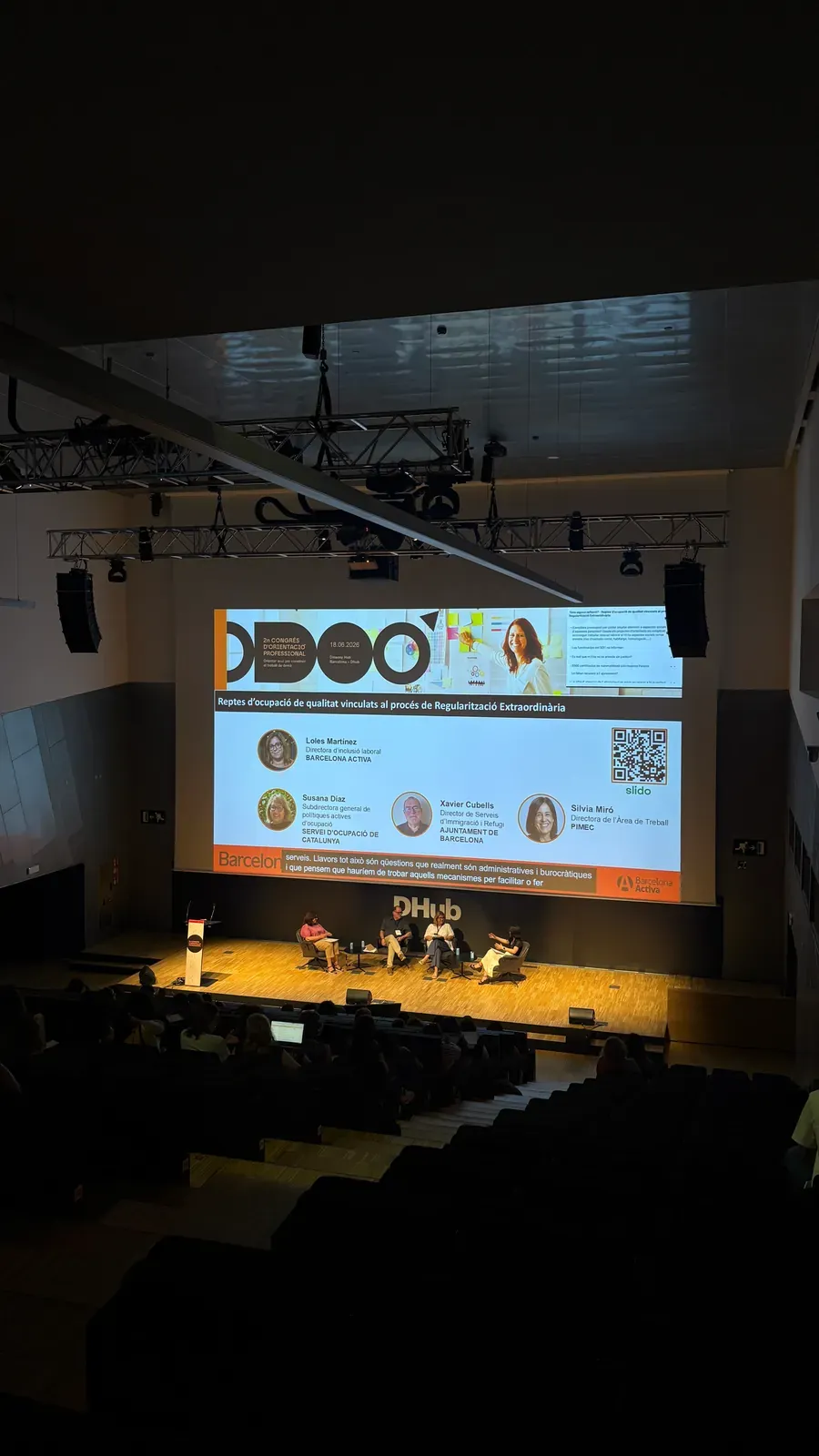
Live, at real events.
Photos from events where the audience followed the sessions in their own language.
Move the photo with the arrow keys.
Let's talk.
An event, a venue or just an idea: tell us about it and we'll get back to you.