
Contact Us

Backstage.The control room of Live.

Set up rooms and languages, press Start and follow every session from one place.

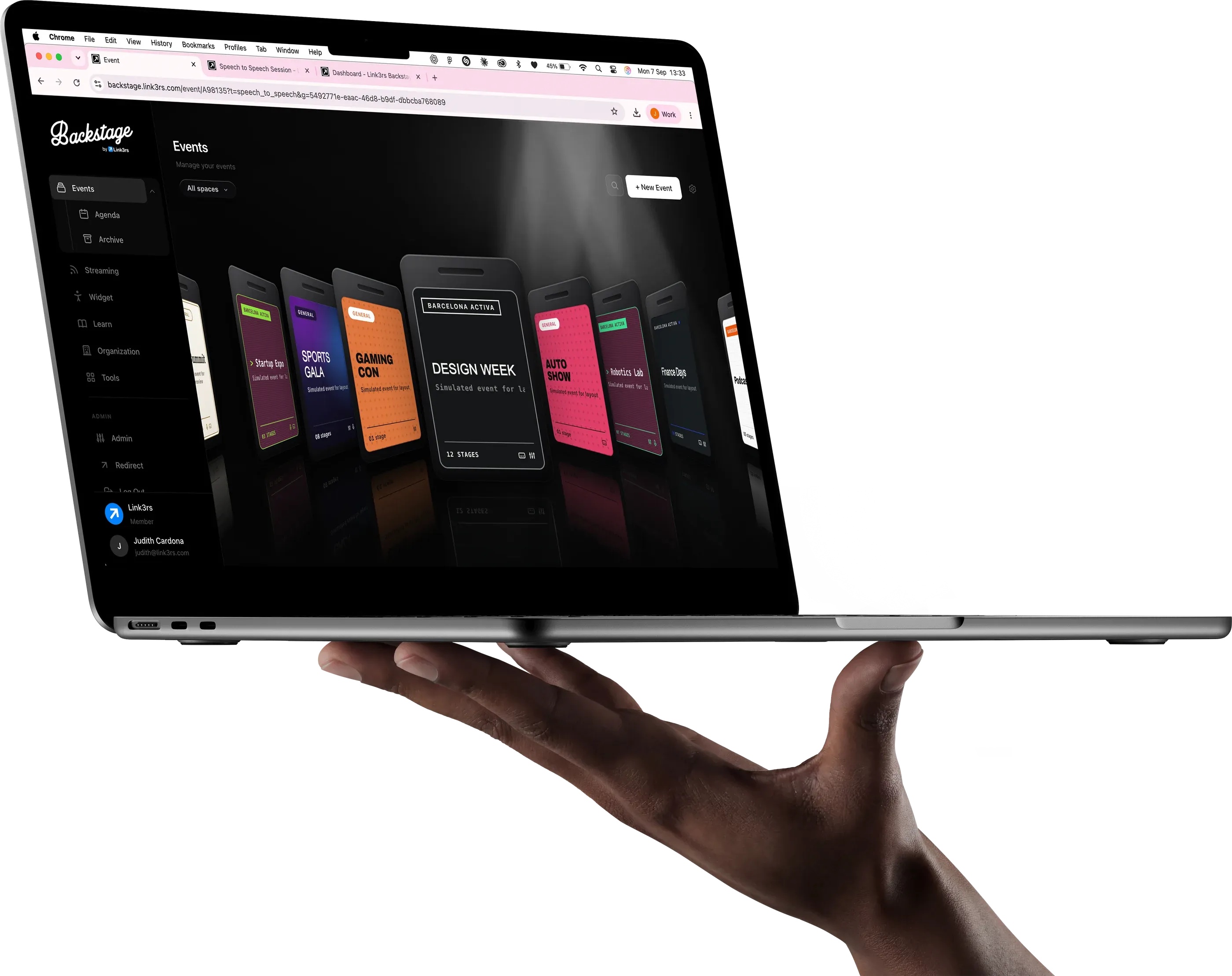
A laptop held in one hand, with Backstage open on the events list

Four ways to run an event.

One platform, four modes, and Slides on the way. You choose one when you create the room.

Captions

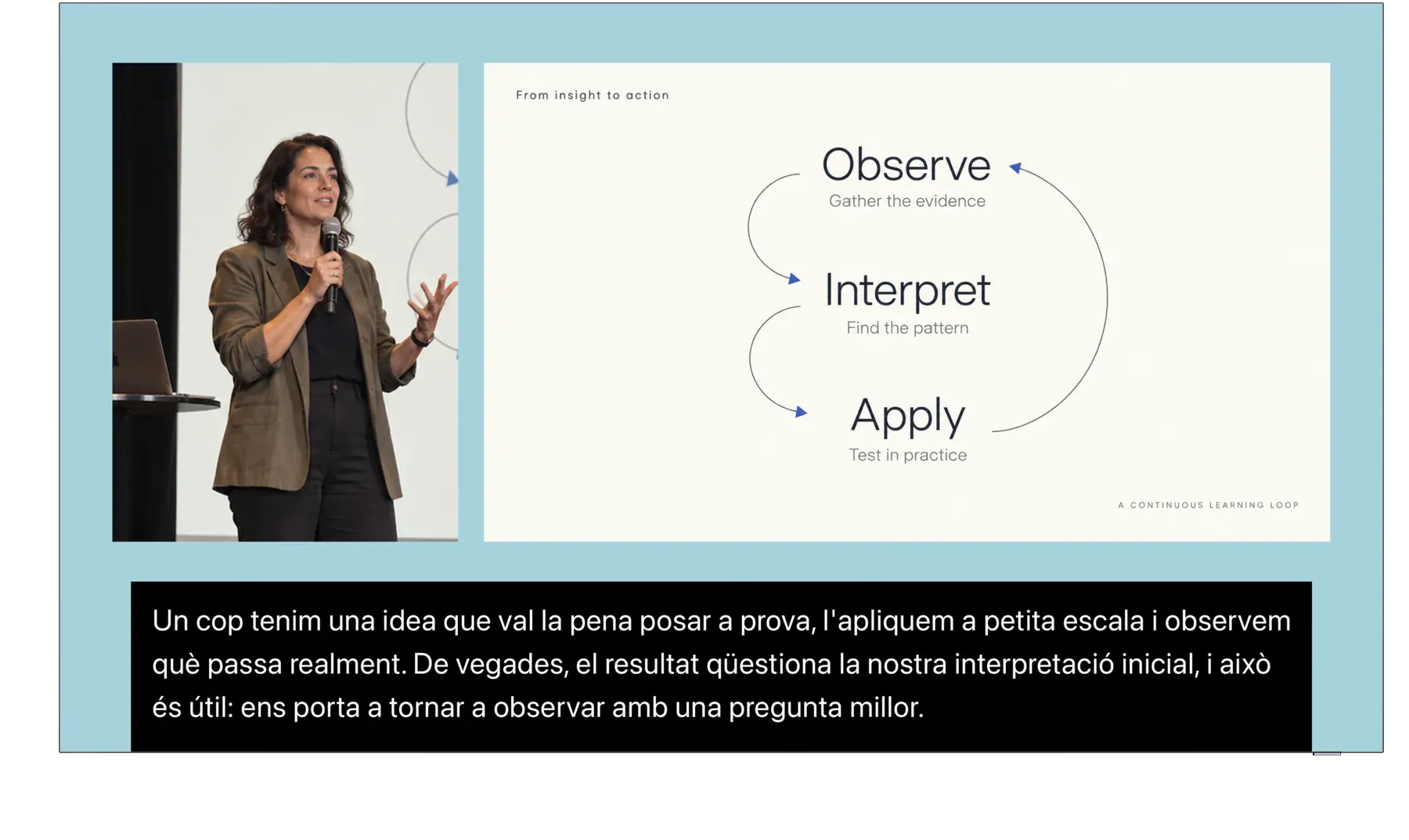
The text on the room's screen.

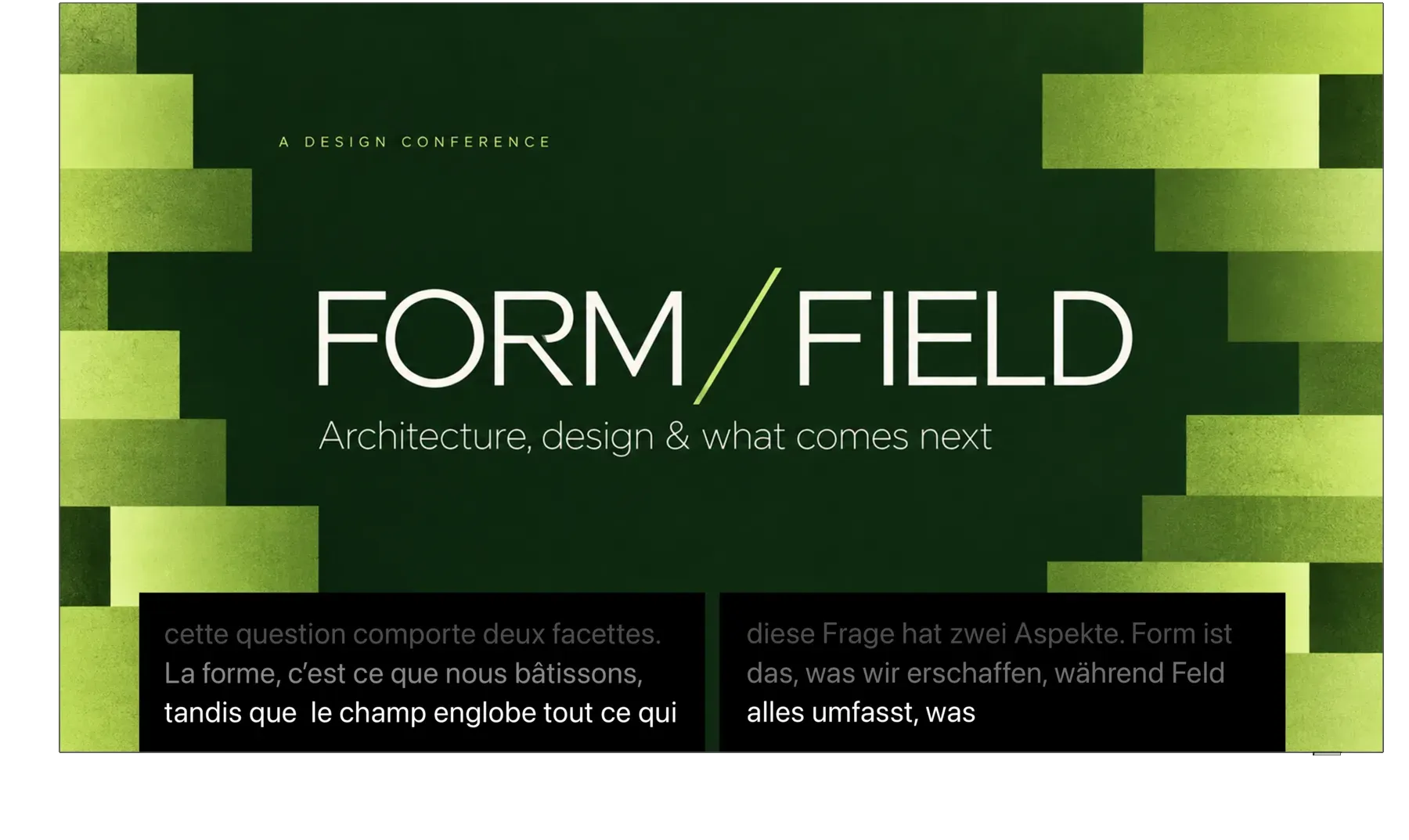
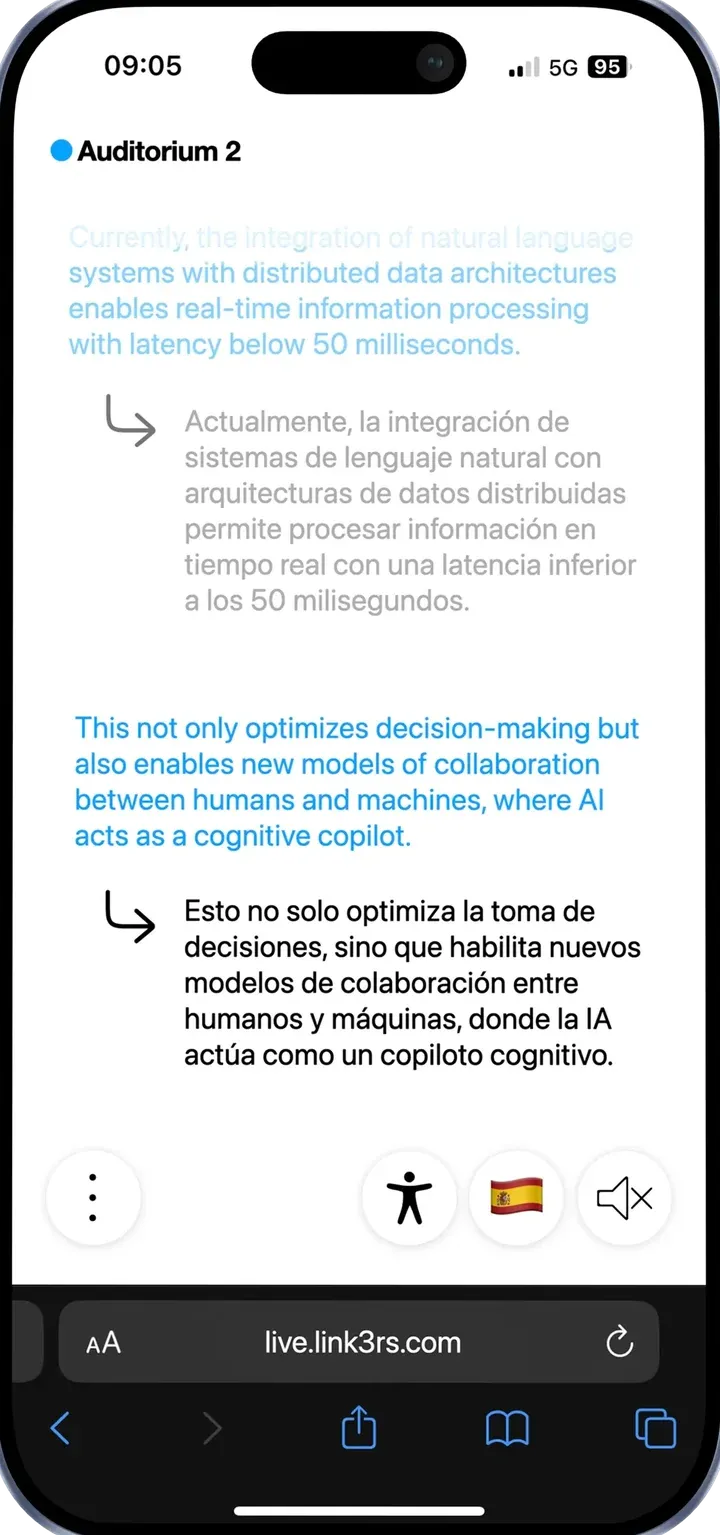
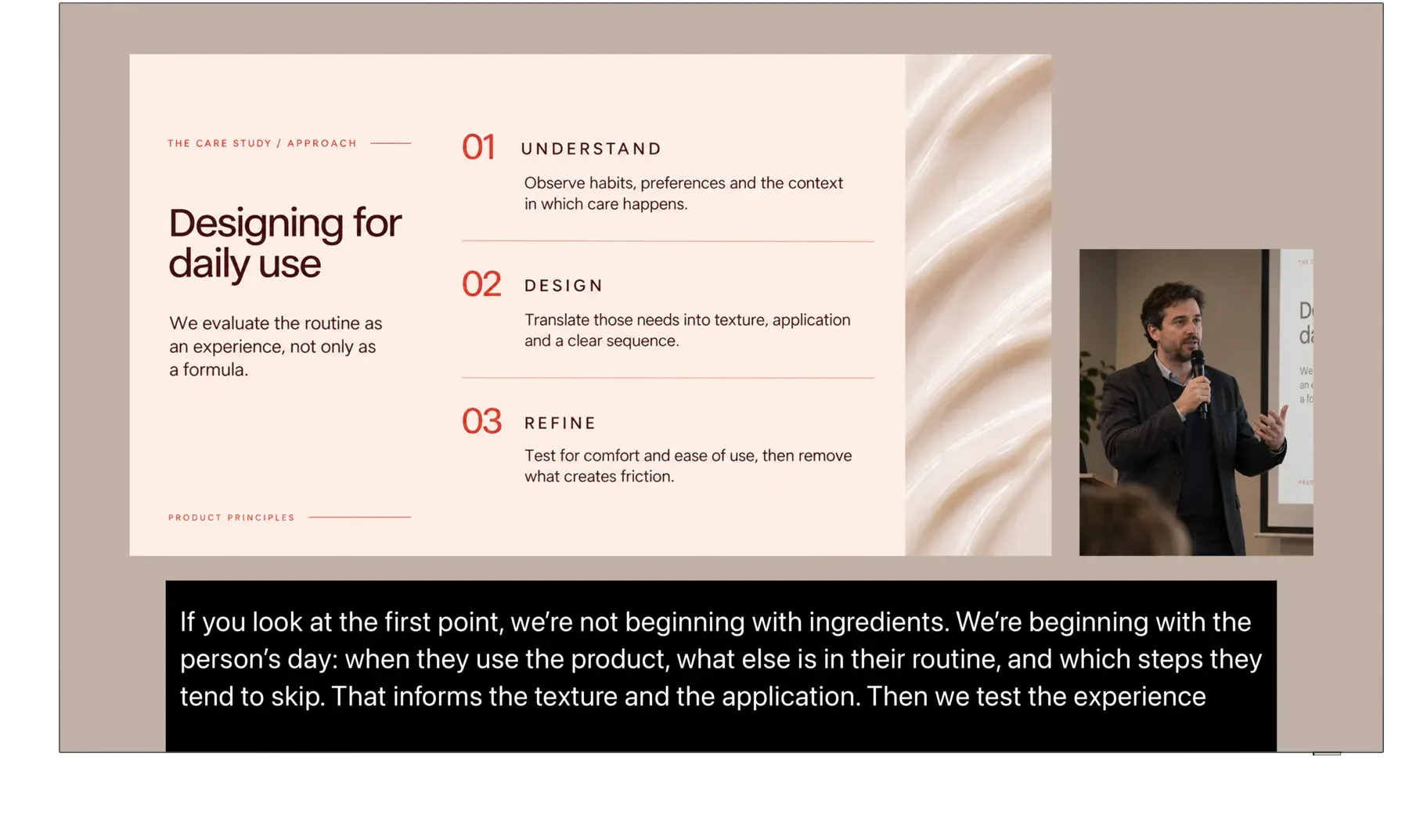
One microphone and one screen. Press Start and the captions appear on the screen. Up to four languages at once, in four bands, with one microphone and one operator.

  • One microphone
  • One operator
  • Up to 4 languages at once

Conditionals

The bilingual panel.

You don't choose the source language. You set a pair. If the speaker switches to English, the captions switch to Spanish. Nobody touches the selector.

  • You set a pair
  • It switches by itself
  • Nobody touches the selector

Speech to Speech

The voice, not the text.

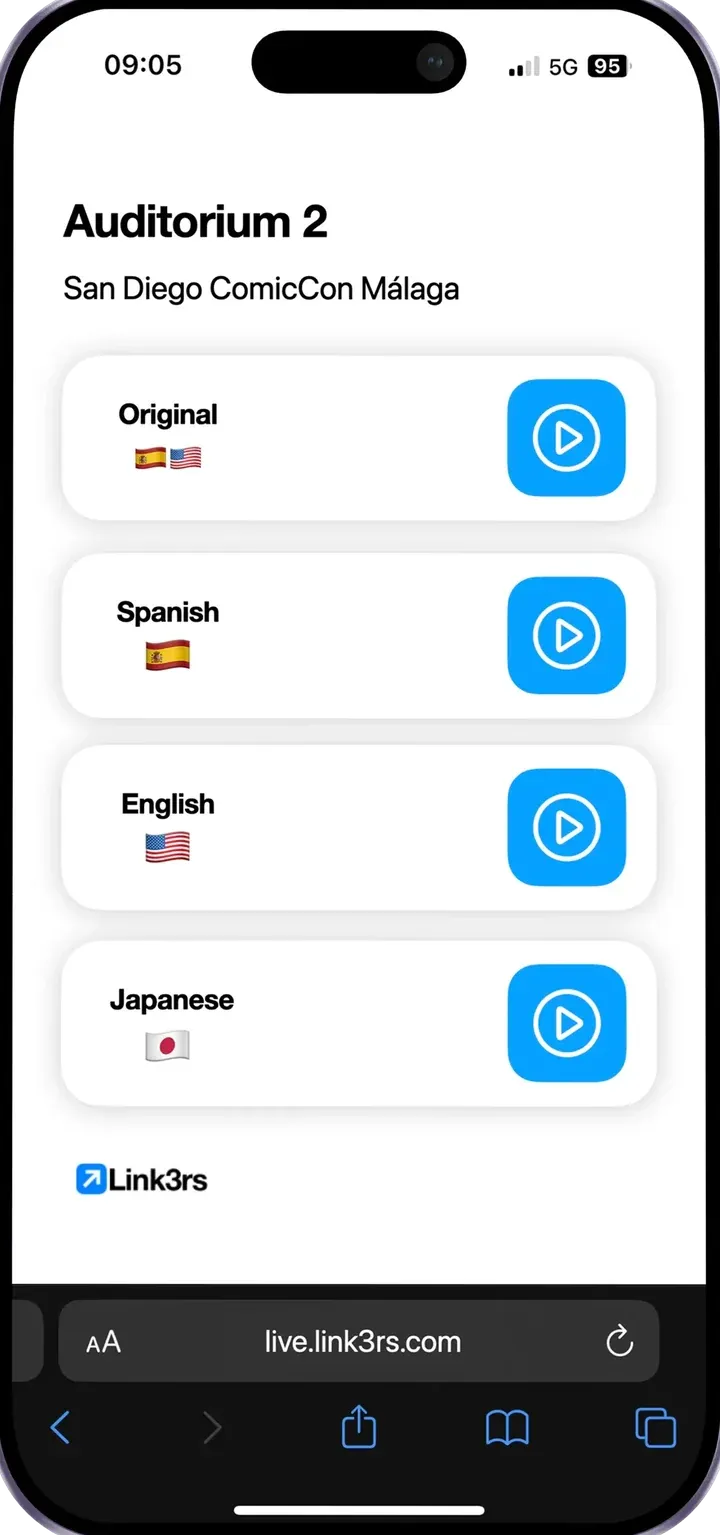
The audience doesn't read: they listen. A translated voice, one channel per language, in their own headphones. No more infrared receivers and interpreting booths.

  • One channel per language
  • In their own headphones
  • No receivers or booths

Mixer

For the room that already has a desk.

Real inputs and outputs. Each output chooses where it comes from, whether it translates or passes through, and where it goes: to the production sound card, to the audience's phones, or both. The platform joins your signal chain instead of fighting it.

  • Real inputs and outputs
  • Translate or pass through
  • To the sound card, phones or both

SlidesComing soon

The show that follows itself.

Import the script, split it into slides and translate it. During the show, an agent listens to the room and moves to the right slide at the right moment. The operator no longer has to press the arrow.

  • Import the script
  • It translates it
  • It moves the slides by itself

Setting up an event

From zero to on air.

  1. Create the event.

  2. Choose the room type.

  3. Plug in the mic.

  4. Press Start.

Crosscheck

And before you start,ask about the room.

One button checks what really breaks events: the venue's network, latency, the microphone, whether the hotel Wi-Fi lets through what it needs to. Twenty minutes before, while it can still be fixed.

  • Venue network
  • Latency
  • Microphone
  • Hotel Wi-Fi

Console on your phone

You don't have to stay seated: the whole console goes in your pocket.

The whole console fits on your phone. Upright, it's the console; turn it sideways and it's the preset board. You can stand at the back of the room, hear in your headphones what is really coming in, and switch languages from there.

Set it up.It runs on its own.

Knowledge

Everything it needs to know, before the first word.

Drag & drop your files with your knowledge

Each talk has its own glossary.

The speaker, their company and the terms of their field: each talk keeps its own, so its captions, interpretation and summary get them right.

The event ends.The content begins.

  1. As soon as someone presses Stop, the event is split into talks, named and trimmed, and out come chapters, summaries, ideas and pieces ready to publish. The operator packs up and leaves.

  2. Everything that's generated goes through a checker that takes every quotation and looks for it in the transcript. If it isn't there, that piece doesn't go out. Anything that carries a real person's name has to have been said by that person.

  3. The platform suggests who each voice is, with the exact sentence from the event that backs it up. It suggests. It doesn't fill in. The difference matters when that name ends up in a press release.

  4. When it stops, a delivery certificate is issued automatically: by channel and language, how much was delivered, how much dropped and how much was paused on purpose. The answer to “did it work?” without having to take anyone's word for it.

Every detail, taken care of.

Organization, Space, Event, Room.

Each venue sees only its own, and the database decides that, not the screen.

Organization. Your company or institution. Everything else hangs from it.

Tap a level to see what it is.

Attendees get in with a code, not an account.

Each room has its own, in a QR code for the screen or the badges. Attendees scan it and they're in: no sign-up, no passwords.

It fits in where you already are.

A URL to bring the captions strip into vMix or OBS. One line of script to show the captions inside your own website's player. A key and its RTMP address to stream in without ever opening the platform.

If the quota runs out in the middle of a talk, the talk goes on.

The platform measures the overage and reports it. It never cuts off a live event.

Before, during and after.One platform.

Backstage takes your event from the first file to the final certificate.

  1. Before

    Knowledge: the context, the names and the terms, ready.

  2. During

    Four modes, and a console that runs on its own.

  3. After

    The content, checked, and a certificate of what happened.

Run your next event from Backstage.

Tell us about your event and we'll show you Backstage.

Tell us about your eventBook a demo

Book a demo

30 minutes, live, with your event in mind.

Are you organizing an event?
What type of event?
Confirmed event dates
How many attendees?
What do you want to see?
How did you hear about us?