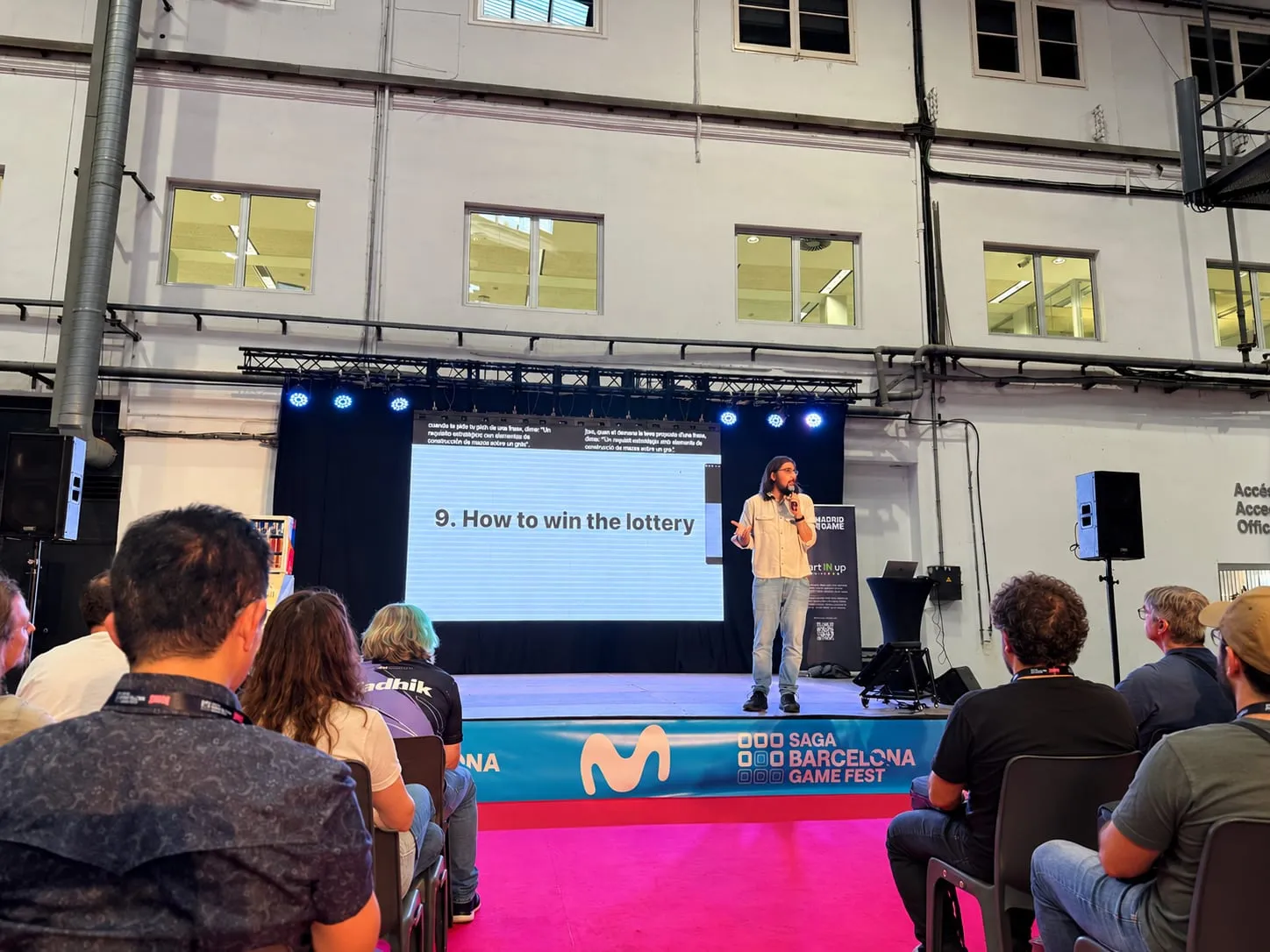
Guide
AI translation for corporate events: town halls, kick-offs and customer days
An all-hands meeting with teams from several countries, the start of the sales year or the big day for customers: how to make sure everyone follows the leadership and the speakers in their own language.
In a company with teams spread across several countries, the big gatherings face a particular challenge: the message has to land the same way for everyone. What leadership explains at a town hall, the targets of a kick-off or a presentation to customers all lose strength if part of the room only half follows them. This guide covers how we handle it with Link3rs: on each attendee’s phone, on the auditorium screens and on the company website.
Which company events call for several languages?
- All-hands meetings. Leadership speaks once and each team understands it in its own language, whether they work at headquarters or have travelled in from another office.
- Kick-offs and conventions. The start of the year or the quarter, full of targets, figures and product names nobody should miss.
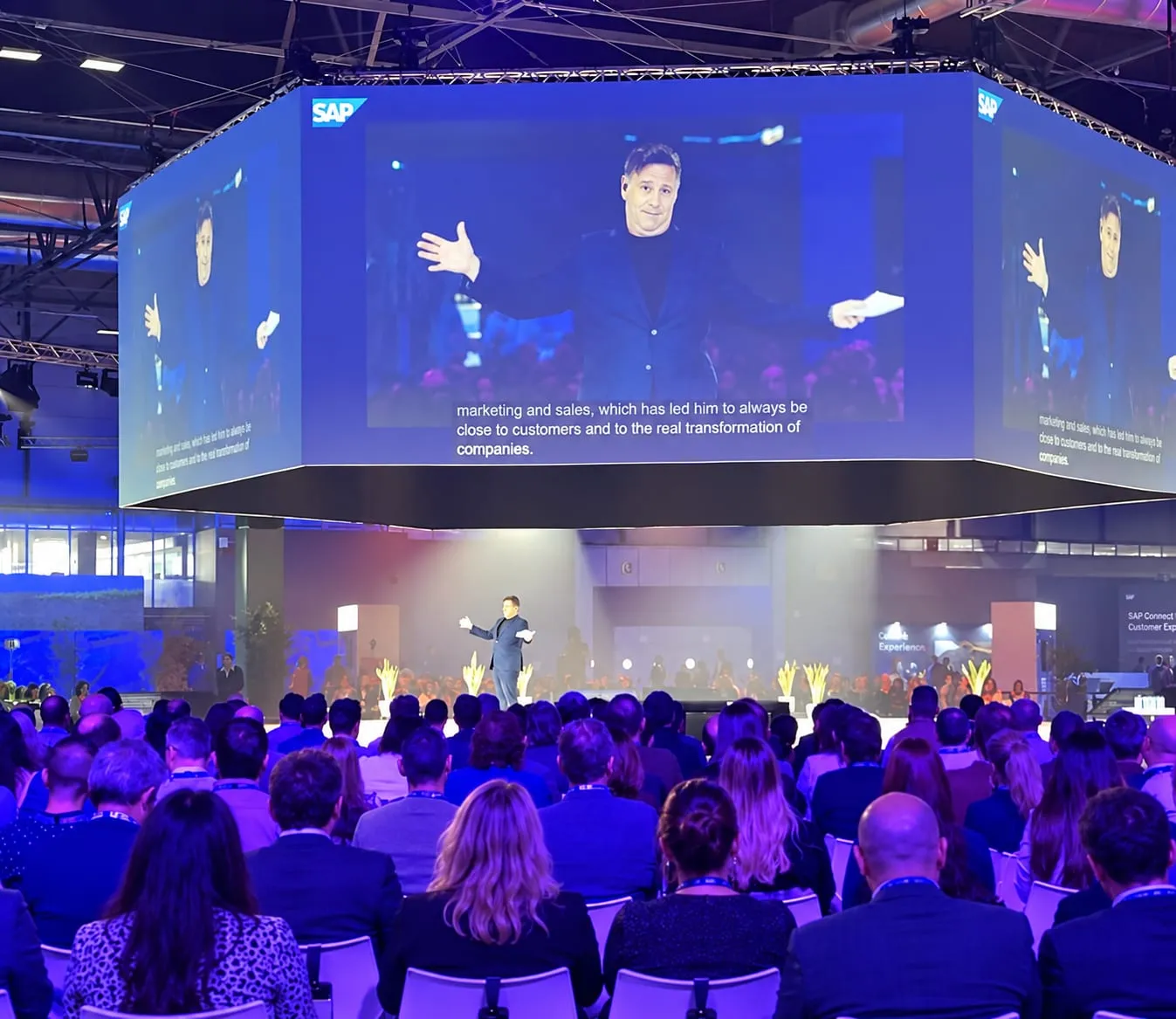
- Days for customers and partners. Like SAP Spain’s SAP Connect Day at IFEMA Madrid.
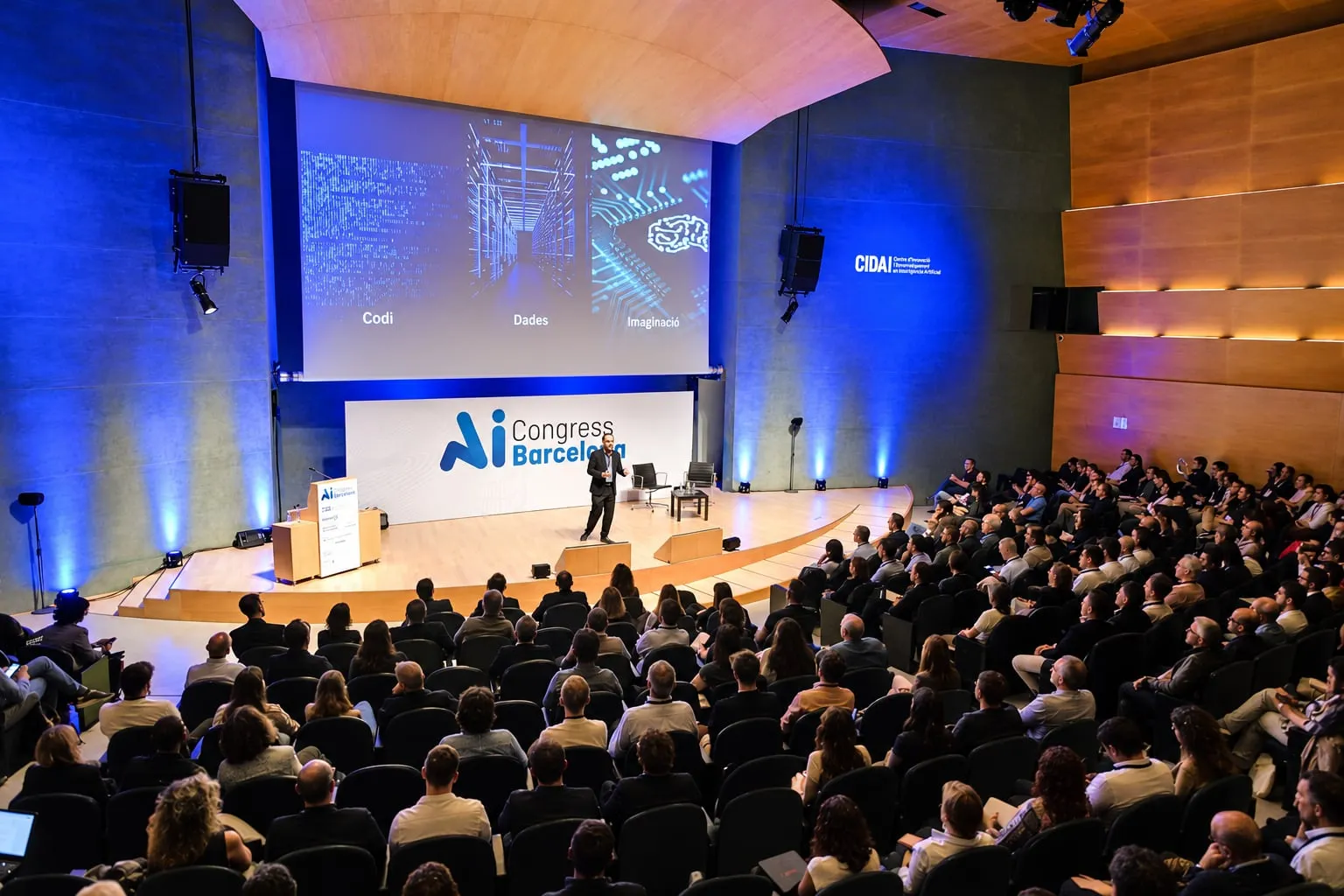
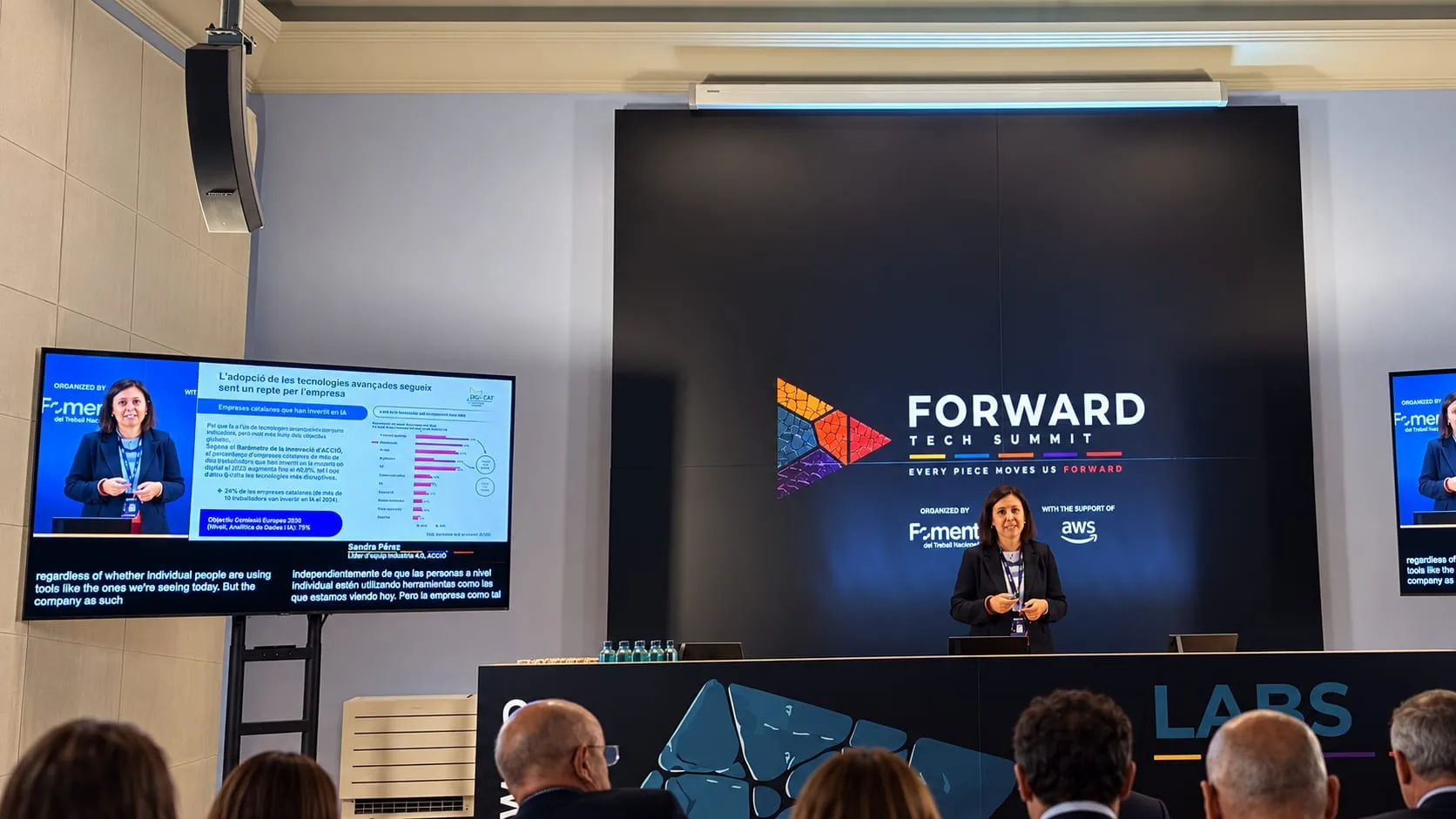
- Business congresses and forums. Like FORWARD Summit 2026, Foment del Treball’s congress on AI and business competitiveness.
How does each person follow the session?
With Speech, scanning the QR code on the screen or on the badge is all it takes to open the session in the browser: nothing to download and no sign-up. Each attendee picks their language from more than 60 and decides whether to listen through headphones, interpreted by AI, to read along live, or to do both. They can switch language whenever they like, place the original beside the translation and adjust the text size, the colours or the dyslexia-friendly typeface.
At a kick-off packed with targets and dates, Insights is especially handy: it jots down the session’s key ideas as it goes and, with one tap, sends them to the inbox of whoever asks.
And for people in the room who aren’t looking at their phones?
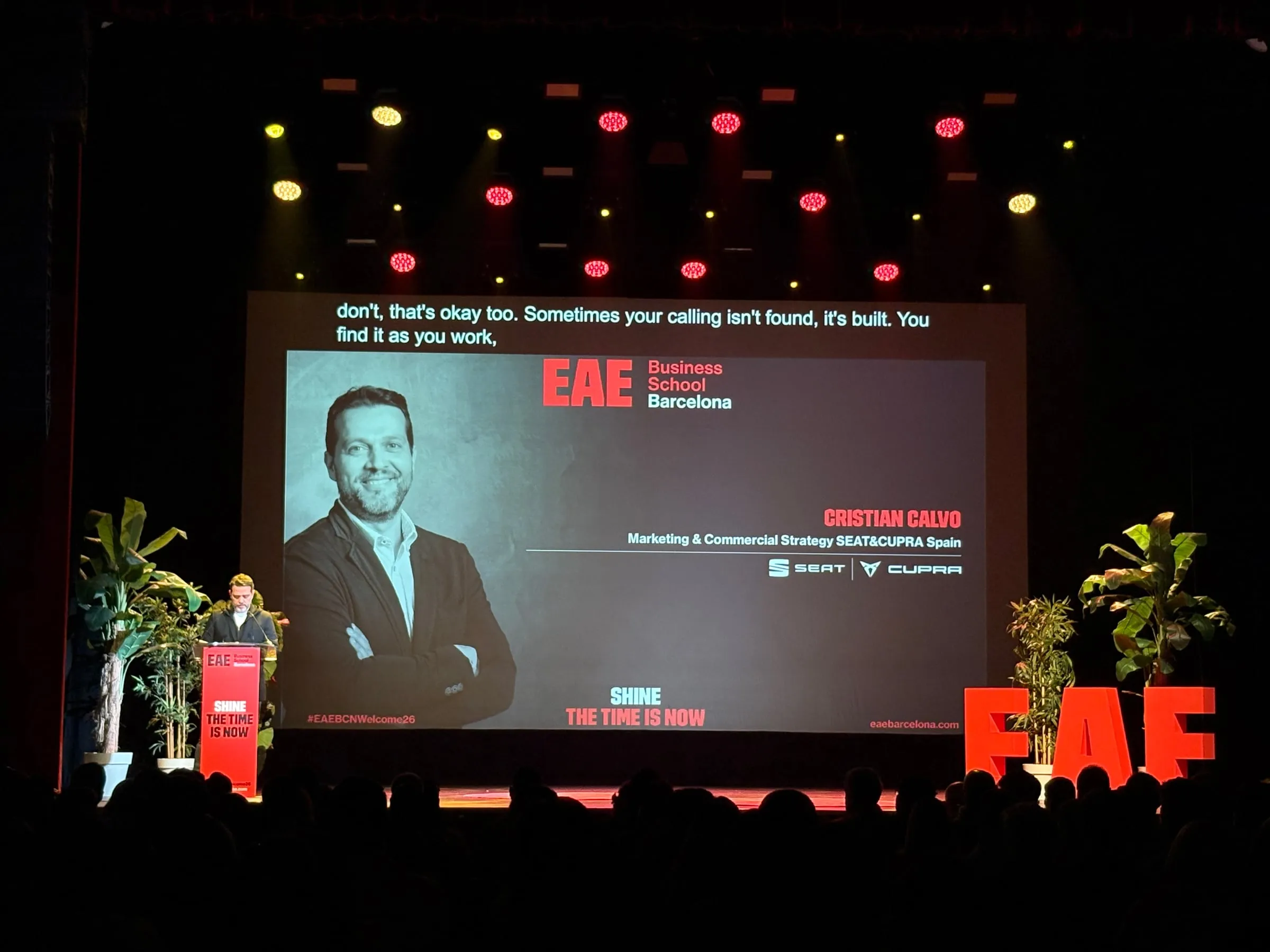
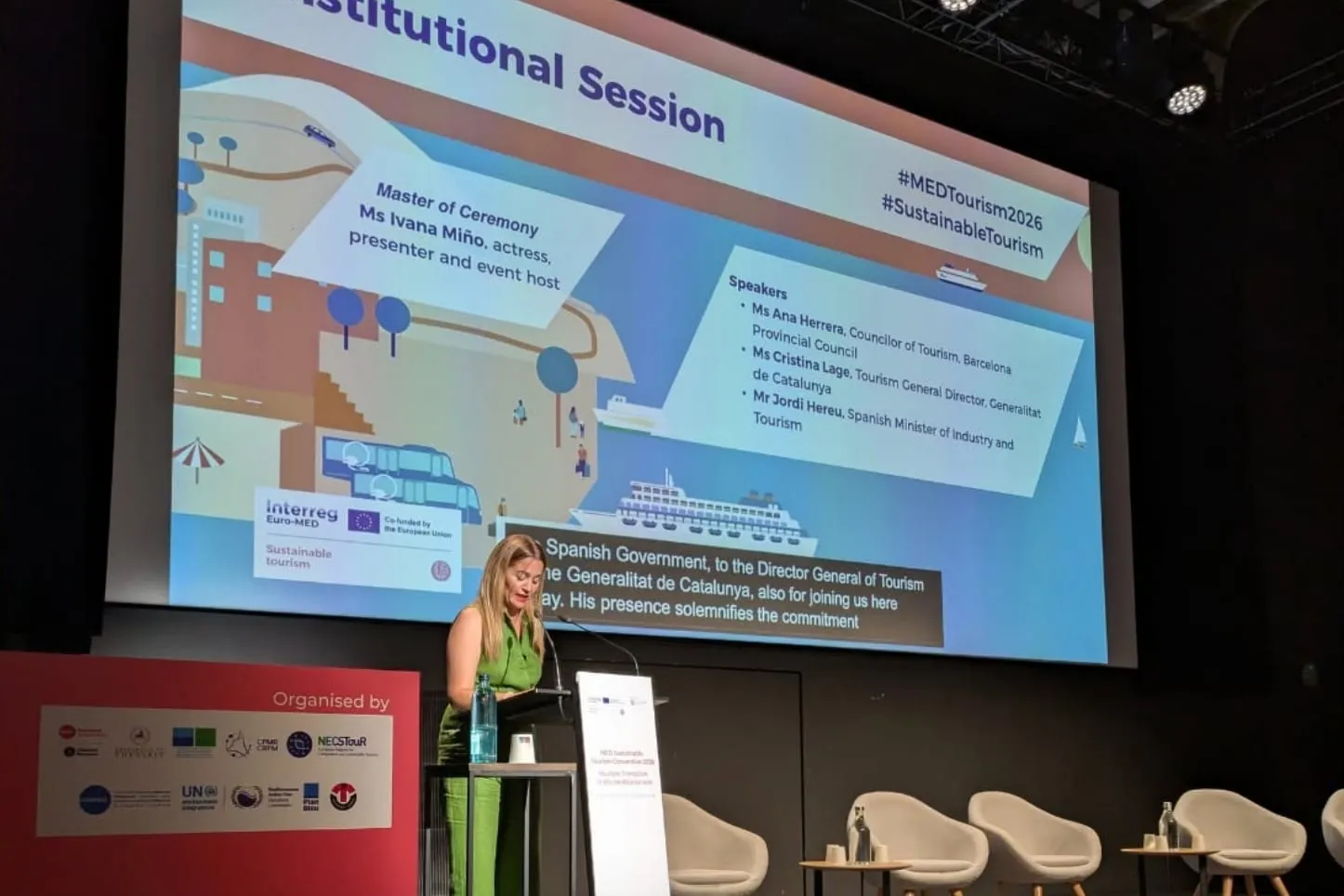
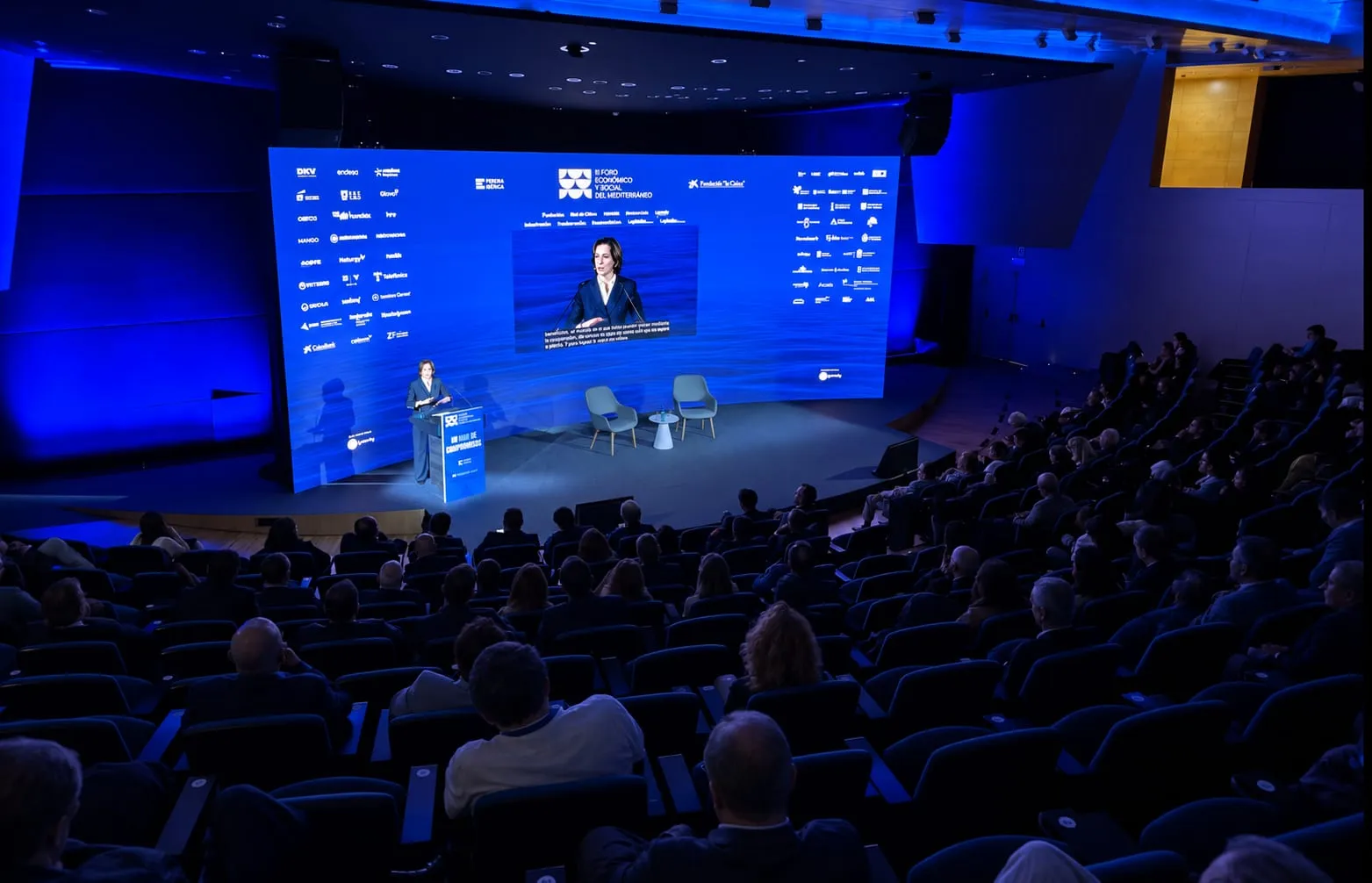
That part of the audience has the screens. Captions turns what is said on stage into text and puts it on the main screen or the side ones: in the original language, translated, or with several languages together.
At SAP Connect Day, SAP split the day into seven meetings running at once, around a seven-sided stage, and each attendee listened to theirs on headphones. Above the stage, the multi-sided screen showed what was being said, captioned and translated into English, so anyone switching meetings or watching from afar never lost the thread.
And when the stage switches between languages?
It is common at a business congress. FORWARD brought together three languages, Catalan, Spanish and English, and each session announced its own in the programme. There, Captions wrote out every talk live on the screens flanking the stage, and as the cover shows, a FORWARD Labs session could be read in English and Spanish at the same time. When each attendee wants their own language, Speech does the same on their phone, out of more than 60.
To caption a bilingual debate on screen, the Conditionals mode in Backstage works with a pair of languages: when the speaker moves into English, the text moves into Spanish, and vice versa, with no one stepping in.
And for teams who aren’t in the room?
If the event is streamed, the captions can travel with it: a single line of code shows them inside the player on the company’s website and, by means of a URL, vMix or OBS picks them up to combine them with the video signal.
Does what’s said stay in-house?
Backstage is organised in four levels: organisation, space, event and room. The company is the organisation, and each department can have its own space, with its own events, without seeing those of other teams. That separation is guaranteed by the database, not by the interface. Attendees, for their part, get in with their room’s code: they don’t need to create an account.
What’s left when it ends?
The moment Stop is pressed, the event is divided into talks, and out come the chapters, the summaries, the main ideas and pieces that can be published as they are, for instance in the internal newsletter. Beforehand, every quote goes through a checker that compares it with the transcript, and nothing that wasn’t said gets published. The platform suggests who is speaking at each moment, with the exact sentence that supports it, but it never fills in the name on its own. And a delivery certificate sums up, by channel and by language, what reached the audience.
What should you prepare?
- The agenda, with the language of each speaker and each session.
- The company vocabulary: product names, in-house acronyms and the job titles of everyone going on stage, in Knowledge.
- Where the QR code goes: on the screen between sessions, on the badges and in the invitation.
- Who runs the console: your events team, from Backstage, or ours.
- A rehearsal with the real stage microphone and someone following the session on their phone.
Read next: AI translation for trade shows: open stages, big screens and phones and Live captions and AI interpretation for AV partners: vMix, OBS and your signal chain.
The AI simultaneous interpretation page brings together what each attendee experiences with Speech. And if you already have a date for your next all-hands meeting, tell us about your company event.